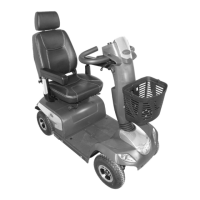
Invacare®CometSeries
d.
TIMEmode:Pressrightindicatorkeytoselecthouror
minutes.
Pressleftindicatorkeytochangetime.
3.Wait15secondsorpressanyotherkeyexceptforthedirection
indicatorkeys,tosavethesettings.
6.16Adjustingthedisplay
Activatingordeactivatingacousticsignals
Thescootercontrolscanbeprogrammedtoemitanacousticsignal
inthefollowingsituations:
•Usingthehorn.
•Batterycapacitylow(activatedindeliverystatus).
•Directionindicatorsactivated(activatedindeliverystatus).
•Hazardlampsactivated(activatedindeliverystatus).
•Reversegearactivated(bothreversegearandacousticsignal
areactivatedindeliverystatus).
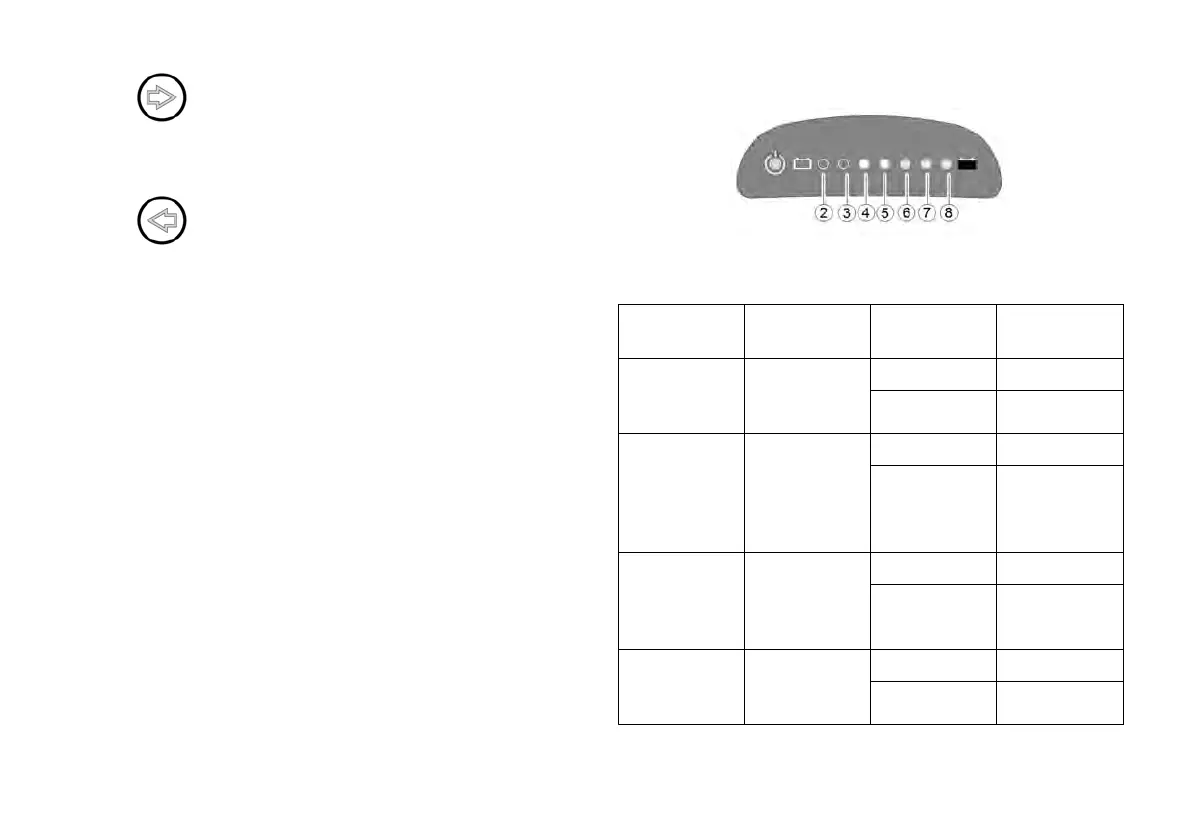
LEDdisplay
Thecontrolsmustbeswitchedoffinordertoactivateordeactivate
anacousticsignalforparticularfunctions,andaparticularkeystroke
combinationneedstobeenteredwhenswitchingonagain.
Afterasignalforaparticularfunctionhasbeensuccessfully
activated/deactivated,acombinationofLEDsonthebatterycharge
displayflashasconfirmation.TheLEDsarenumberedasshown
below.
ThekeystrokecombinationsandLEDcodesforvariousoptionsare
asfollows:
Function
Keystroke
combination
LED(s)Condition
2
activated
Acousticsignal
atlowbattery
capacity
Lighting+
direction
indicatorleft
2+3
deactivated
4activated
Acoustic
signalwhen
direction
indicators
activated
Lighting+
direction
indicatorright
4+5deactivated
6
activated
Acoustic
signalwhen
hazardlamps
activated
Lighting+
hazardlamps
6+7
deactivated
2+3+4
activated
Acousticsignal
whenreverse
gearactivated
Lighting
+Speed
reduction
5+6+7
deactivated
Proceedasfollowstoactivateordeactivateanacousticsignalfora
particularfunction:
381603455-A






 To Next Page