Optidrive P2 Advanced User Guide Rev 2.00
Optidrive P2 Parameter Set Overview
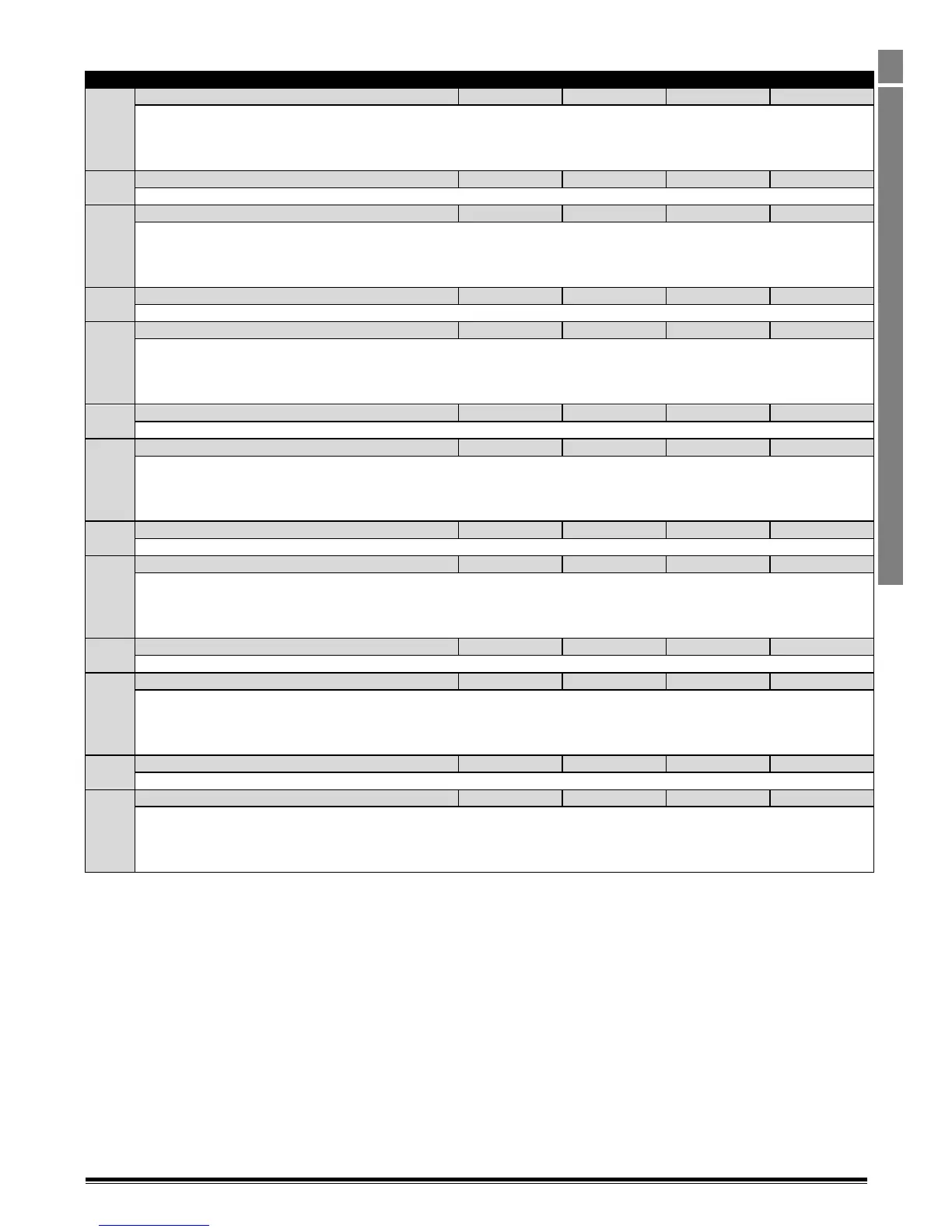
1.3.8. Parameter Group 8 – Application Specific Parameters
Sets the ramp rate for Acceleration Ramp 2. The time set in this parameter is defined as the time taken to ramp from 0 to the
frequency set in P1-09.
For Optidrive P2 units Frame Sizes 2 and 3, the parameter range is adjustable between 0.00 and 600.0 seconds
For Optidrive P2 units Frame Sizes 4 and above, the parameter range is adjustable between 0.0 and 6000.0 seconds
Speed Boundary Acceleration Ramp 1 -> 2
Defines the speed boundary at which the Acceleration Ramp changes from Ramp 1 to Ramp 2.
Sets the ramp rate for Acceleration Ramp 3. The time set in this parameter is defined as the time taken to ramp from 0 to the
frequency set in P1-09
For Optidrive P2 units Frame Sizes 2 and 3, the parameter range is adjustable between 0.00 and 600.0 seconds
For Optidrive P2 units Frame Sizes 4 and above, the parameter range is adjustable between 0.0 and 6000.0 seconds
Speed Boundary Acceleration Ramp 2 -> 3
Defines the speed boundary at which the Acceleration Ramp changes from Ramp 2 to Ramp 3
Sets the ramp rate for Acceleration Ramp 4. The time set in this parameter is defined as the time taken to ramp from 0 to the
frequency set in P1-09
For Optidrive P2 units Frame Sizes 2 and 3, the parameter range is adjustable between 0.00 and 600.0 seconds
For Optidrive P2 units Frame Sizes 4 and above, the parameter range is adjustable between 0.0 and 6000.0 seconds
Speed Boundary Acceleration Ramp 3 -> 4
Defines the speed boundary at which the Acceleration Ramp changes from Ramp 3 to Ramp 4
Sets the ramp rate for Deceleration Ramp 4. The time set in this parameter is defined as the time taken to ramp from the frequency
set in P1-09 to 0
For Optidrive P2 units Frame Sizes 2 and 3, the parameter range is adjustable between 0.00 and 600.0 seconds
For Optidrive P2 units Frame Sizes 4 and above, the parameter range is adjustable between 0.0 and 6000.0 seconds
Speed Boundary Deceleration Ramp 4 -> 3
Defines the speed boundary at which the Deceleration Ramp changes from Ramp 4 to Ramp 3.
Sets the ramp rate for Deceleration Ramp 3. The time set in this parameter is defined as the time taken to ramp from the frequency
set in P1-09 to 0.
For Optidrive P2 units Frame Sizes 2 and 3, the parameter range is adjustable between 0.00 and 600.0 seconds
For Optidrive P2 units Frame Sizes 4 and above, the parameter range is adjustable between 0.0 and 6000.0 seconds
Speed Boundary Deceleration Ramp 3 -> 2
Defines the speed boundary at which the Deceleration Ramp changes from Ramp 3 to Ramp 2.
Sets the ramp rate for Deceleration Ramp 2. The time set in this parameter is defined as the time taken to ramp from the frequency
set in P1-09 to 0
For Optidrive P2 units Frame Sizes 2 and 3, the parameter range is adjustable between 0.00 and 600.0 seconds
For Optidrive P2 units Frame Sizes 4 and above, the parameter range is adjustable between 0.0 and 6000.0 seconds
Speed Boundary Deceleration Ramp 2 -> 1
Defines the speed boundary at which the Deceleration Ramp changes from Ramp 2 to Ramp 1
0 : Digital Inputs. When set to 0, Acceleration and Deceleration Ramps 1 (P1-03 and P1-04) only are selected, unless Parameter Group
9 configuration has been used to select alternate ramps.
1 : Speed Dependent. When Set to 1, the Acceleration and Deceleration Ramps are selected according to the output frequency and
parameters P8-01 - P8-12.
1.3.9. Parameter Group 8 Function Overview
Parameter Group 8 allows for up to 4 separate Acceleration and 4 separate Deceleration times to be defined within the drive parameters.
These acceleration ramps can then be selected based on the drive output frequency when the function is enabled in P8-13, or can be directly
selected using parameter Group 9 – refer to section 1.4 for further information.
When P8-13 is set to 1, acceleration and deceleration ramps are selected based on the following :-
Output Frequency > P8-06 = Acceleration Ramp 4
Output Frequency> P8-04 AND < P8-06 = Acceleration Ramp 3
Output Frequency> P8-02 AND < P8-04 AND < P8-06 = Acceleration Ramp 2
Output Frequency< P8-02 AND < P8-04 AND < P8-06 = Acceleration Ramp 1
Output Frequency > P8-08 = Deceleration Ramp 4
Output Frequency> P8-10 AND <P8-08 = Deceleration Ramp 3
Output Frequency> P8-12 AND < P8-10 AND < P8-08 = Deceleration Ramp 2
Output Frequency< P8-12 AND < P8-10 AND < P8-08 = Deceleration Ramp 1



 To Next Page