25
SL7D REAR SEAT VIDEO HEADREST SYSTEM Owner’s Manual
DVD PLAYBACK SETTINGS AND ADJUSTMENTS (continued)
TV TYPE
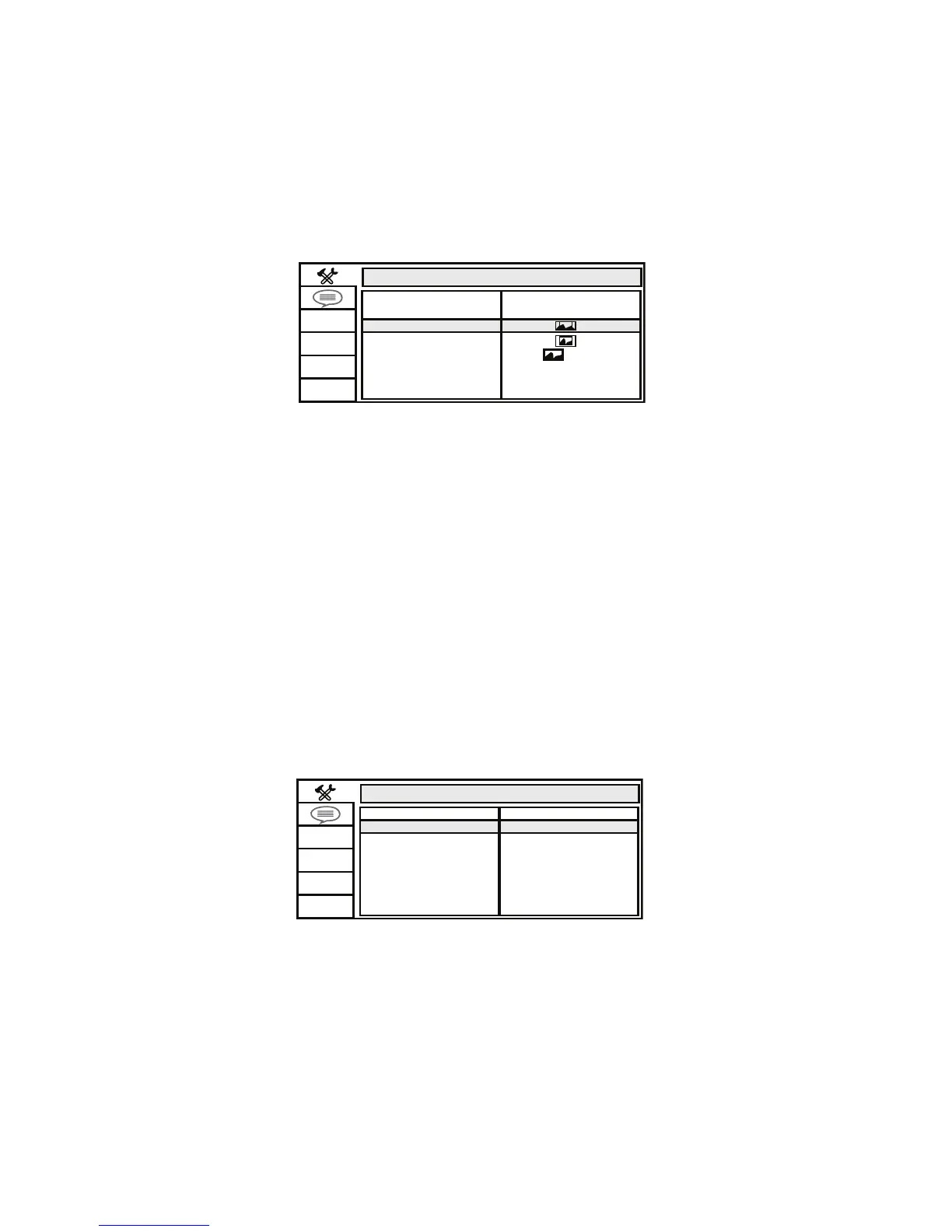
The TV TYPE setup allows you to set the screen aspect ratio� (Figure 22)
4:3 PS (Pan Scan)
The left and right sides of the screen are cut o and displays the central portion of the 16:9
screen�
4:3 LB (Letter Box)
Displays the content of the DVD title in 16:9 aspect ratio� The black bars will appear at the top
and bottom of the screen�
16:9
This displays a wide picture with black bands on the upper and lower portion of the screen�
The bandwidth will vary, depending on the aspect ratio of the disc�
SCREEN SAVER
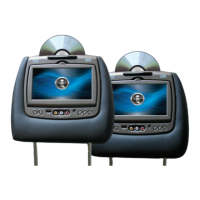
This option allows the operator to set the Screen Saver mode� (Figure 23)
ON - Screen saver will appear
OFF - Screen saver will not appear
NOTE: The DVD player will enter Screen Saver mode if the unit is inactive for
approximately 2 minutes.
SYSTEM SETUP
TV SYSTEM
SCREEN SAVER
PASSWORD
RATING
DEFAULT
4:3PS
4:3LB
16:9
TV TYPE
Figure 22
Figure 23
SYSTEM SETUP
TV SYSTEM
TV TYPE
PASSWORD
RATING
DEFAULT
SCREEN SAVER
OFF
ON


 To Next Page