24
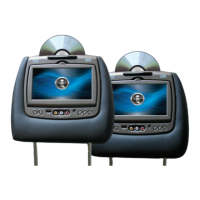
SL7D REAR SEAT VIDEO HEADREST SYSTEM Owner’s Manual
DVD PLAYBACK SETTINGS AND ADJUSTMENTS
The Setup Menu contains features and options that lets you customize the DVD player in your
Rear Seat Video Headrest System� For example, you can set screen display or a language for
the on-screen display or prevent DVD playback of certain DVD discs (for example PG-13 or R
Rated) for children�
Using the Setup Menu
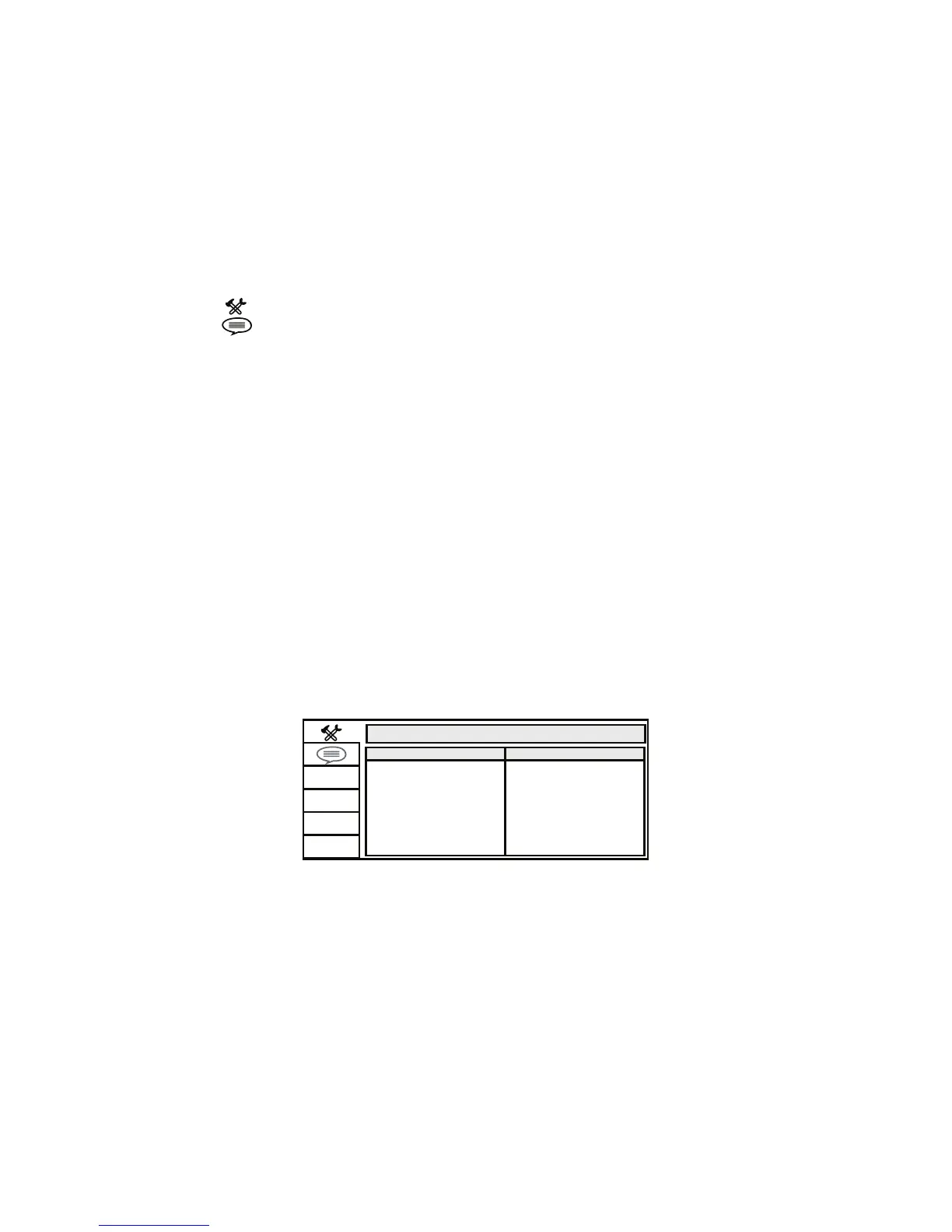
1� Press the SETUP button on the remote control� The Setup Menu appears on the screen�
(Figure 21) There are 2 icons on the left side of the Setup Menu� Each icon represents a
page for:
SYSTEM SETUP
LANGUAGE SETUP
2� Highlight the desired option using the UP or DOWN direction buttons�
3� Press to open the sub menu that contains the dierent options available� Press the UP
or DOWN direction buttons to highlight the desired option, and press ENTER to conrm
the selection�
4� Repeat steps 2 and 3 to set the options that reside on the same Setup Page�
5� To change to another Setup page, press the LEFT direction button to position the high-
light back on the icon side of the setup page� Then, repeat steps 2 through 5�
SYSTEM SETUP
TV SYSTEM
The TV SYSTEM setup allows the user to select television standard which corresponds to your
TV� (Figure 22)
NTSC - Select this TV type for NTSC TV
PAL - Select this TV type for PAL TV
AUTO - Select this TV type if the connected screen is multi-system� The output format of
the video signal will be in accordance with the video signal of the disc�
SYSTEM SETUP
TV SYSTEM
TV TYPE
PASSWORD
RATING
NTSC
PAL
AUTO
DEFAULT
SCREEN SAVER
Figure 21


 To Next Page