7
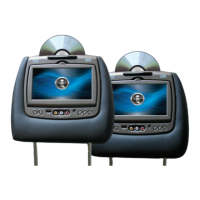
SL7D REAR SEAT VIDEO HEADREST SYSTEM Owner’s Manual
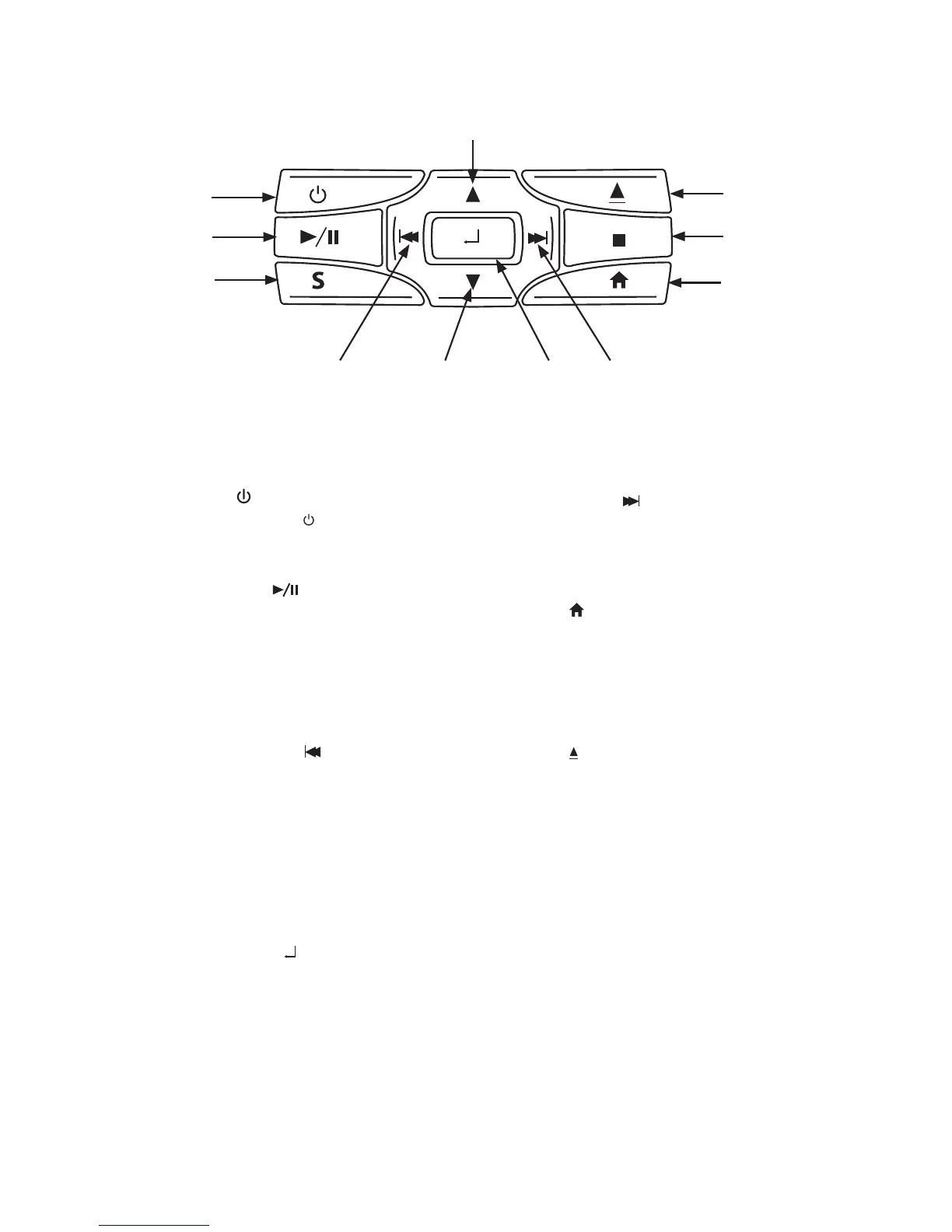
Figure 3
FRONT PANEL CONTROLS
1. POWER ( ) Button
Press the POWER ( ) button to turn the
SL7D ON and OFF (press and hold for 5
seconds to turn OFF)�
2. PLAY/PAUSE ( ) Button
Press this button to begin playback of
the disc or USB device inserted�
3. SOURCE (S) Button
Press this button to select the
DVD/USB, HDMI/MHL, M1/M2, A/V IN, or
GAME (optional)�
4. PREVIOUS / LEFT ( )Button
Press this button to skip to the previous
chapter or track during playback of a
disc and can also be used to navigate
the DVD menu�
5. DOWN q Button
This button is used to navigate selections
on the screen and can also be used to
navigate the DVD menu�
6. MENU/SELECT( ) Button
Press to display and select options in the
System Menu�
7. NEXT / RIGHT ( ) Button
This button is used to skip to the next
chapter or track during playback of a
disc and can also be used to navigate
the DVD menu�
8. Home ( ) Button
This button is used to access the system
menu�
9. STOP ( n ) Button
Press this button to stop playback of the
disc or USB in use�
10. EJECT ( ) Button
Press this button to stop the playback of
the disc or USB in use�
11. UP ( p ) Button
This button is used to navigate selections
on the screen and can also be used to
navigate the DVD menu�
SL7D
1
4
2
3
10
9
8
5
6 7
11


 To Next Page