Getting Started, Continued
Settings
Screen
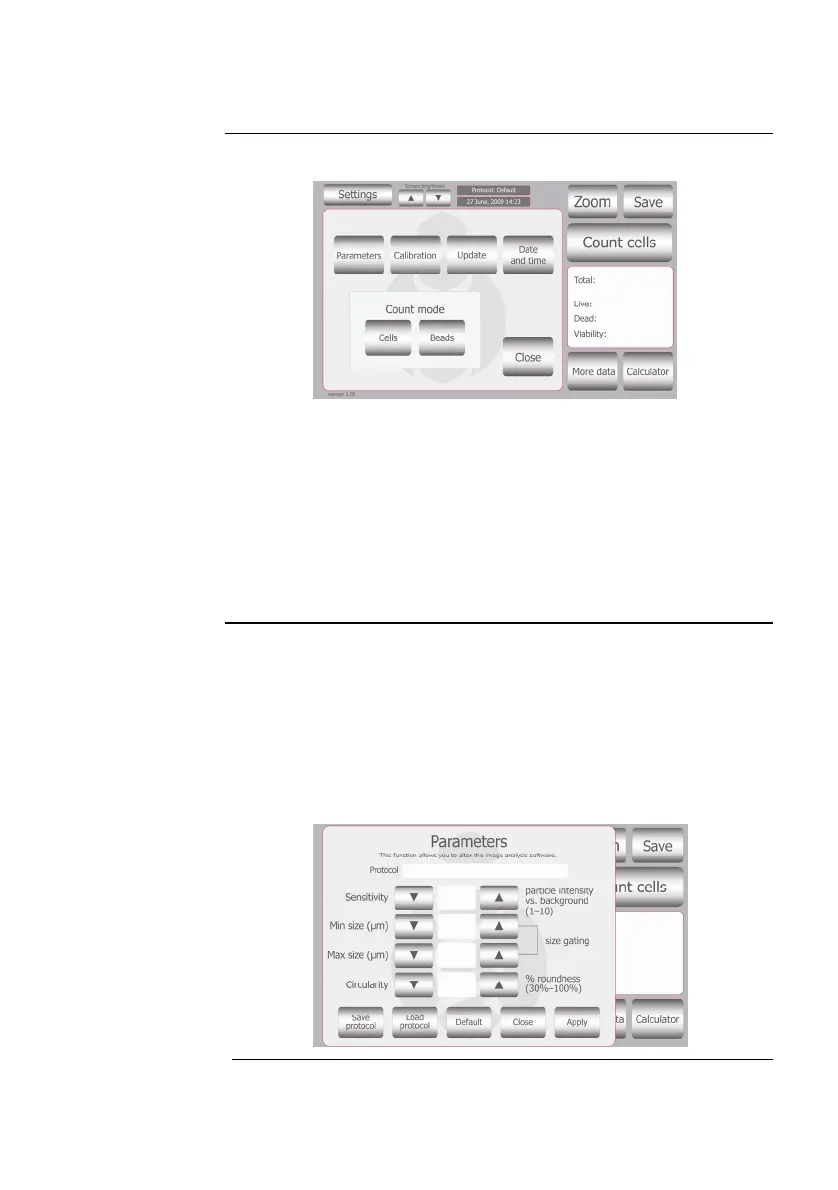
Press Settings from the Start-Up screen to display Settings.
The Settings menu allows you to set up the following:
Parameters (see below and next page for details)
Calibration to calibrate the instrument (page 20)
Update to install new firm
ware versions as they become
available
Date and Time to set up date and time (page 8)
Count mode to operate the ins
trument for cell counting
(choose Cells) or bead counting (choose Beads)
Cell Mode
Parameters
Screen
Press Parameters from the Settings screen to display Cell Mode
Parameters Screen.
The Countess
™
instrument comes with pre-set parameters to match
the majority of cultured cell types which can be accurately counted
without changing any of the default parameters. The Parameters
function allows you to change the image analysis algorithm for
specific or mixed cell types, and the specific parameters must be
determined empirically.
Continued on next page
5



 To Next Page