Virtual-HDD function
15.
37
Mounting a virtual HDD is like mounting an ISO.
?
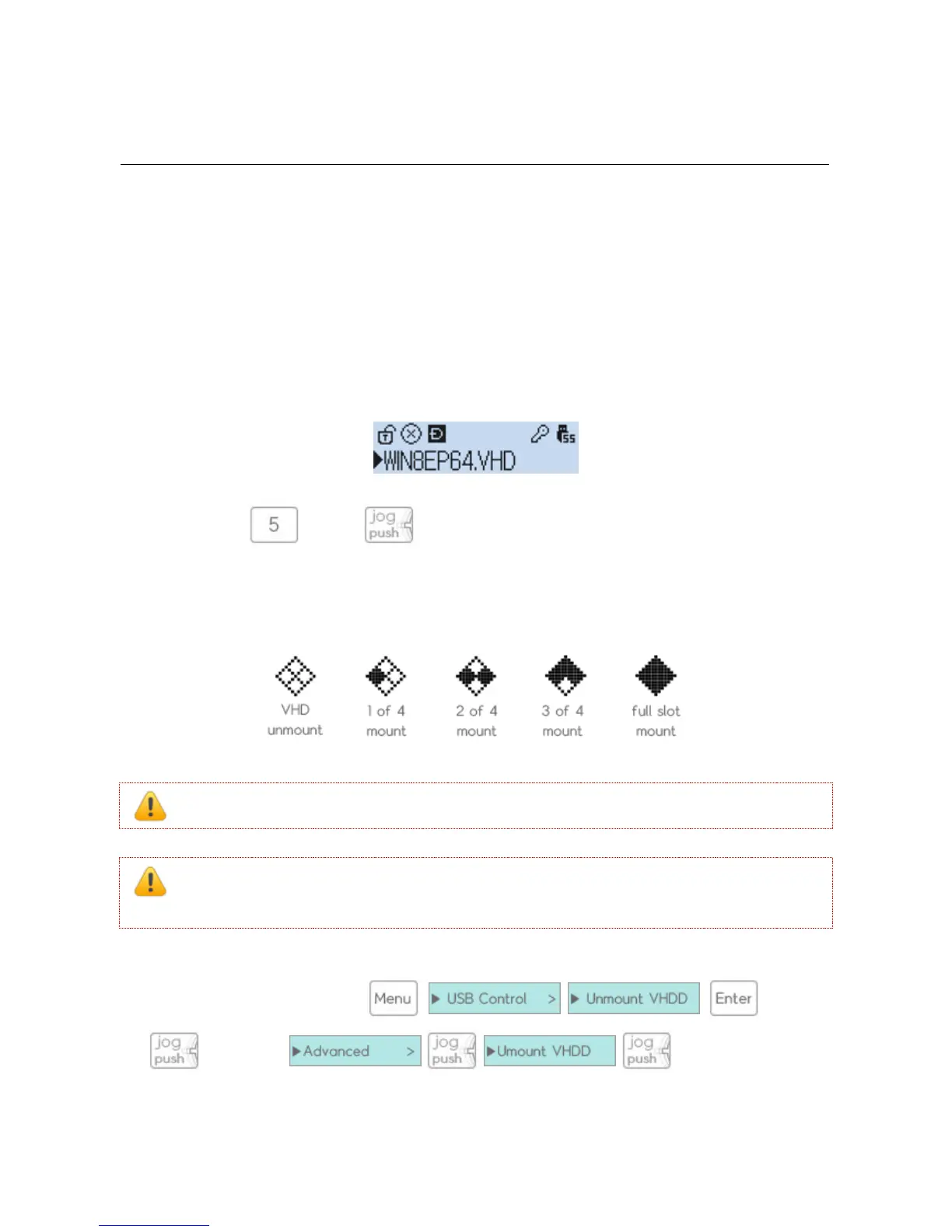
If you press the (2531 is ) key on the desired VHD file, it will be mounted.
?
Up to four VHD files can be mounted simultaneously. You can see the mounted VHD file icons.
Figure 15-1 2541 VHD icon
If you turn off the device, all of the mounted VHD files will be unmounted at the same time.
Note!! When using the virtual disk feature, the HDD will be in write-protected mode as default for
safety.
?
all mounted virtual disks will be removed and it will be connected to the default mode in Dual-mode. If
you run a virtual disk from the (2531 is
3 seconds > )



 To Next Page