USB control
18.
43
18.1 USB Reconnection
?
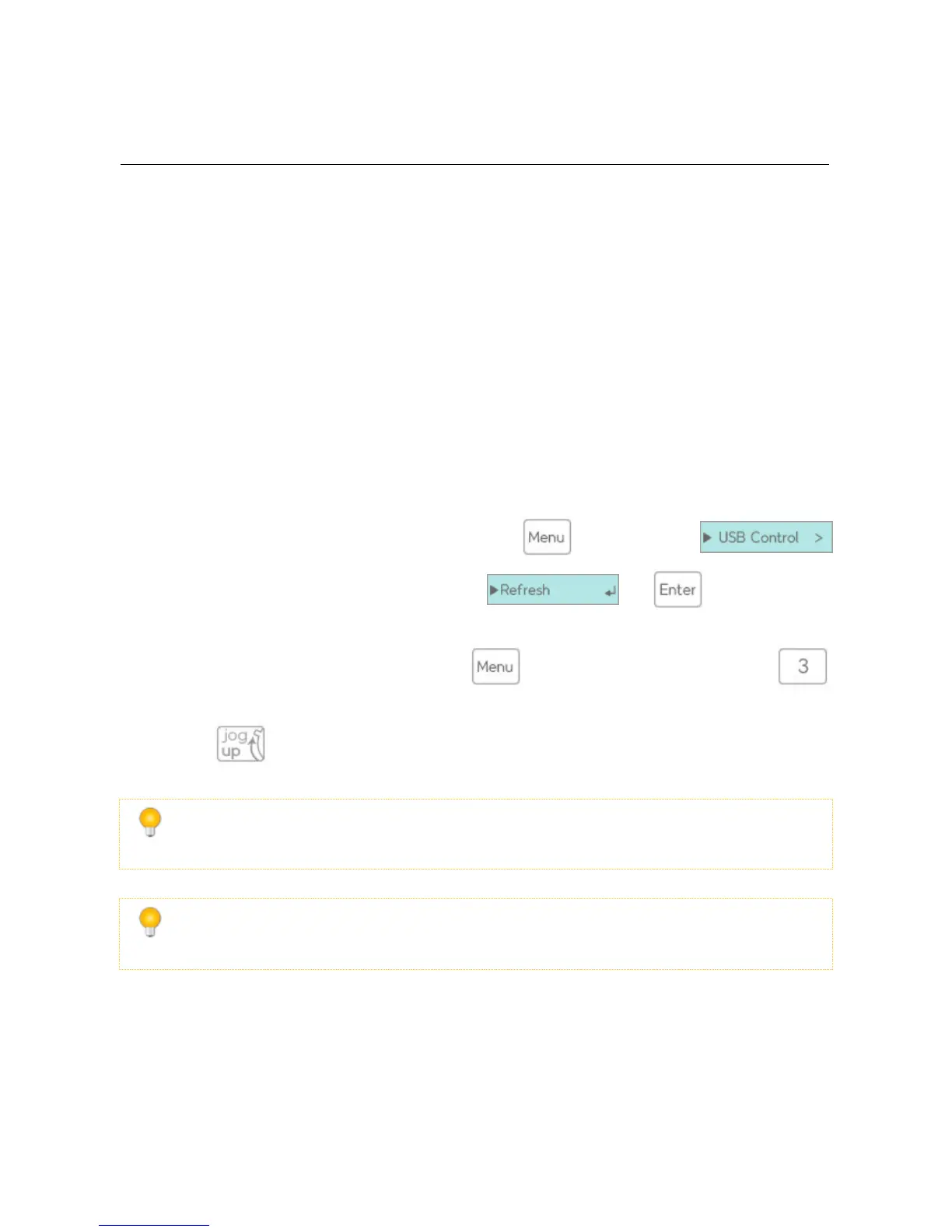
The USB reconnect feature can be found by pressing the key, and selecting
the sub-menu. It will be the second option. selecting and
?
You may execute the USB reconnect through the or by pressing and holding the hot-key
?
For 2531, while 5seconds and reconnect USB
It is a helpful feature to use when you need to physically reconnect the USB cable. Frequent phys-
ical reconnection of the cable can shorten the life of the hard disk.
If the device is encrypted and after 5 minutes from boot, it will require a password to reconnect
the USB.
18.2 USB Safely Remove



 To Next Page