44 | USB control
Caution!! If the HDD is formatted to NTFS and is removed without safely removing the HDD, data
loss may occur or the HDD may be damaged.
?
After safely removing the USB drive from the Windows taskbar, an iODD2541 window will appear. If you
click this, the drive will be completely and safely removed.
?
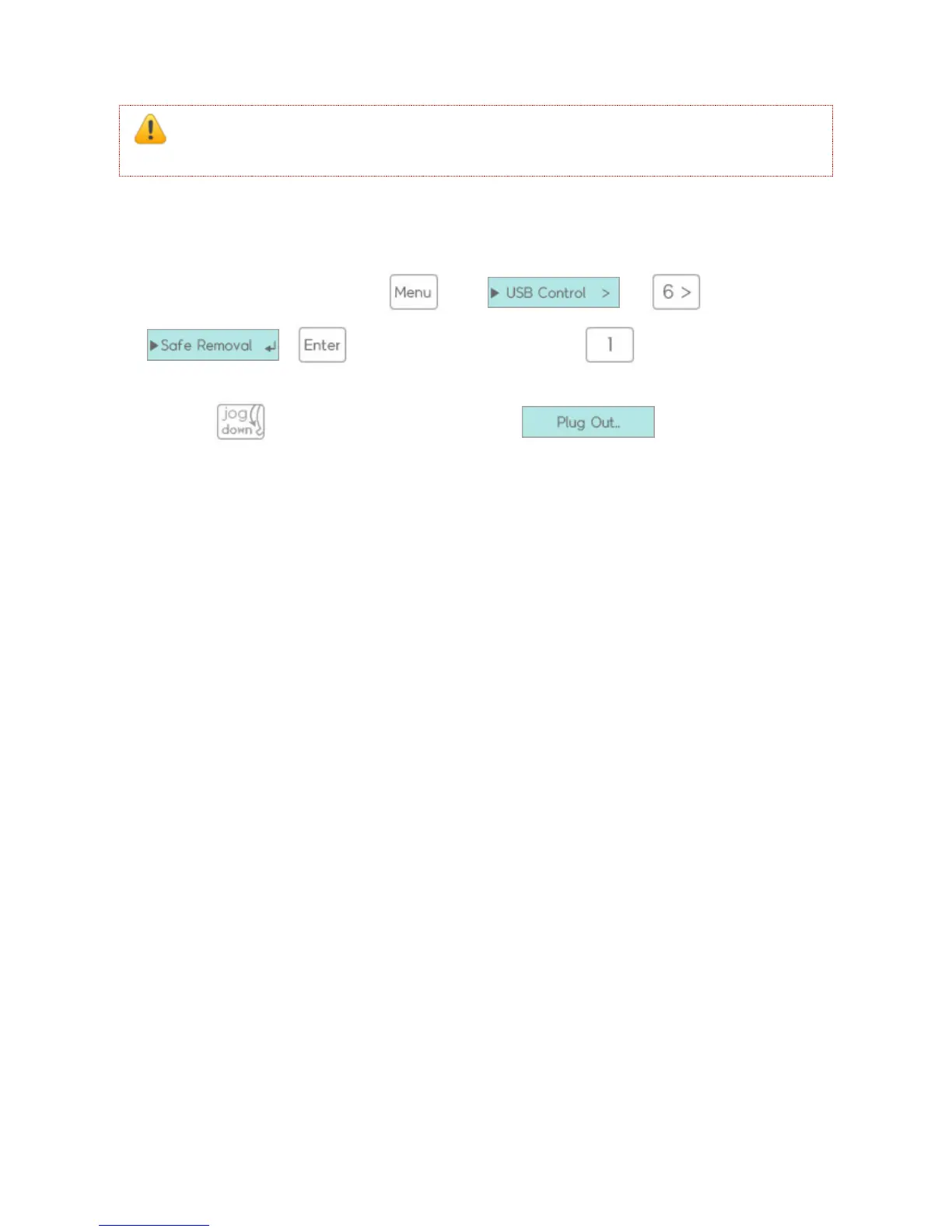
It can be removed through the and + and sub menu
+ or pressing and holding the hot-key will also remove it safely.
?
For 2531, while 5 seconds and display messege safely remove it.



 To Next Page