Write Protect
17.
41
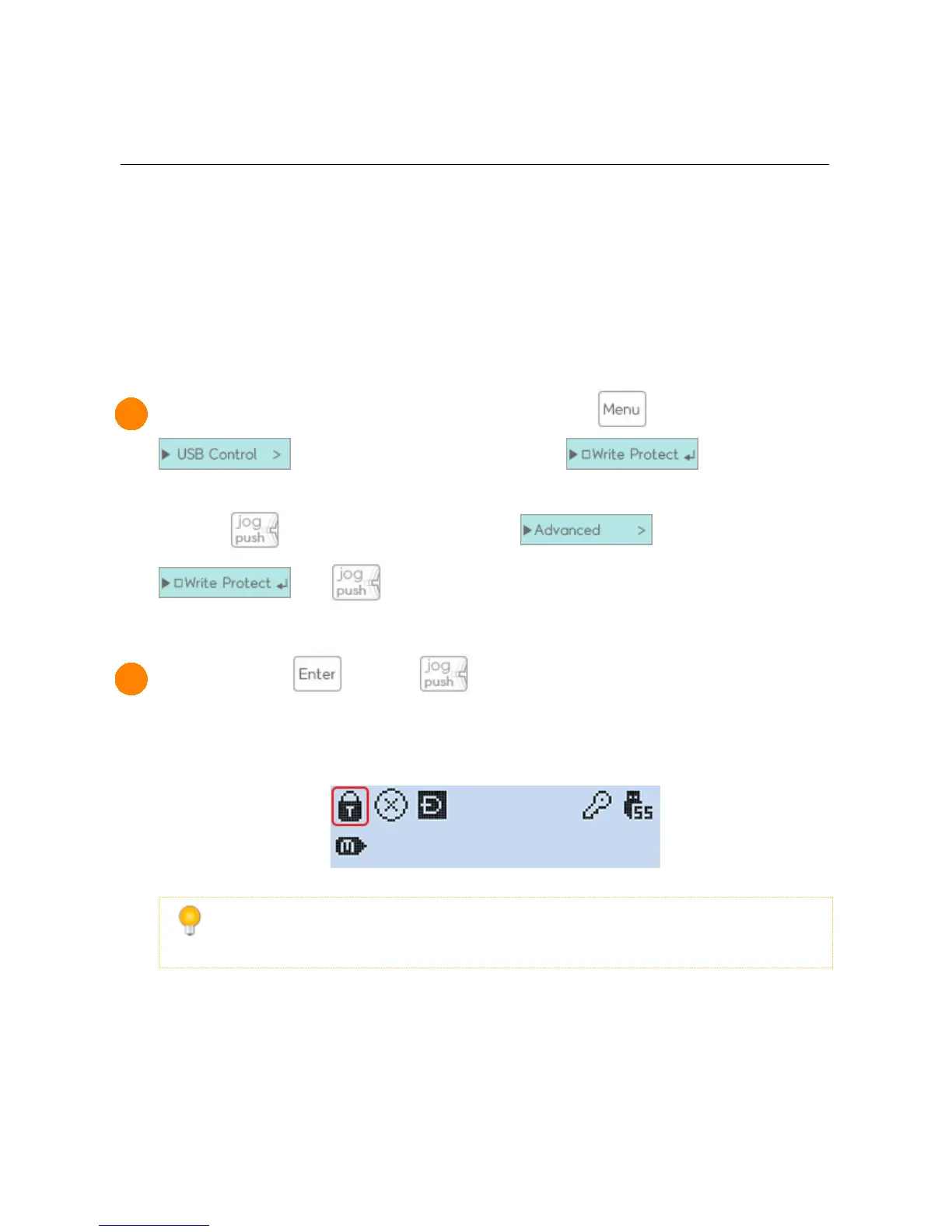
1 The write-protect feature can be found by pressing the key, and selecting the
sub-menu. It will be the first option.
(2531 is while 3 seconds and selectig sub menu. and select
and )
2 * After pressing (2531 is ), the USB connection will reconnect and the
process will begin. When completed, a lock icon will appear at the top of the screen.
Once it has been enabled, it will remain that way.
* The write-protect setting can be disabled the same way it was enabled.
* When the write-protect setting has been disabled, the lock icon becomes unlocked.



 To Next Page