Setting/Language
20.
47
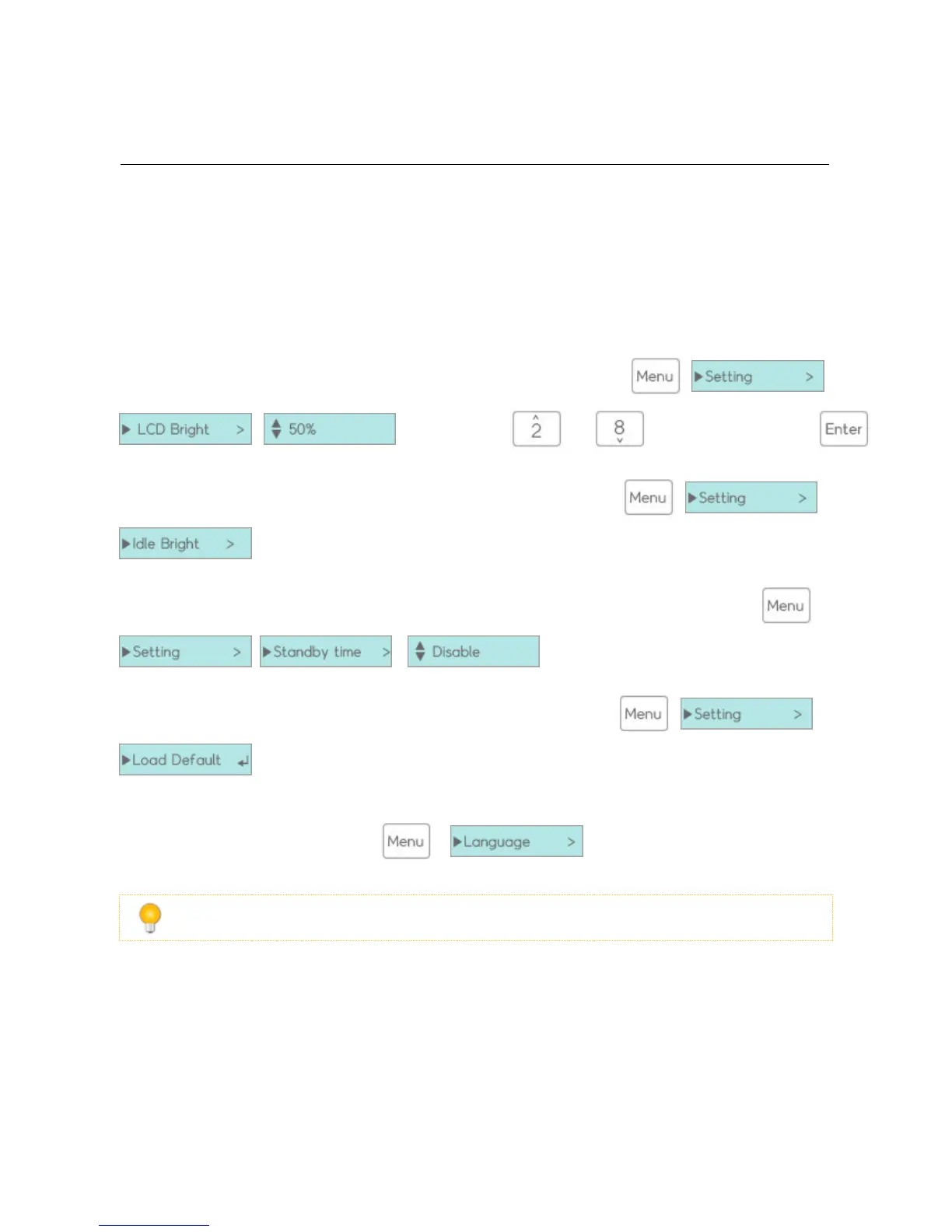
LCD Bright : You can change the brightness of the LCD screen through > >
> and contol value and key. save a change value key.
Idle Bright : You can also set the Idle Bright mode of the LCD through > >
and setting values.
Standby time : You can set Standby timer to shut off the motor of idle HDDs through >
> > and select 1 / 15 / 30 / 60 / 180 min.
Set default : You can restore the default to all settings through > >
Change Language : For user convenience, iODD 2541 provides various languages to choose (English, Kor-
ean, Chinese, Japanese, and Russian). > and selecting Language.
2531 has same menu, but language menu is not supported (default language is English)



 To Next Page