S.M.A.R.T. / iODD Information
19.
45
S.M.A.R.T. information displayed at LCD can be incorrect and is dependent on the HDD, therefore
these errors are unrelated to iODD.
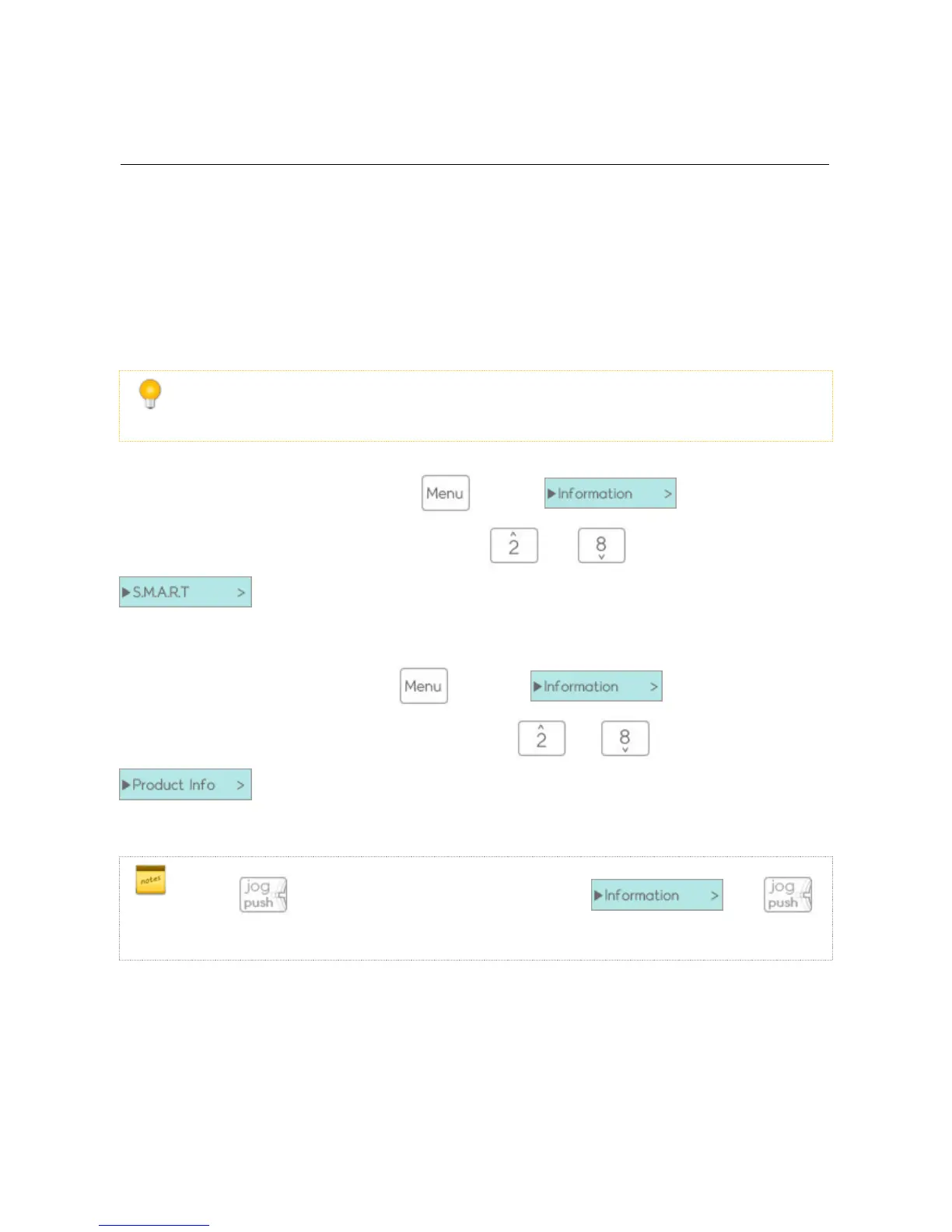
You can find S.M.A.R.T. information through and select menu .
It is the first option. You can navigate the menu using the and keys. and selecting
You can check the health status/temperature/model/serial number of the HDD.
You can locate iODD information through and select
It is the second option. You can navigate the menu using the and keys. and selecting
You can check the device's firmware version/USB connection speed/USB lowest voltage/USB current voltage.
2531 is while 3 seconds and display menu. select and
select sub menu ( HDD Model/Serial, S.M.A.R.T , Firmware Ver, USB Speed, USB Input voltage )



 To Next Page