emergency firmware recovery (2541 only)
22.
51
If the firmware upgrade was unsuccessful through your PC, then you can follow these steps:
1 First, remove the aluminum cover.
REFERENCED_IMAGE_REMOVED
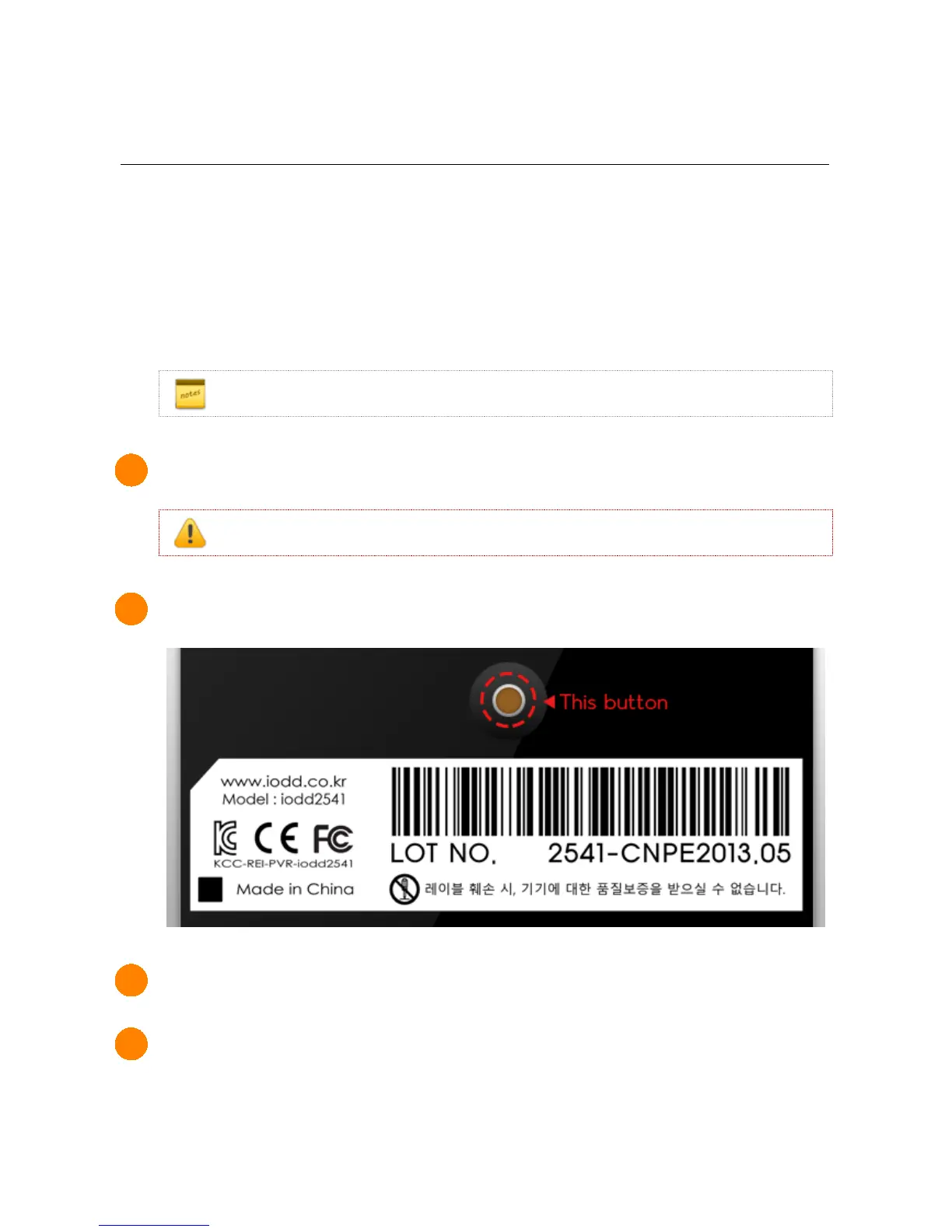
2 Press and hold the small button on the warranty cover.
3 While holding the button, connect the USB and release the button after 3 seconds.
4 After running the downloaded latest firmware, proceed with the firmware upgrade.
firmware download here:



 To Next Page