TIGER MANUAL Ion Science Ltd
Page 10 of 45
Unrivalled Detection. www.ionscience.com
Understanding the keypad
General Description
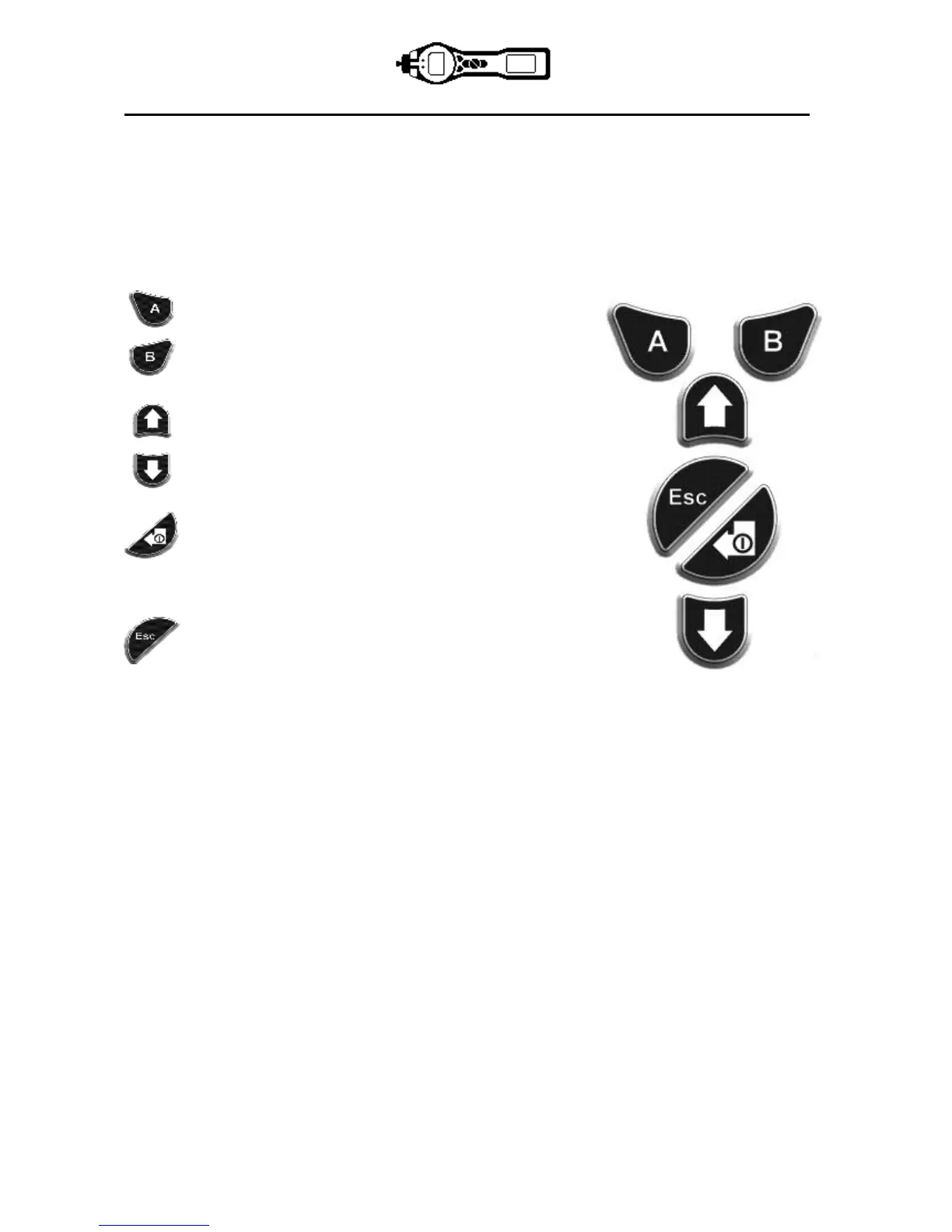
The keypad comprises two soft keys: A and B, Up and Down arrow keys, an Escape (Esc) key, and an
Enter / On/Off button. In general, setup and application settings are selected and adjusted via the soft keys,
options are selected by the arrow keys and confirmed by the Enter key. A single press is used as a
switching operation. A continuous press is used to adjust numbers or change gas selections by
automatically rolling.
Keypad Function Descriptions
Soft keys A and B rely on graphical prompts on the
display to indicate their functionality.
Note: Pressing both soft keys together switches the
flashlight / torch on and off.
Up and Down keys are used to adjust settings and
navigate through the menu structure.
Enter / On/Off key is used to accept adjustments and
select functions; also to turn the TIGER on and off.
Escape (Esc) key is used to abort an adjustment or
exit from a menu.



 To Next Page