Tiger PC software
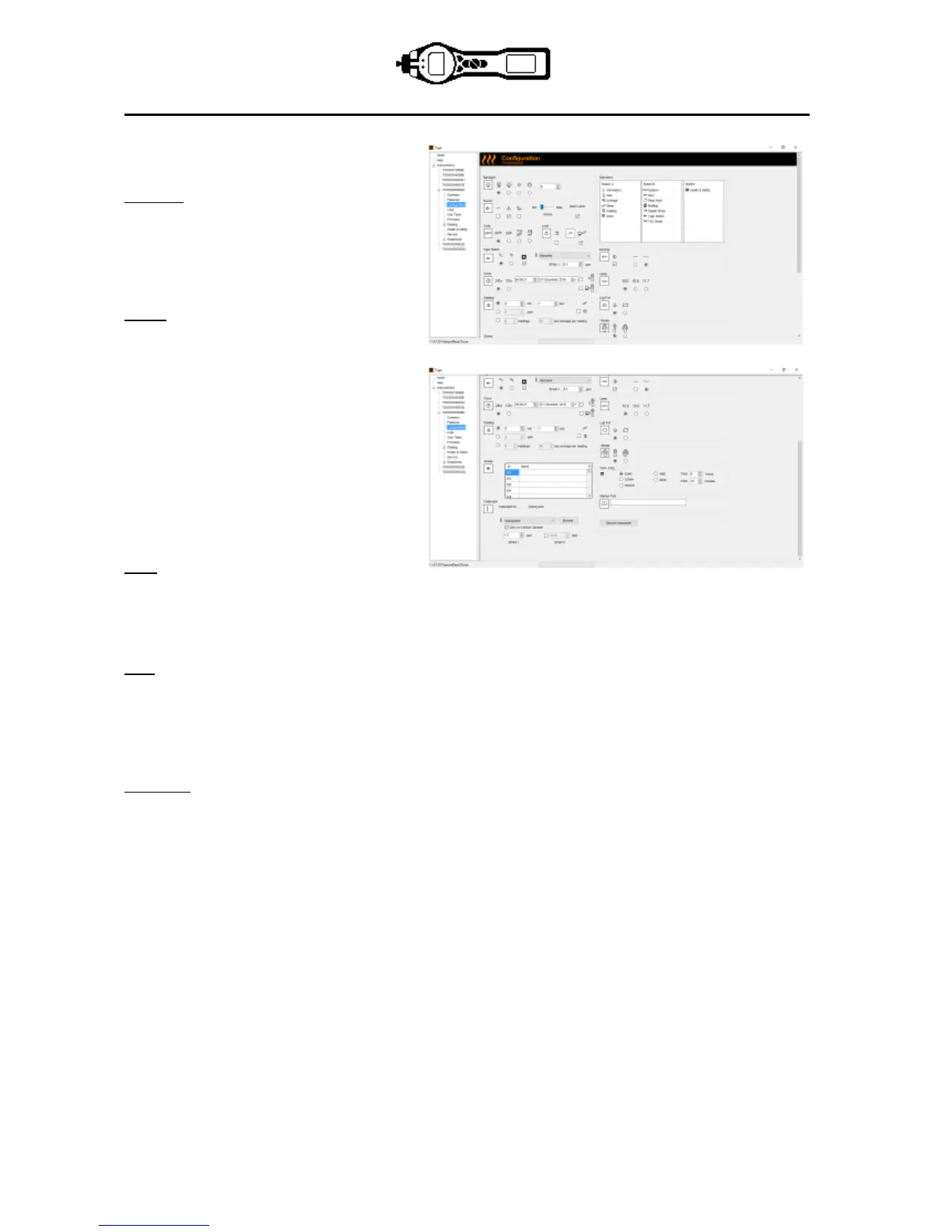
The Configuration Screen
Use this screen to configure your TIGER.
Backlight
Choose from ‘Permanently Off’,
‘Permanently On’, ‘On in low ambient
Light’, or ‘On For Limited Time’. The
Backlight Timeout can be set from 1 to 99
seconds.
Sound
The three icons represent: key press;
alarm; and crescendo. Crescendo
increases the sound as the upper alarm is
approached. Sound on each of these may
be enabled or disabled by ticking or un-
ticking the box. Sound volume is adjusted
with the slider.
User set alarm conditions are triggered
and also reset based on the alarm
thresholds set by the user. When ‘Alarm
latch’ is selected alarms continue to sound
even if the gas level falls below the
threshold until the ‘Esc’ button is pressed.
Units
The units of measurement may be chosen as parts per million (ppm) or milligrams per cubic meter cubed
(mg/m
3
). If you have the high sensitivity option / upgrade then Parts Per Billion (ppb) and Micrograms per
meter cubed (μg/m
3
) are also available.
IMPORTANT: when ppb mode is selected the instrument over ranges at 9999 ppb (1ppm)
Lock
The Lock function allows a supervisor to restricts access to critical functions. See icons on page 14
Soft keys in Button A column are enabled and Buttons in column B disabled.
Sleep during PC connect will send the instrument into sleep mode while it is connected to the PC software.
The instrument will awaken as soon as it is disconnected from the PC software.
Soft Menu
The various functions may be allocated to the soft buttons in any order of preference by dragging and
dropping the icons.


 To Next Page