TIGER MANUAL Ion Science Ltd
Page 29 of 45
Unrivalled Detection. www.ionscience.com
Tiger PC software
Downloading Data Logged Readings
Connect your TIGER to your PC as described previously. Any fresh data-logged readings will be
downloaded as the software ‘reads’ your TIGER.
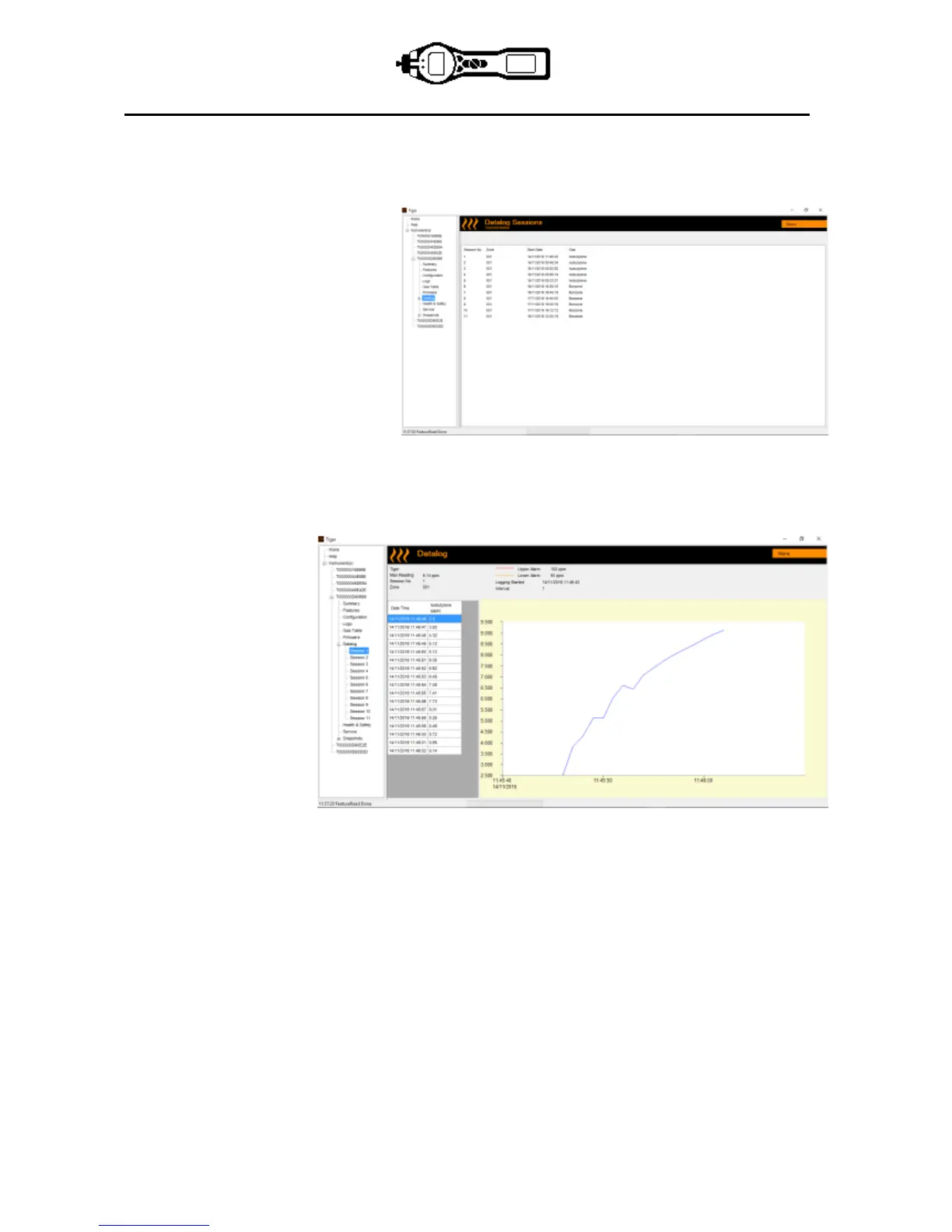
Go to the datalog screen and a list of
the datalog sessions is presented.
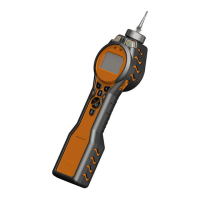
Expand the datalog folder and select
the session of interest.
Details of the data collected during that session are presented in numerical and graphical form.
Use the menu function at the top right hand corner of the window to print, export or delete the data.
CAUTION:
The delete function deletes all logged data from your TIGER. Ensure all valuable data is exported to
your PC before selecting ‘Delete’.


 To Next Page