Tiger PC software
PC Requirements
TIGER PC Software must be used in conjunction with a PC or laptop using Windows XP, Windows Vista or
Windows 7. The software is supplied on a USB memory stick.
Installation of TIGER PC Software
Download the TigerPC software from the Ion Science website:
http://www.ionscience.com/customer-support/media-centre/instrument-software/
Alternatively, the TigerPC software can be purchased on a memory stick, part number: A-861268
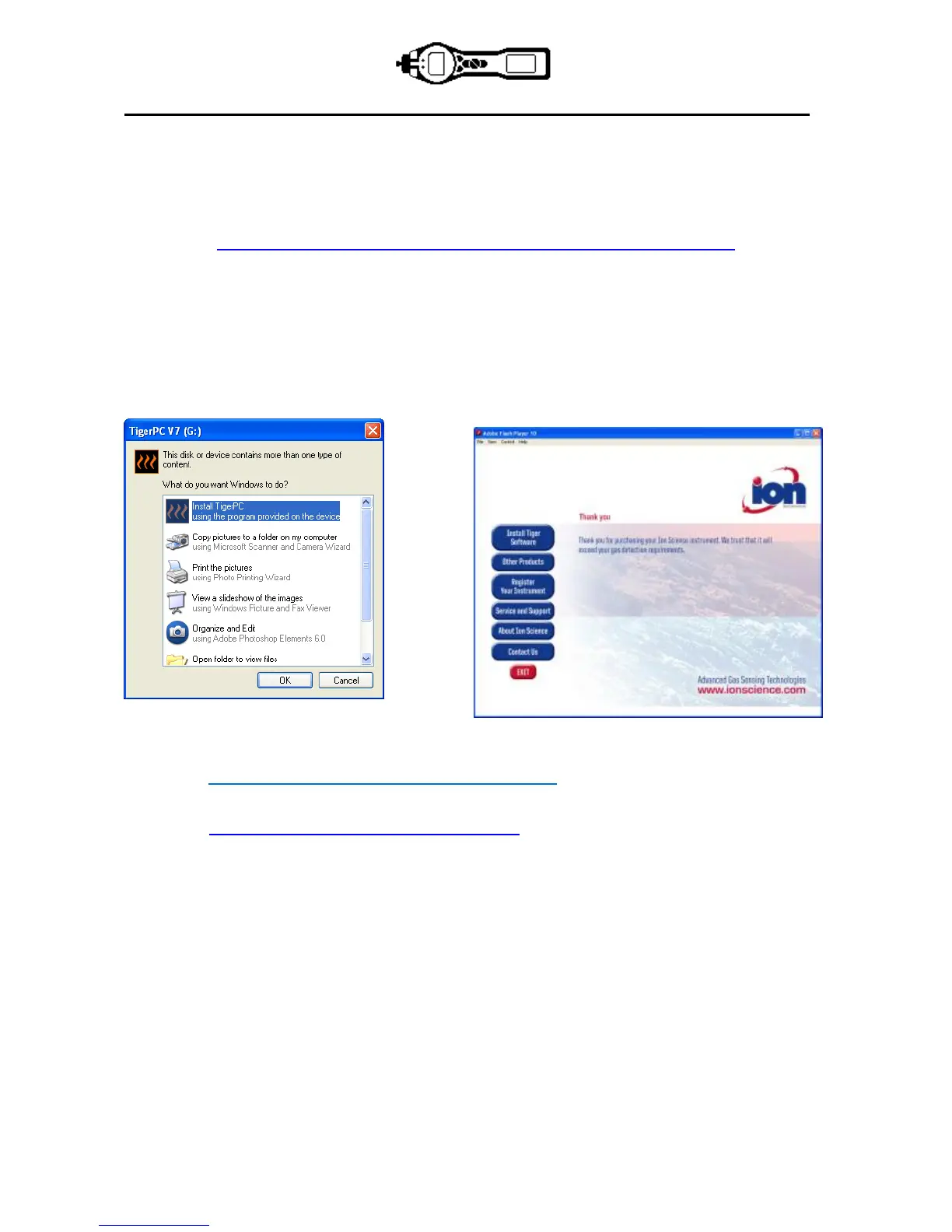
When the memory stick is plugged into a USB socket the following screen (below left) should appear. If it
doesn’t, view the content of the memory stick and double click the file named: ion_cd_Tiger.exe
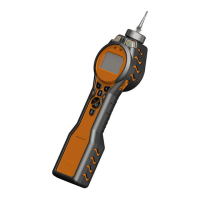
On the ‘TigerPC’ screen (below),
select ‘Install TigerPC’ and click OK
Follow the prompts until the installation is complete. Should you have difficulty please contact your local
distributor: http://ion-science-2016.gridglobal.co.uk/where-to-buy/
Alternatively contact Ion Science directly:
http://ion-science-2016.gridglobal.co.uk/contact/


 To Next Page