TIGER XT Instrument User Manual V1.2
Pioneering Gas Sensing Technology. Page 13 of 71 ionscience.com
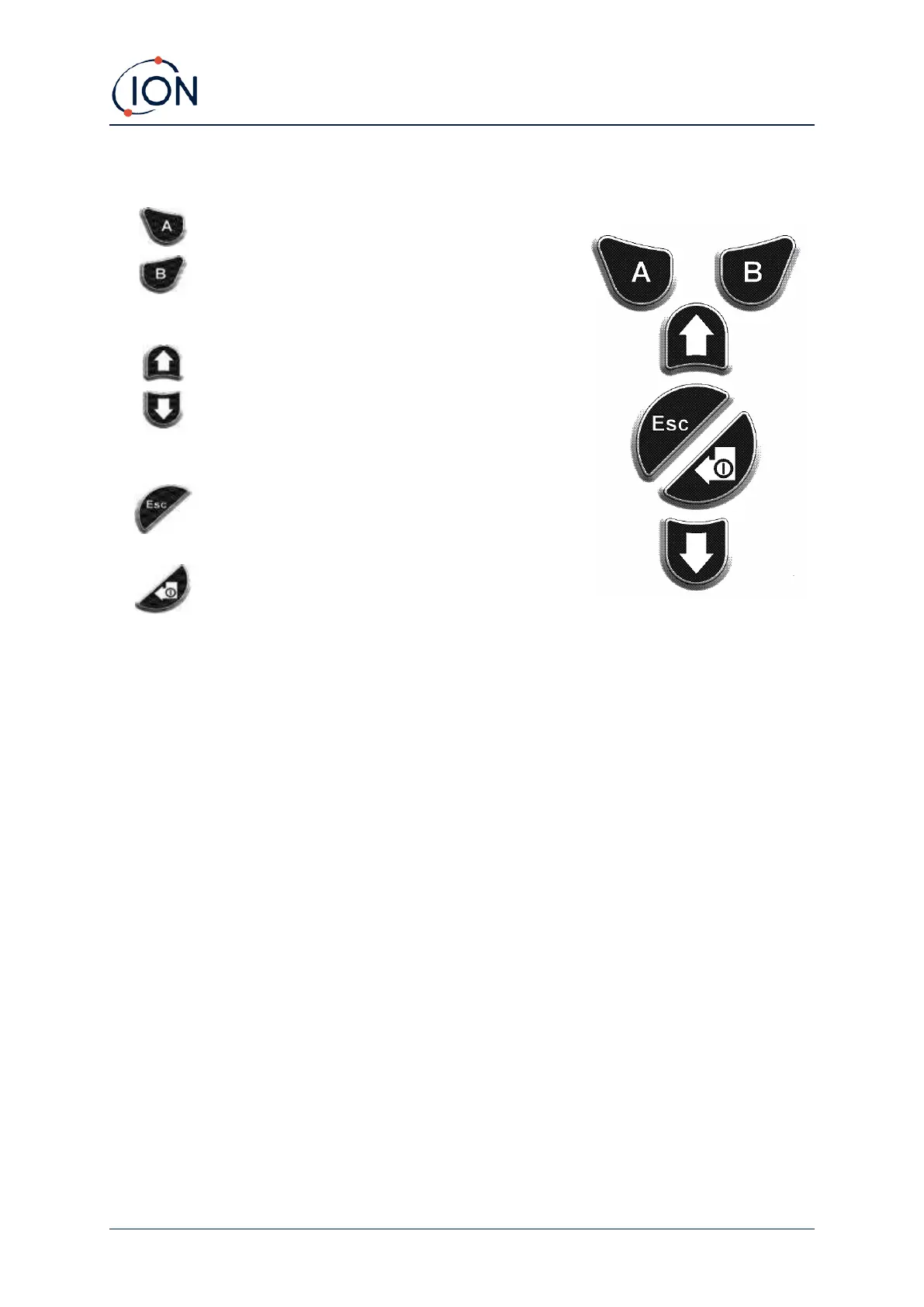
Keypad Function Descriptions
The functionality of the A and B keys varies. Prompts
on the display indicate their functionality at a given
time.
The Up and Down keys are used to adjust settings
and navigate through the menu structure.
The Esc (Escape) key is used to cancel a change or exit
a menu.
The Enter / On / Off key is used to accept changes,
select functions, and to turn the TIGER XT on and off.
In general, setup and application settings are selected and adjusted using the soft keys. Options are
selected using the arrow keys and confirmed using the Enter key or a soft key.
A continuous press is used to scroll through options and numbers, e.g., to change the gas selection
by scrolling through the available selections until the required gas selection is displayed.



 To Next Page