TIGER XT Instrument User Manual V1.2
Pioneering Gas Sensing Technology. Page 18 of 71 ionscience.com
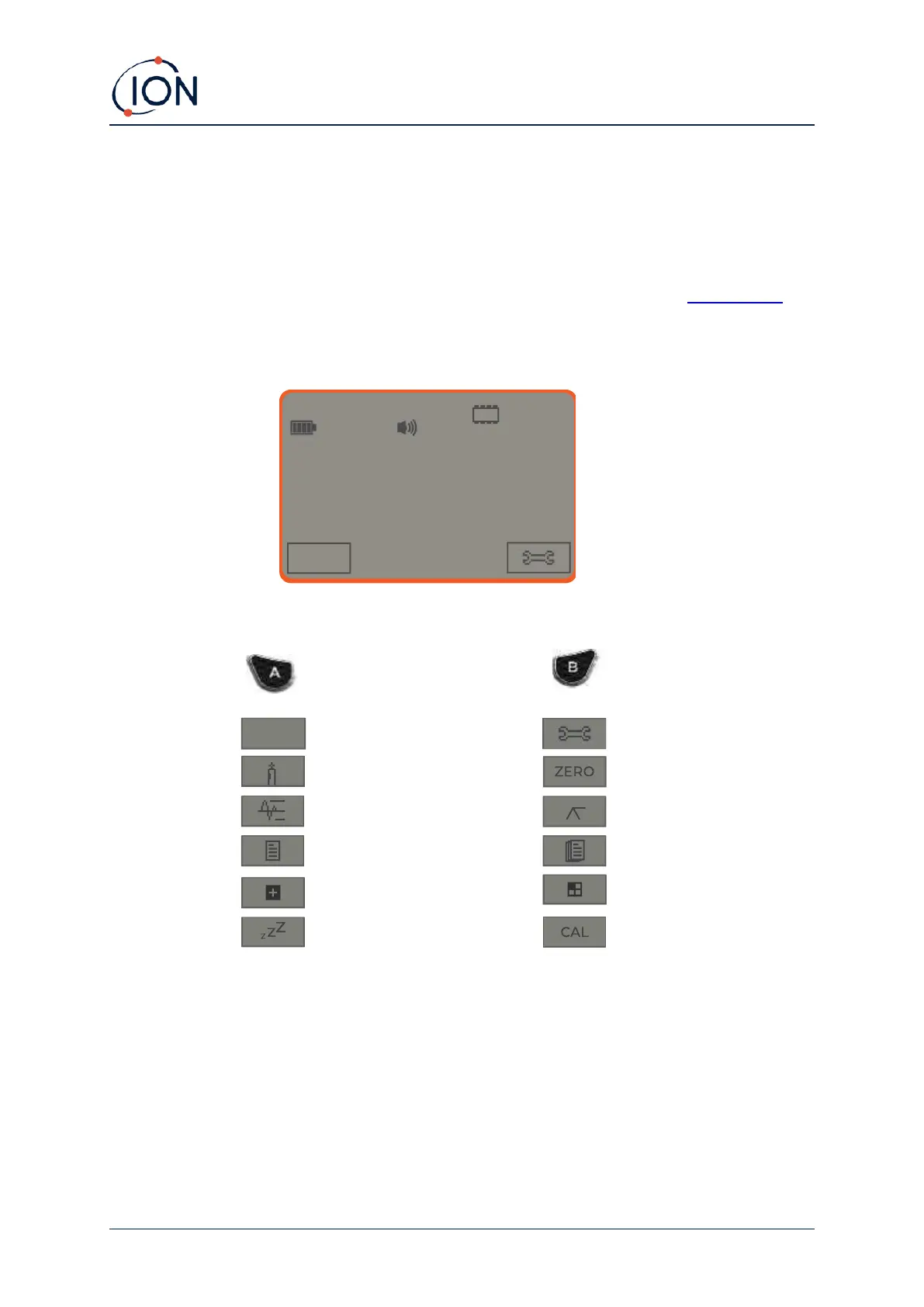
Soft Key Options
The following icons are displayed in the soft key areas as soft key options. They are selected using
the Up and Down keys. Those labelled ‘optional’ will only appear if your TIGER XT has that
functionality.
These icons can be reorganised or hidden using the Tiger PC software. Refer to the Configuration
section of Tiger PC for details.



 To Next Page