TIGER XT Instrument User Manual V1.2
Pioneering Gas Sensing Technology. Page 47 of 71 ionscience.com
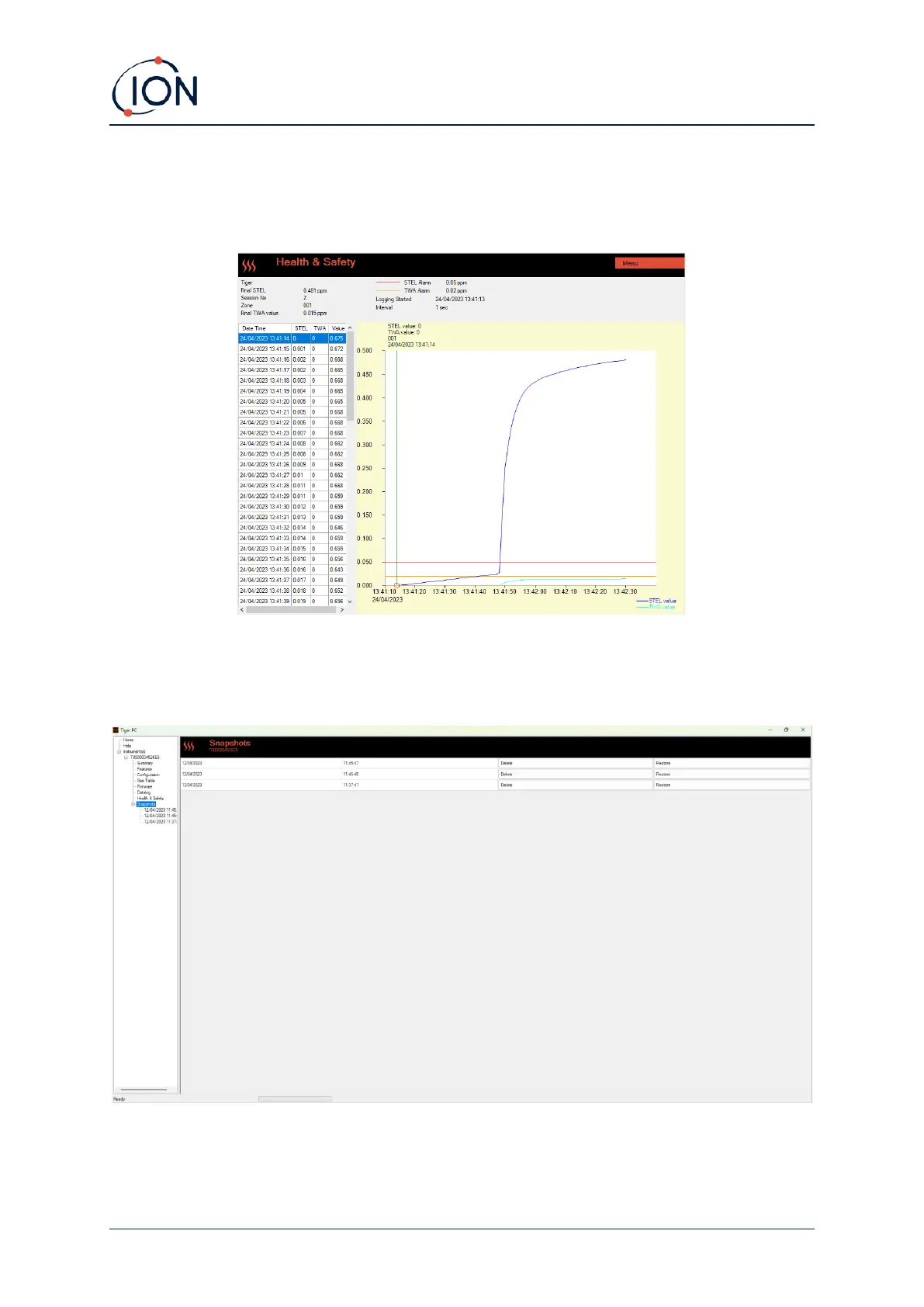
A graphical view of the Health and Safety log will be downloaded to in Tiger PC when the instrument
is read. This will display the TWA and STEL changing over time. On top of this, as straight lines, are
the STEL and TWA values which have been selected on the device.
Snapshots Screen
A snapshot records the calibration settings of your TIGER XT at a point in time. If required, your
TIGER XT can be reset to a snapshot’s settings. The Snapshots screen lists those stored on the PC.



 To Next Page