TIGER XT Instrument User Manual V1.2
Pioneering Gas Sensing Technology. Page 14 of 71 ionscience.com
3. Getting Started
Fitting the Inlet Probe
Ensure that the inlet probe supplied is fitted to your TIGER XT.
Switching your TIGER XT On
Press the Enter / On / Off key once to turn TIGER XT On.
The lights will flash white, red, then amber, and a “beep” will sound. You should also be able to hear
the pump start operating.
The display screen will initially display the ION Science logo. It will then show the ID of the
instrument, as entered in the Instrument ID in TigerPC, and the firmware version installed.
The screen will then show that the instrument is checking that the Lamp is working (the symbol
is displayed).
Next, if the instrument is set to Zero when switched on, the screen will display the symbol.
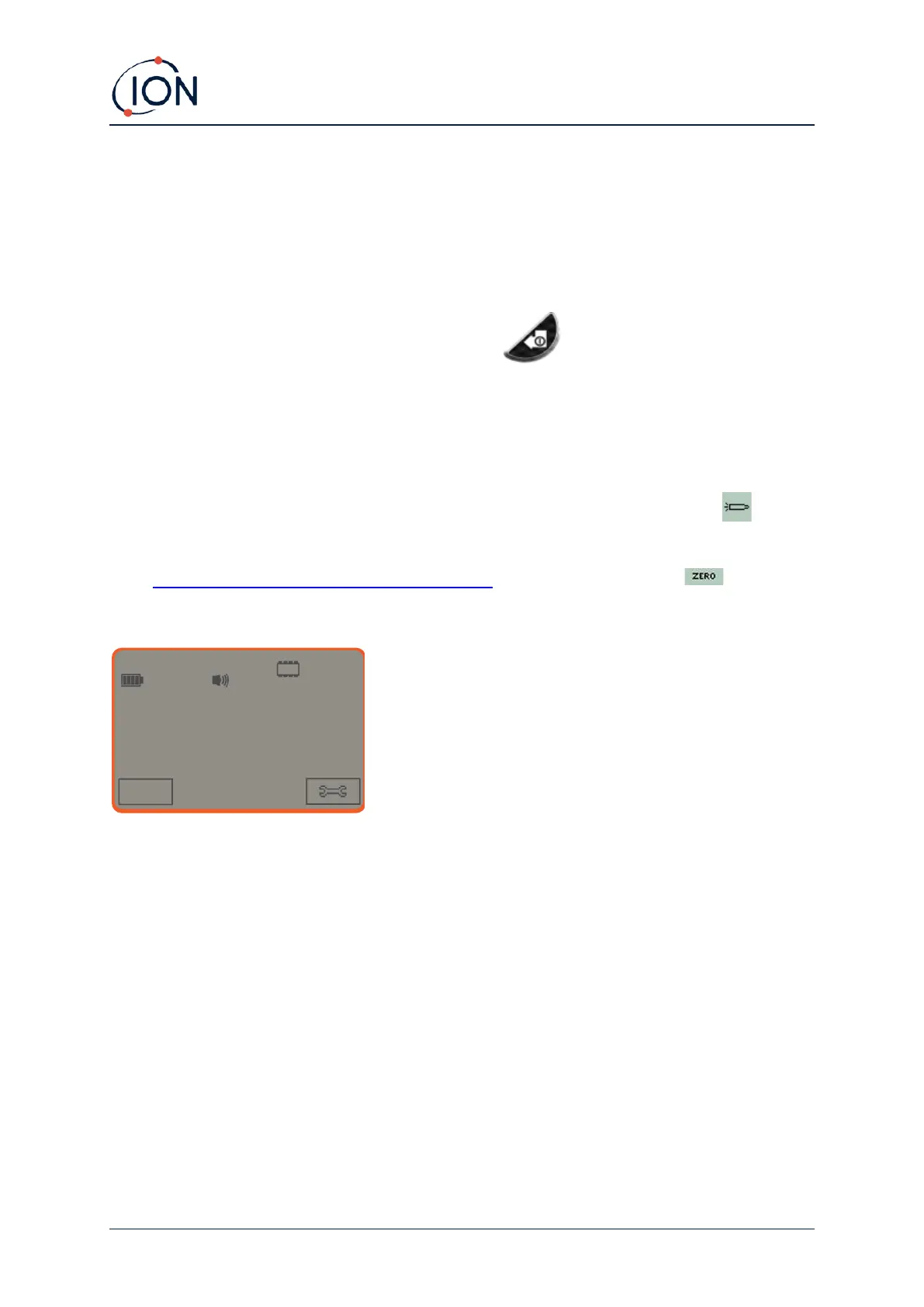
The main running screen is then displayed:
Your instrument is now ready to use.
Switching your TIGER XT Off
Press and hold the Enter / On / Off key for 3 seconds to turn TIGER XT Off. A 3-second countdown
will be displayed on the screen. While this is happening, a continuous beep will sound, and the lights
will flash red.
Once the instrument is switched off, wait for a few seconds before switching on again.



 To Next Page