TIGER XT Instrument User Manual V1.2
Pioneering Gas Sensing Technology. Page 40 of 71 ionscience.com
Enter the text to be displayed on the start-up screen of your TIGER XT.
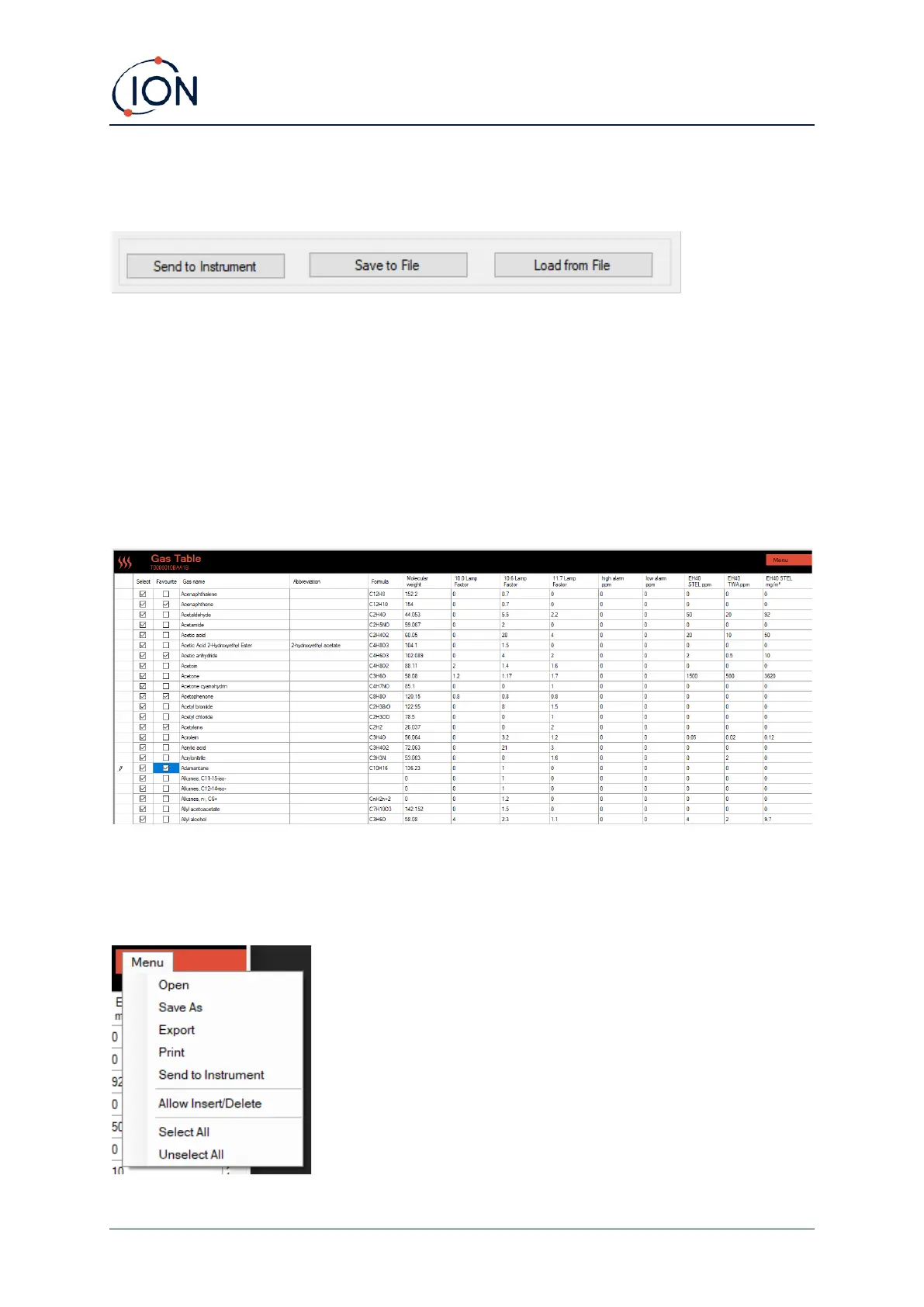
Send to Instrument
When you have configured your instrument or completed your changes, send them to your TIGER XT
by clicking Send to Instrument.
If your PC fails to write to the TIGER XT, seek advice from your distributor or from ION Science Ltd.
Users can save a configuration setup by clicking Save to File. A saved configuration setup can later
be used to configure the TIGER XT by selecting Load from File.
Gas Table Screen
Select Gas Table from the menu to display the Gas Table screen.
You can modify this table and download it to your instrument.
To add new gases to the table (or delete them), click the Menu button and select Allow
Insert/Delete from the drop-down menu:



 To Next Page