TIGER XT Instrument User Manual V1.2
Pioneering Gas Sensing Technology. Page 30 of 71 ionscience.com
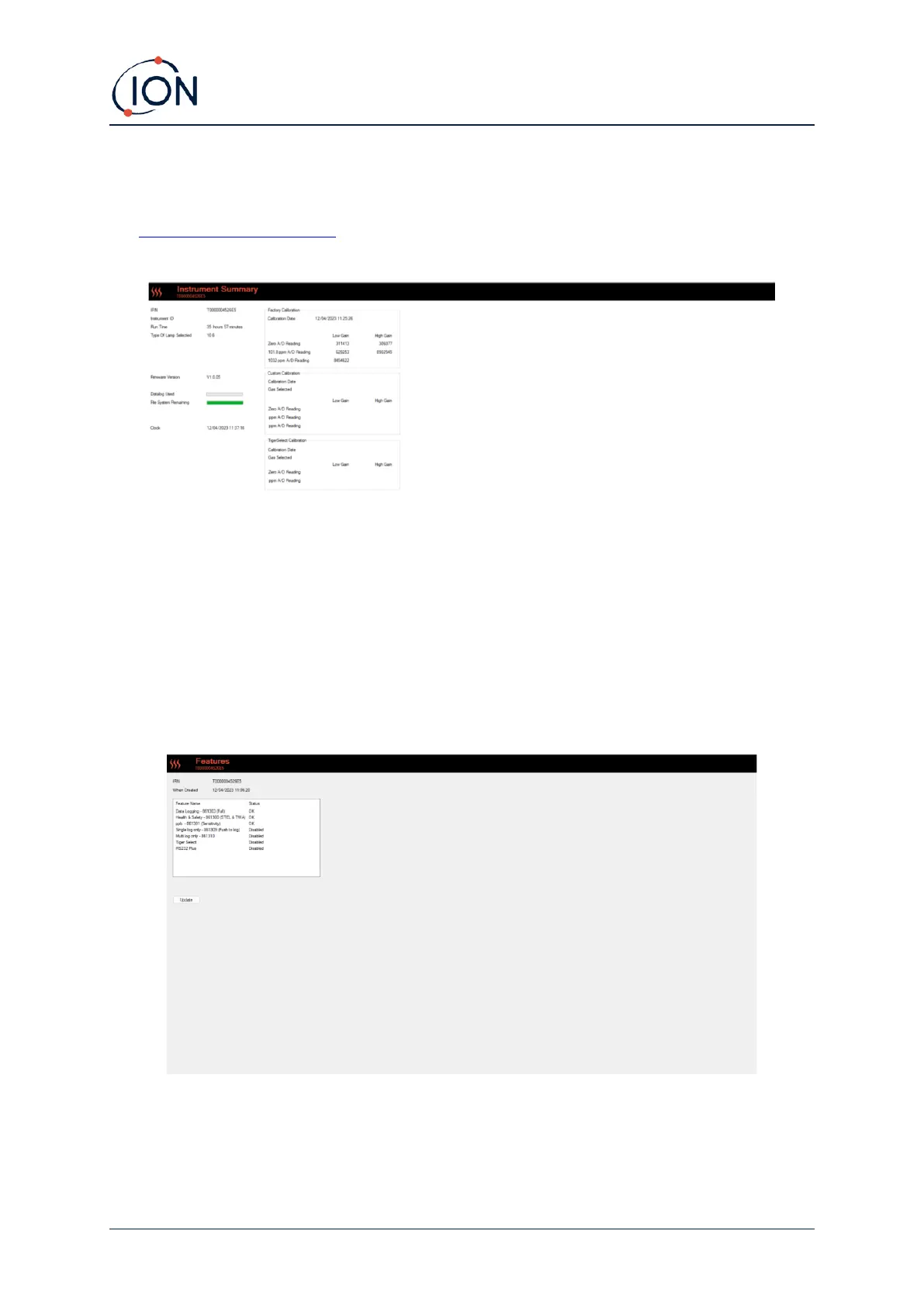
Instrument Summary Screen
Once an instrument has been read, expand its entry in the menu and click on Summary to display
the Instrument Summary screen. This screen shows the current status and properties of your TIGER
XT.
Features Screen
This screen indicates which of the available feature upgrades have been added to your TIGER XT.
To purchase additional features, contact ION Science Ltd or your distributor. Once the transaction is
completed and confirmed, click Update to install the features on your TIGER XT.



 To Next Page