TIGER XT Instrument User Manual V1.2
Pioneering Gas Sensing Technology. Page 29 of 71 ionscience.com
To remove an instrument from the list, click Delete. All details of the instrument are then removed
from the software. If that instrument is connected again, it will be treated as a new (previously
unlisted) instrument by TigerPC.
If not already listed, the instrument IRN will be added to the list of instruments.
Taking Snapshots
The first time you “read” an instrument a snapshot is taken automatically (see Snapshots Screen).
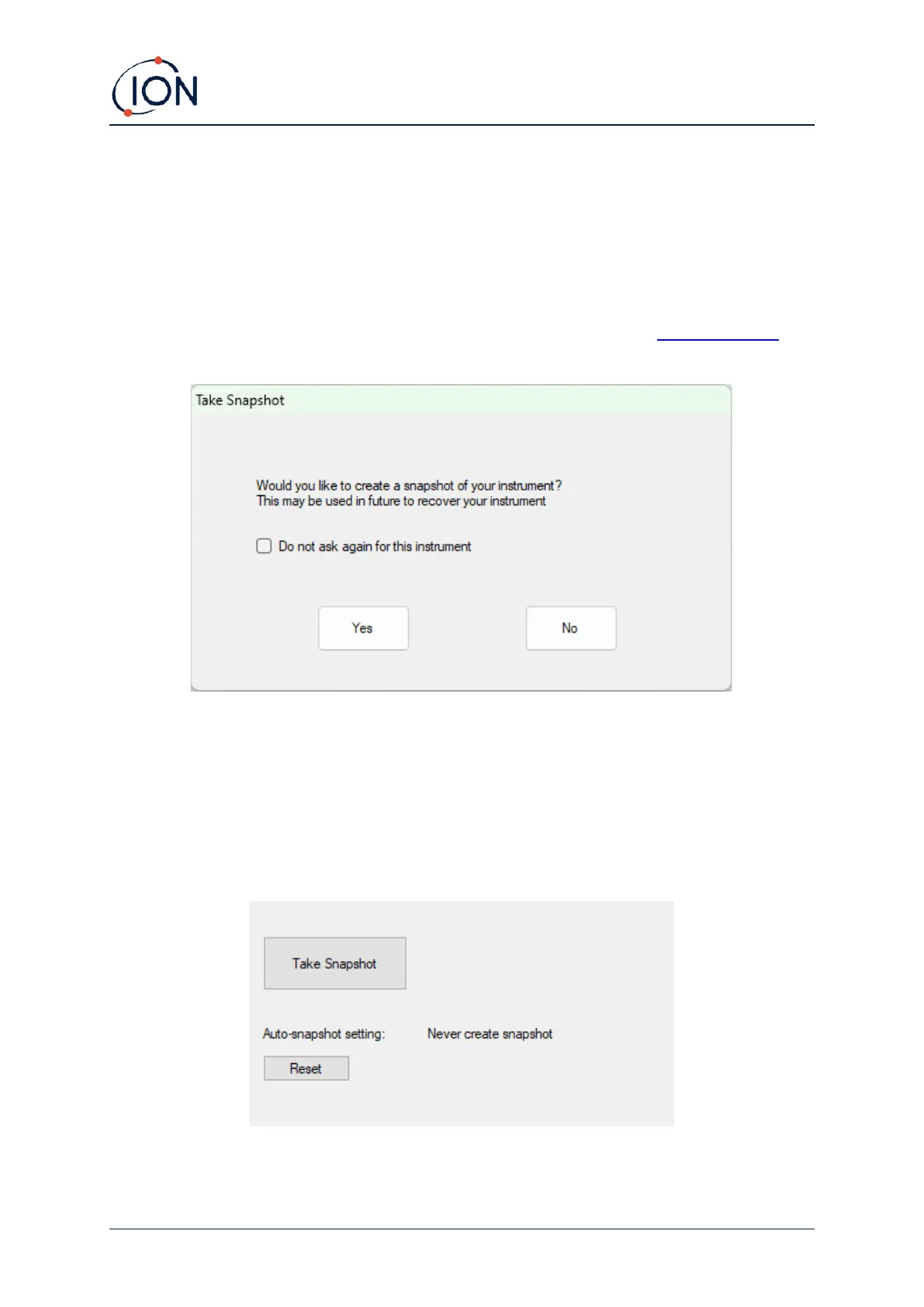
On subsequent occasions this pop-up is displayed:
Click Yes or No as required. There is a pick box if you would like to turn off the create snapshot
message when the Tiger is connected in future.
To take a snapshot of a connected instrument at any time, click on the IRN of the instrument in the
Instrument(s) list, then click Take Snapshot on the screen that is then displayed. This page will
display the current settings for Auto-snapshot and allow you to reset these settings.



 To Next Page