TIGER XT Instrument User Manual V1.2
Pioneering Gas Sensing Technology. Page 32 of 71 ionscience.com
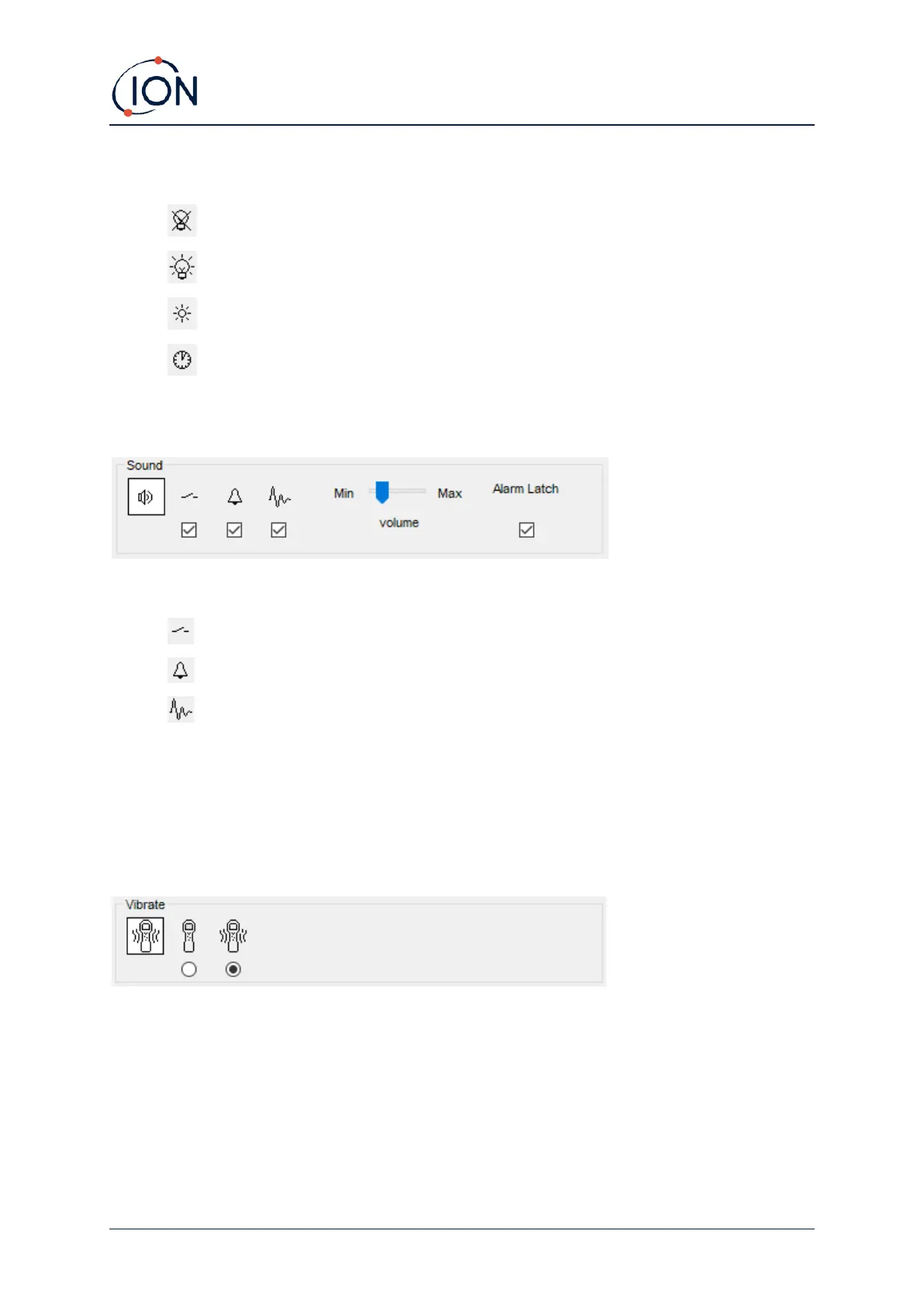
Choose from:
• Permanently off
• Permanently on
• On in low ambient light
• On for limited time
Enter time for the limited time option in the field provided (1 - 99 seconds).
Sound
The following options are available:
• Key press sounds
• Audible alarms
• “Crescendo”, i.e., the volume of the low level alarm sound increases as the upper alarm
level is approached
• Alarm Latch: alarms continue to sound, even if the gas level falls below the threshold, until
the Esc key is pressed. If Alarm Latch is not set, user set alarms conditions are triggered and
reset based on the alarm thresholds in the user settings.
Volume is adjusted using the slider.
Vibrate
Use to set your TIGER XT to vibrate under alarm conditions.
NOTE: Vibrate only works on the high alarm and not the low alarm.



 To Next Page