TIGER XT Instrument User Manual V1.2
Pioneering Gas Sensing Technology. Page 45 of 71 ionscience.com
The Datalog sub-menu displays a list of the Datalog sessions. Click Menu in the top right hand corner
to access the options to delete and export datalog sessions. These options are Delete all Datalogs,
Export all Sessions to Excel and Export selected Session(s) to Excel.
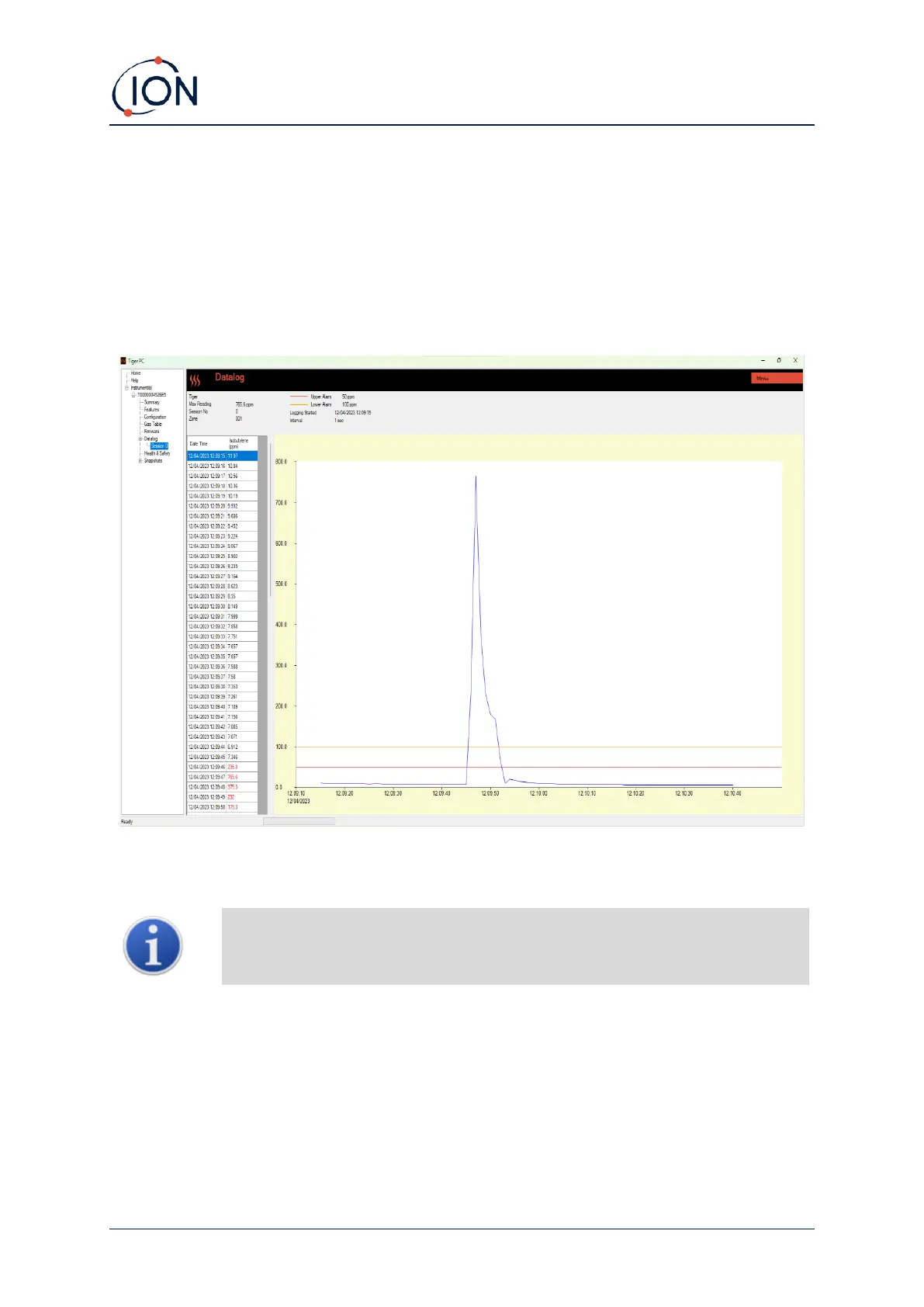
Click on a session. Details of the data collected during that session are presented in numerical and
graphical form on the Datalog screen.
Use the menu accessed from the Menu button in the top right-hand corner of the window to zoom,
print, or export the data.
Important: The Delete All Datalogs option on the menu deletes all logged data
from your TIGER XT. This will include the H&S datalogs. Ensure all valuable data is
exported to your PC before selecting it.



 To Next Page