TIGER XT Instrument User Manual V1.2
Pioneering Gas Sensing Technology. Page 49 of 71 ionscience.com
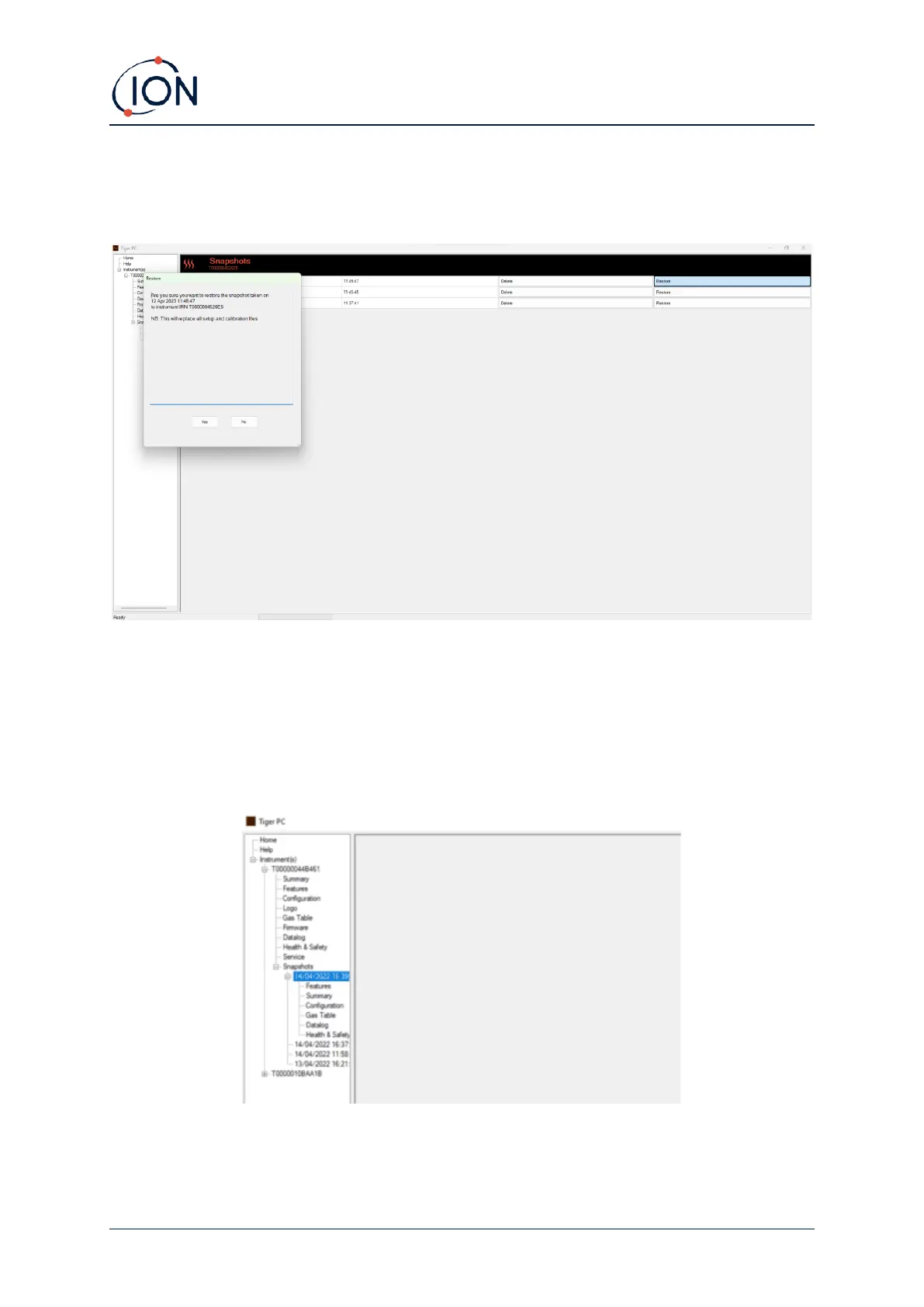
Click Restore against the relevant snapshot.
On the restore pop-up that is then displayed:
Click Yes to load the snapshot. When the loading is complete, click Close and restart your TIGER XT.
Your TIGER XT will now be restored to the settings and calibration data stored at the time of that
snapshot.
The snapshot menu also allows stored data to be reviewed when an instrument is not attached.
Expand the menu until the relevant snapshot is displayed. Double-click on the snapshot. All the data
stored in that snapshot can now be viewed.
Click Delete to remove a selected snapshot. Tiger PC will not allow the user to delete all of the
Snapshots, this to so the user always has a snapshot to restore if here are any issues with the TIGER
XT.



 To Next Page