TIGER XT Instrument User Manual V1.2
Pioneering Gas Sensing Technology. Page 52 of 71 ionscience.com
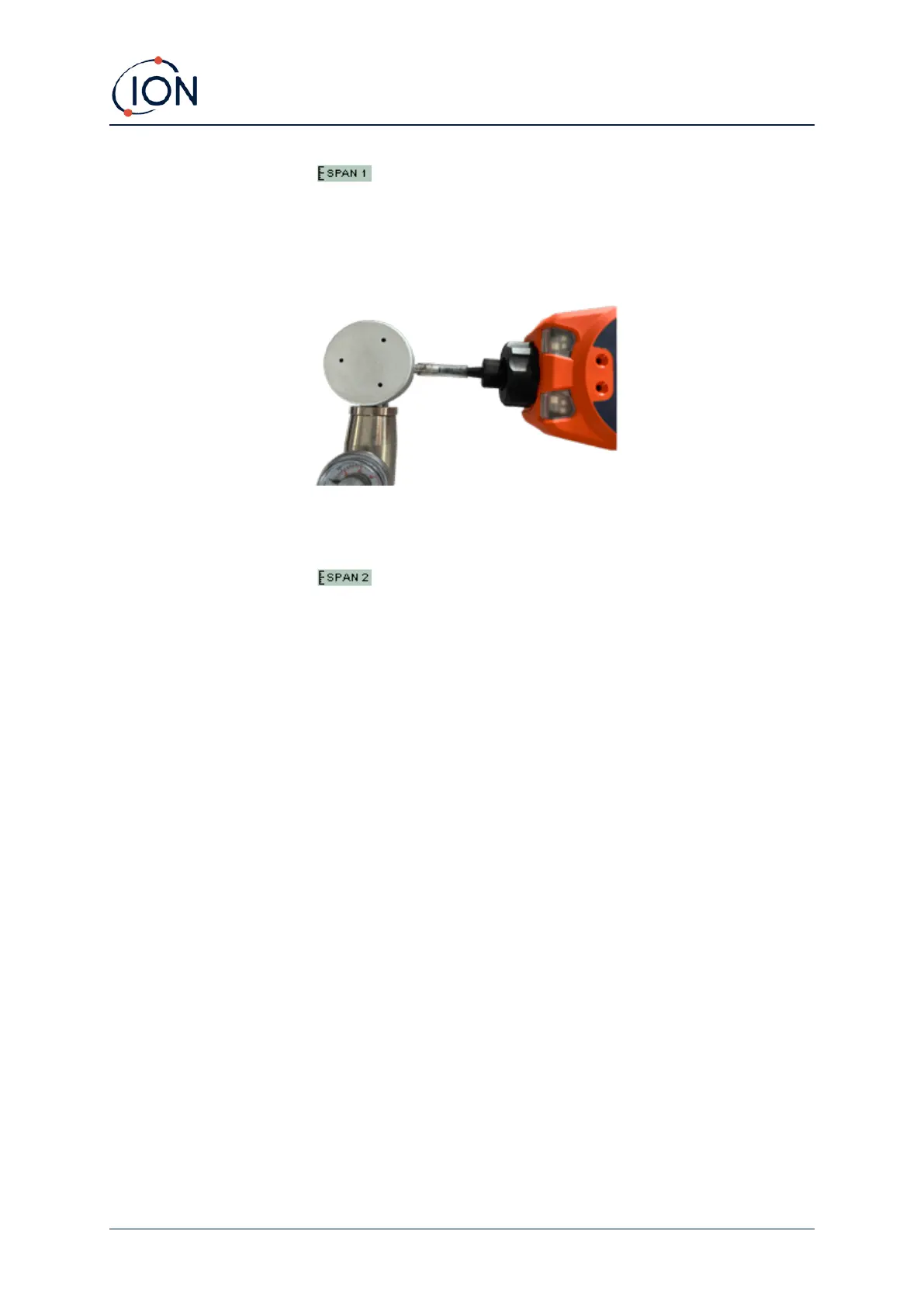
5. SPAN 1 calibration : The gas and concentration for SPAN 1 (previously set up in
TigerPC) are displayed along with a 30 second countdown. Attach the SPAN 1 gas and
press Enter to start the SPAN 1 countdown.
6. At the end of the countdown a tick '✓' will appear, indicating that the SPAN 1 has been
accepted. Press Enter. For a two-point calibration, the calibration procedure is complete.
7. SPAN 2 calibration : For a three-point calibration, the gas and concentration for
SPAN 2 are displayed (previously set up in TigerPC) along with a 30 second countdown.
Attach the SPAN 2 gas and press Enter to start the SPAN 2 countdown.
To skip SPAN 2, press Esc and then ‘skip’ to complete a SPAN 1 only calibration and return
to the main running screen.
8. At the end of the count down a tick '✓' will appear, indicating that the SPAN 2 has been
accepted. Press Enter again to complete the calibration procedure.



 To Next Page