TIGER XT Instrument User Manual V1.2
Pioneering Gas Sensing Technology. Page 54 of 71 ionscience.com
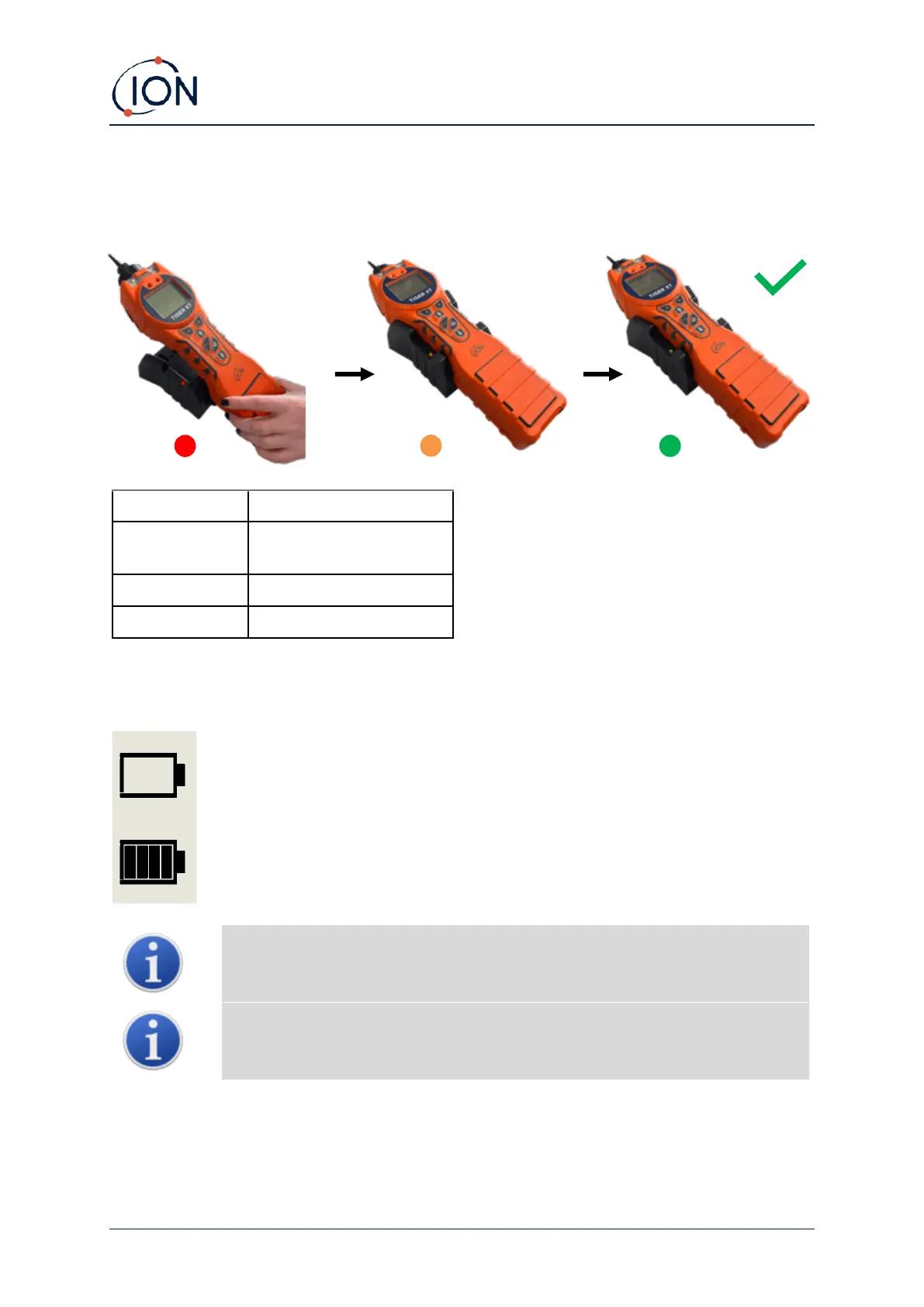
To charge your TIGER XT, connect the Charge Cradle to the mains. A red light on the charger
indicates that it is ready. Place the TIGER XT in the Charge Cradle so that the contacts on the TIGER
XT are aligned with those in the cradle.
The battery icon on the TIGER XT will display the level of charge:
Battery empty
When the battery is nearly empty, the icon will flash for one minute before the
instrument shuts down.
Only use the Charge Cradle supplied with your TIGER XT.
ION Science Ltd recommends keeping your TIGER XT on charge at all times when
not in use, as batteries can lose power over time.
The lithium-ion battery pack can be charged separately from the Tiger XT instrument. To charge your
lithium-ion battery pack, connect the Charge Cradle to the mains. A red light on the charger
indicates that it is ready. Place the TIGER XT in the Charge Cradle so that the contacts on the lithium-
Power connected, not
charging.
Instrument fully charged.



 To Next Page