TIGER XTL Instrument User Manual V1.0
Pioneering Gas Sensing Technology. Page 21 of 56 ionscience.com
Zones
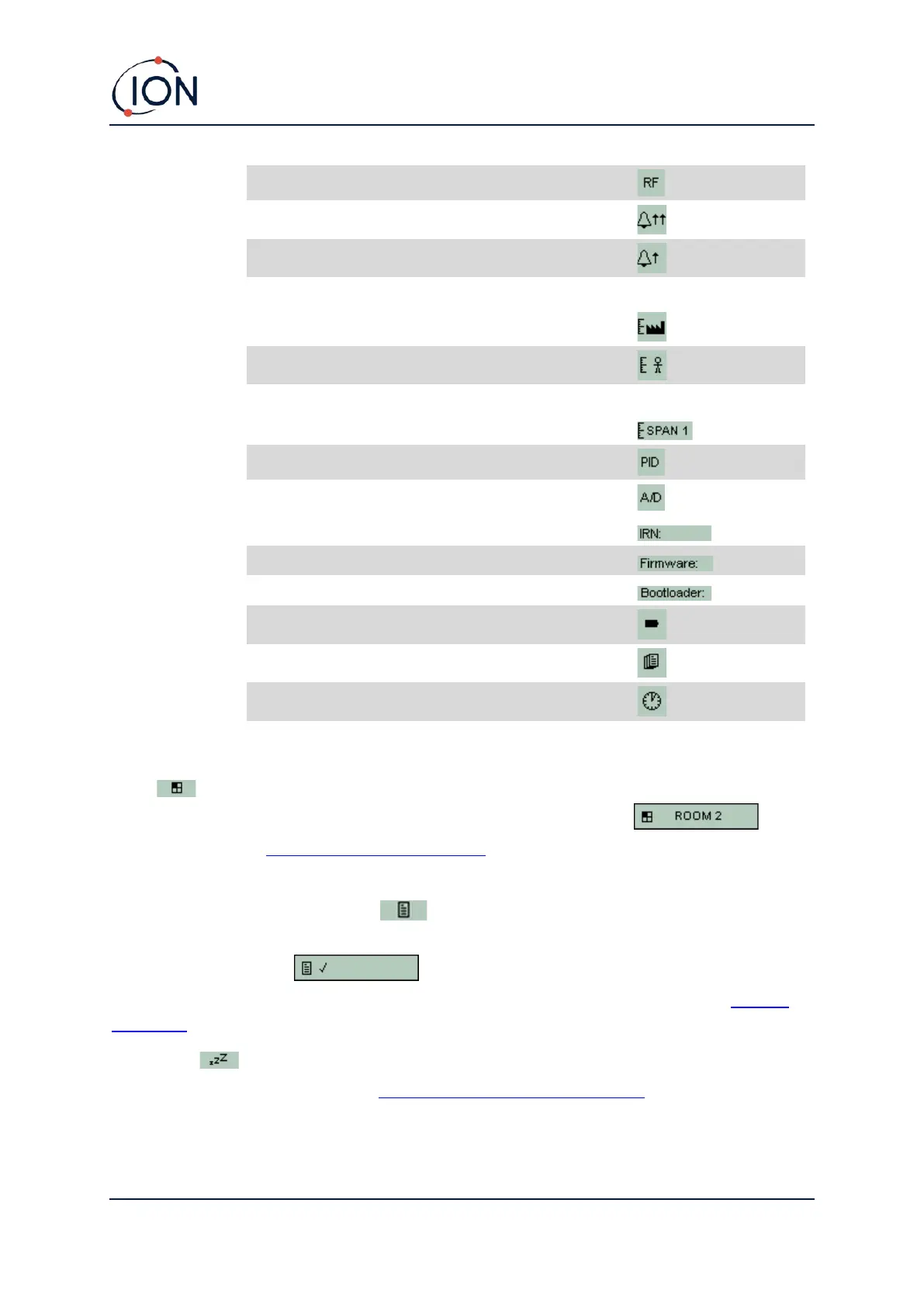
Press the Zone soft key to display the name of the currently selected Zone: . The
TIGER default is '001'. Zones are set up in Tiger XTL PC. Use the Up and Down keys to select other
zones.
Data Logging: Single-log (push-to-log)
Press the Single Data Log soft key to take a single data log reading. The Single Data Log symbol
appears briefly with a tick before returning to the main screen. Press Esc to return
to the main screen. Press the Single Data Log soft key again to take another reading. The memory
status icon flashes when a single data log reading is taken.
Sleep Mode
The instrument can enter Sleep Mode automatically when connected to a PC. This is a power saving
function.



 To Next Page