19
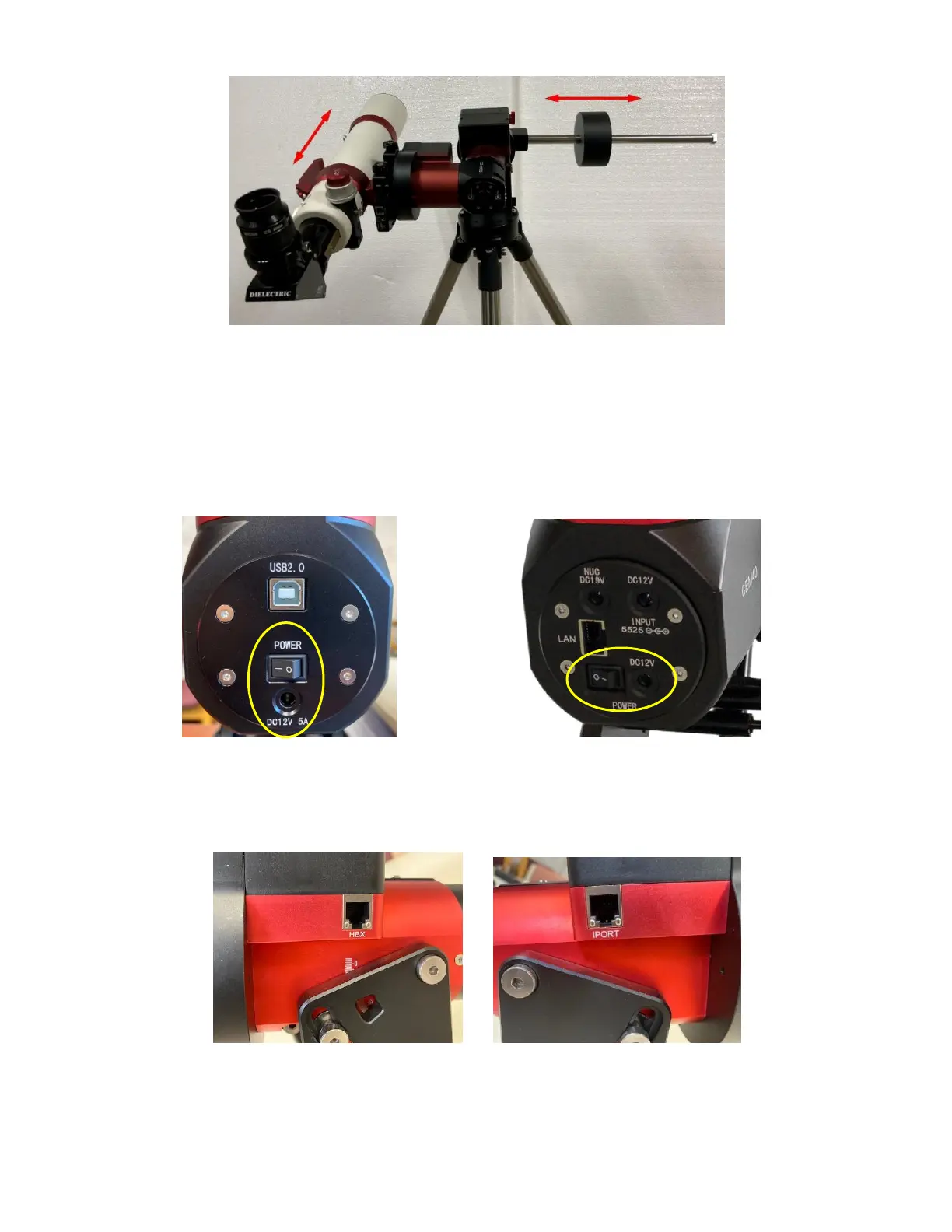
Figure 23. Balance a mount
Return the mount to Zero Position after balancing and engage gear switches.
STEP 8. Connect Cables
Plug in included 12V/5A DC power supply to the DC12V 5A socket, which is located at the end of
the RA axis.
Figure 24. Power connection
Connect the Go2Nova
®
Hand Controller to the HBX port on the mount main board. Plug GPS
module into the iPORT with a coiled cable. When powering on, GPS ON sign should be displayed at the
upper right corner of the hand controller.
Figure 25. Ports for cables
If you want to use the iPort for another accessory, such as wi-fi adapter (iStarFi #7434), or electronic
focuser (#8451/#8452), you may disconnect the GPS module after it picks up satellites signals and displays
GPS OK on hand controller. (It takes about 1 to 2 minutes in normal conditions).



 To Next Page