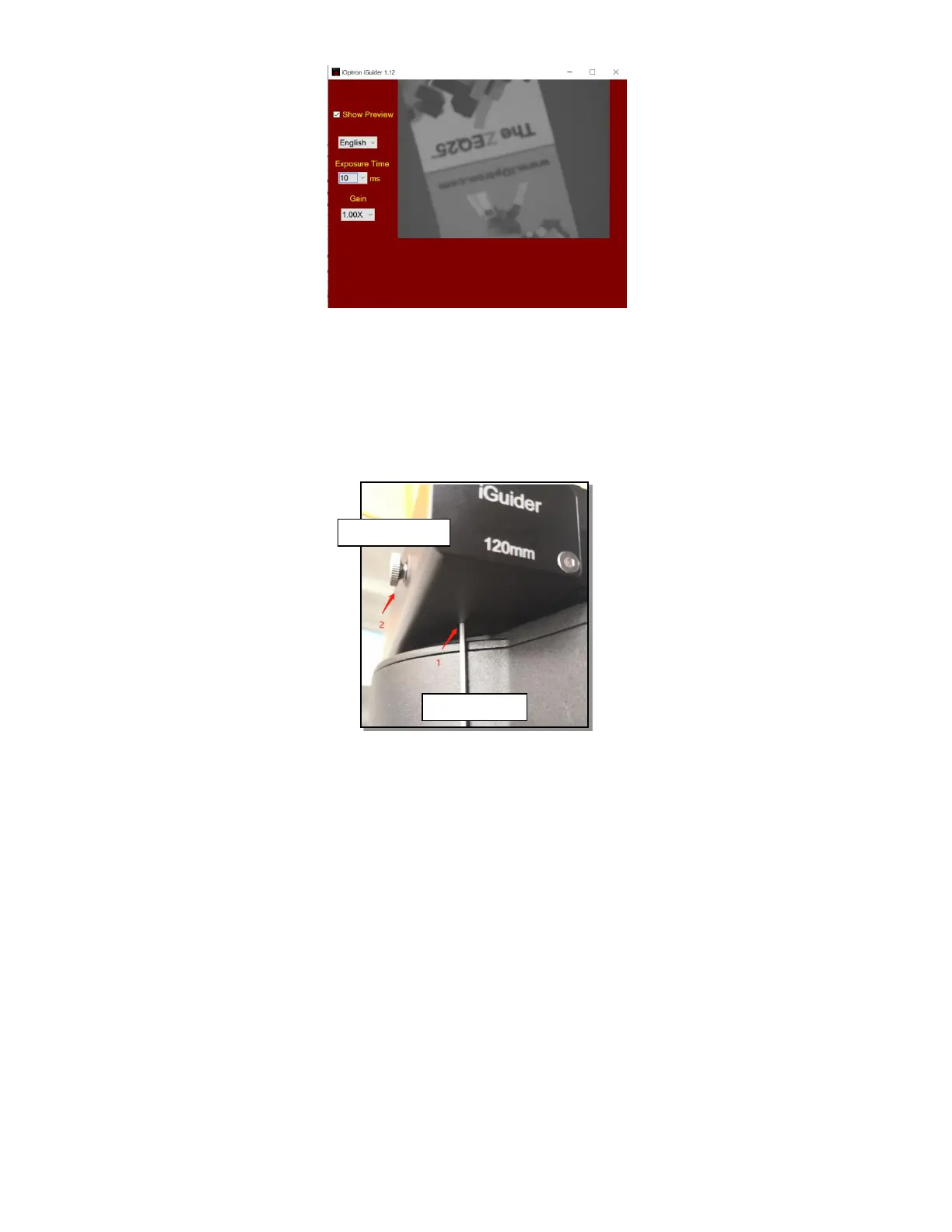
3. iGuider Focus Adjustment
If you are using the iGudier the first time, you may need to adjust the guiding camera
focusing.
Set up the mount. Connect the mount to a computer. Perform polar alignment. Set the
Zero Position.
To adjust iGuider focus:
(1) Manually slew in DEC to expose the Locking Screw. Loosen it first.
(2) Remove iGuider lens cover.
(3) Run PHD2 software and select “iOptron iGuider (ASCOM Camera)”
(4) Go to a bright star
(5) Turn the Focus Adjuster CCW to loosen it a little bit. Slide the Focus Adjuster to adjust
the focus and bring the star to be shown in the main window.
(6) Click on the star to look at the Star Profile. Fine adjusting the Focus Adjuster to bring
the Peak to maximum value. Turn Focus Adjuster CW to tighten it.
(7) Slew the DEC to expose the Locking Screw if it is blocked by the DEC gear box.
Tighten the Locking Screw.



 To Next Page