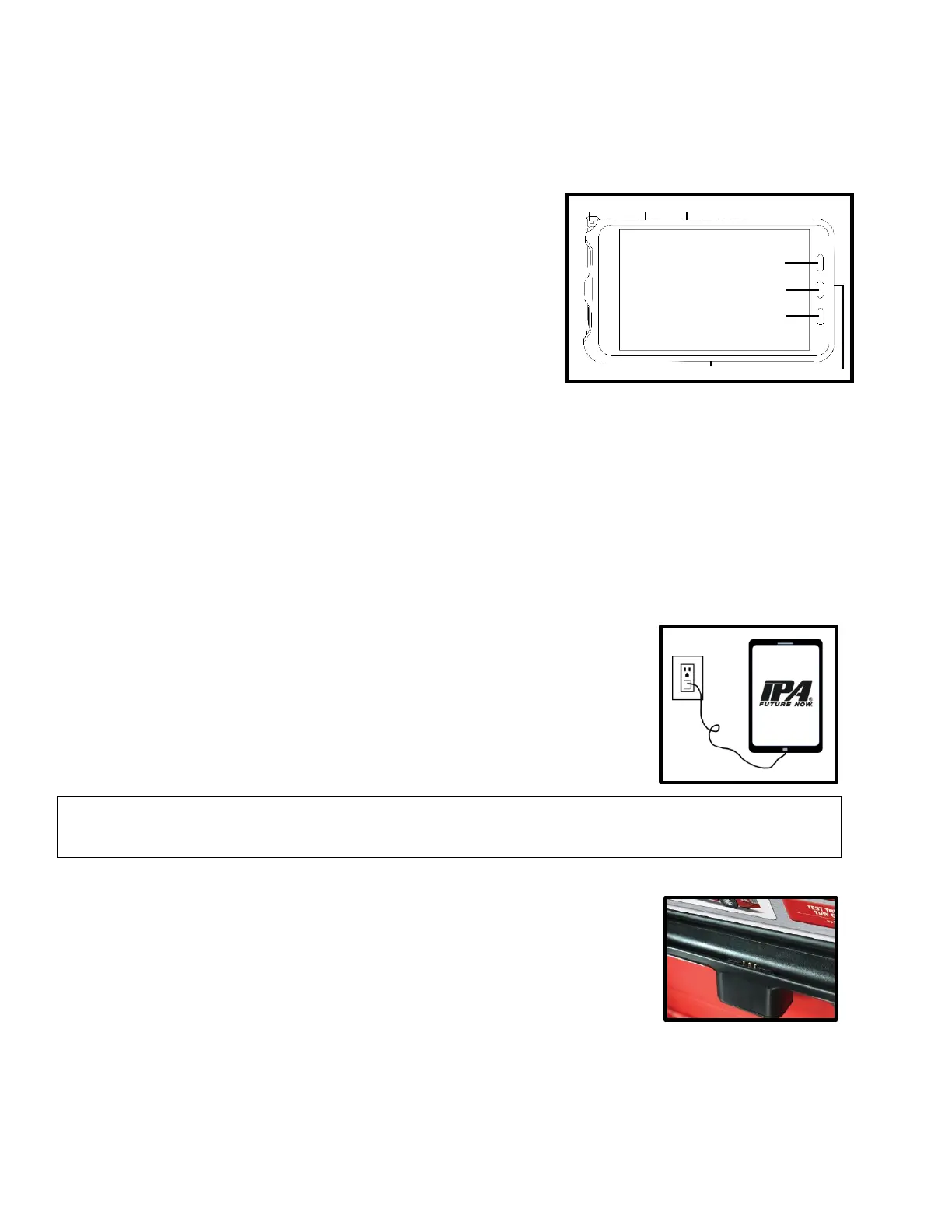
5.6 Tablet Controls
The Alpha MUTT
®
-RT models come equipped with a military-grade, rugged tablet that provides leading-
edge technology in performance, battery life, screen resolution and security integration. This tablet is
available as an upgrade for models that do not include one.
Tablet Buttons
The tablet features several stationary buttons which provide quick
access to important features. These buttons include POWER,
VOLUME, MULTI-VIEW, HOME and BACK. You will find that
using the Back button will be very helpful during normal operation
of the Alpha MUTT
®
apps. To view all open apps or force close,
press the Multi-View button.
Tablet Pen
The tablet also includes an S Pen for easier note taking,
signatures and controls. All functions can be performed with or
without the pen.
Power Saving
You can extend battery life by limiting tablet performance. Access
the tablets screen brightness, timeout, and other battery saving
options through the Settings app.
Bluetooth
®
Connection (BLE)
The tablet controls the Alpha MUTT
®
through a Bluetooth
®
connection. See Part 6 for more information
on Bluetooth
®
.
How to Charge the RT Tablet with the AC Plug
The included tablet is charged before shipping. The AC plug
charging head and cable are stored in the accessories bag. Plug
the smaller end of the cable into the charging port on the tablet
and plug the larger USB end into the charging head. Plug the AC
plug charging head into an electrical outlet to charge the tablet.
How to Charge the RT Tablet While Mounted in the Storage Drawer
The RT models come with a quick-connect, wireless docking
station installed in the soft-close storage drawer of the Alpha
MUTT
®
. Snap the rugged tablet into the case, bottom first, so that
the Pogo pins touch. The tablet with automatically start charging
once the connection is made.
WARNING: Only use the provided AC plug charger with the tablet. Using another charger may cause
damage or void any warranty.



 To Next Page