PART 7: OPERATING THE ALPHA MUTT
®
APP
7.1 Application Setup
The Alpha MUTT
®
app can be found on the Home screen of the tablet. Press the icon to launch
the application. The application is designed to be intuitive and easy to use. Review the following pages
for basic operation flow and further instructions. For technical assistance, please call 888-786-7899.
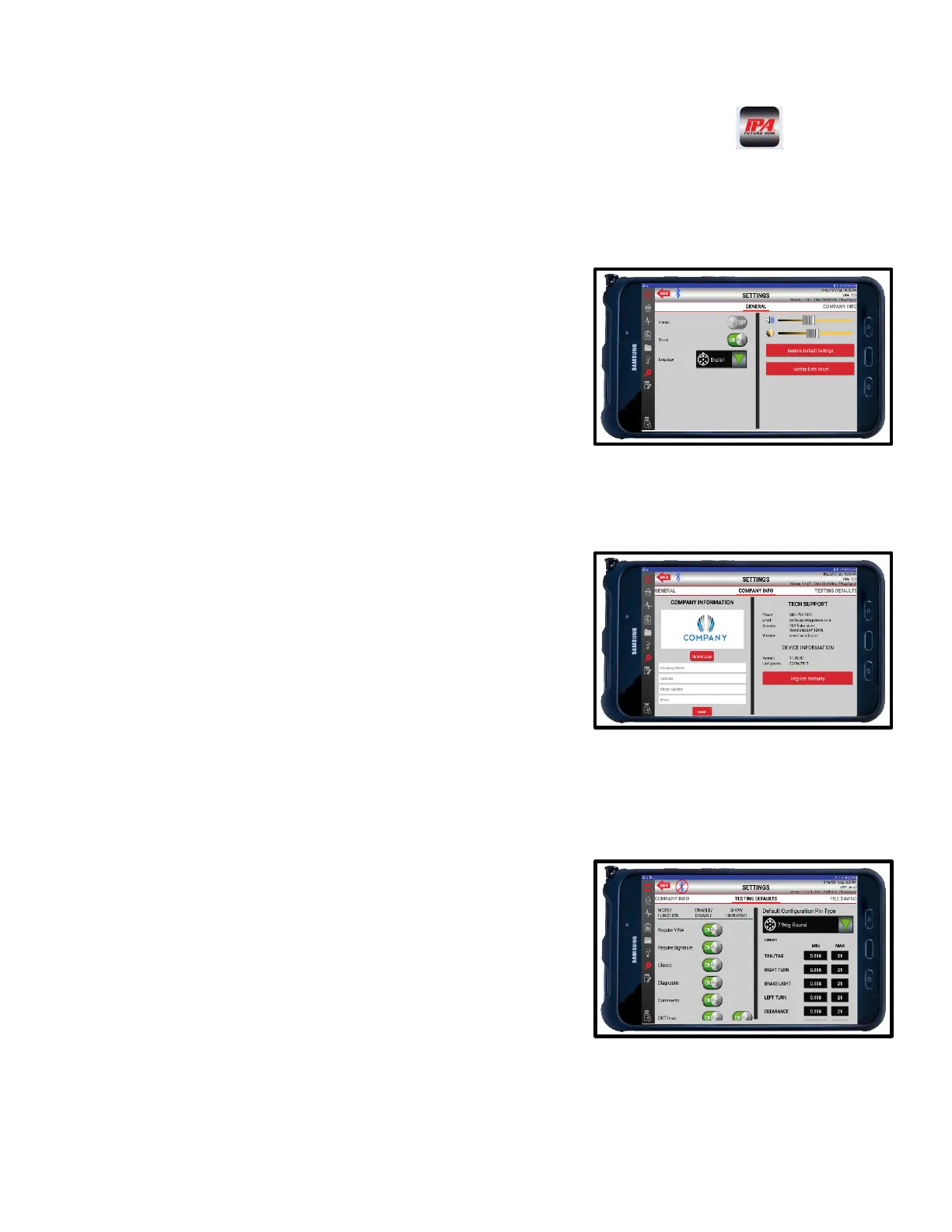
ACCOUNTS
Password-protected user accounts can be created for each
tablet. To access the Settings menu, you must sign in as
administrator. By default, the administrator password is set as
ADMIN. The Settings menu can be accessed by pressing the
Settings icon on the left side of the screen. Once in the
Settings menu, slide the screen left or right to cycle through
the various setting options.
COMPANY INFORMATION
Users can enter company information, address, and
logos for reports.
TESTING DEFAULTS
Users can decide which features of the application
appear in normal testing screens by enabling or
disabling them in the Settings menu.



 To Next Page