GB
TECHNICAL MENU
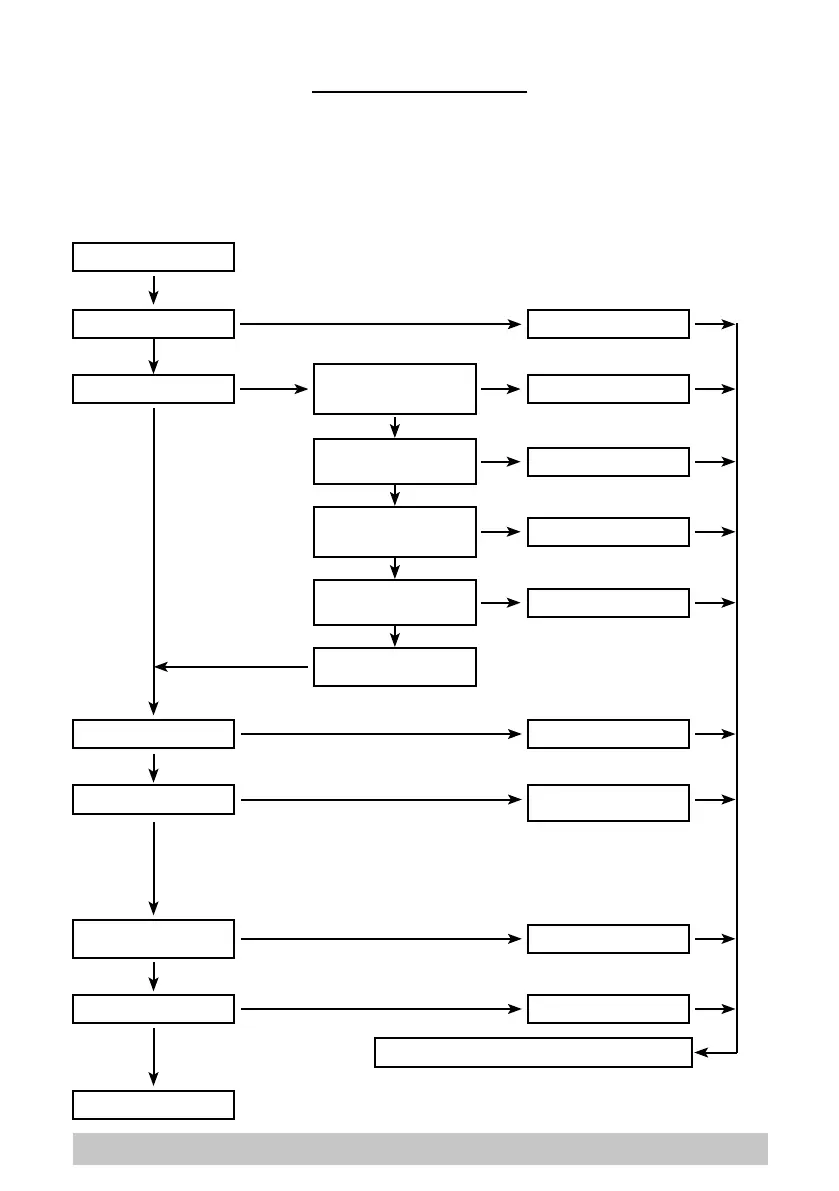
Enter the menu by pressing “+” and “-” together when no functions are active.
The “+” button increases the selected parameter or the variable relating to the selected parameter.
The “-” button increases the selected parameter or the variable relating to the selected parameter.
The “Attach-release brushes” button selects the parameter to be set and conrms the entered vari-
able.
WORK AREA
LANGUAGE IT, GB, ES.......
1.......5
1.......5
0.....100%
OFF - 0,2 - 0,3 - ...10%
OFF - 1 - 2 - ...30
GEL-AGM
LEAD -ACID
0.....100%
PASSWORD
RETURN TO PREVIOUS MENU
BRUSH PRESSURE
WATER FLOW-RATE
SPEED REDUCTION
DETERGENT FLOW-
RATE
EXIT
POWER OFF
EXIT
AUTO PROGRAM
BATTERY TYPE
SERVICE
REVERSE SPEED
39


 To Next Page