2 FUNCTIONS OVERVIEW AND MANAGEMENT
2 FUNCTIONS OVERVIEW AND MANAGEMENT
2.5 Storage Space Settings
2.5 Storage Space Settings
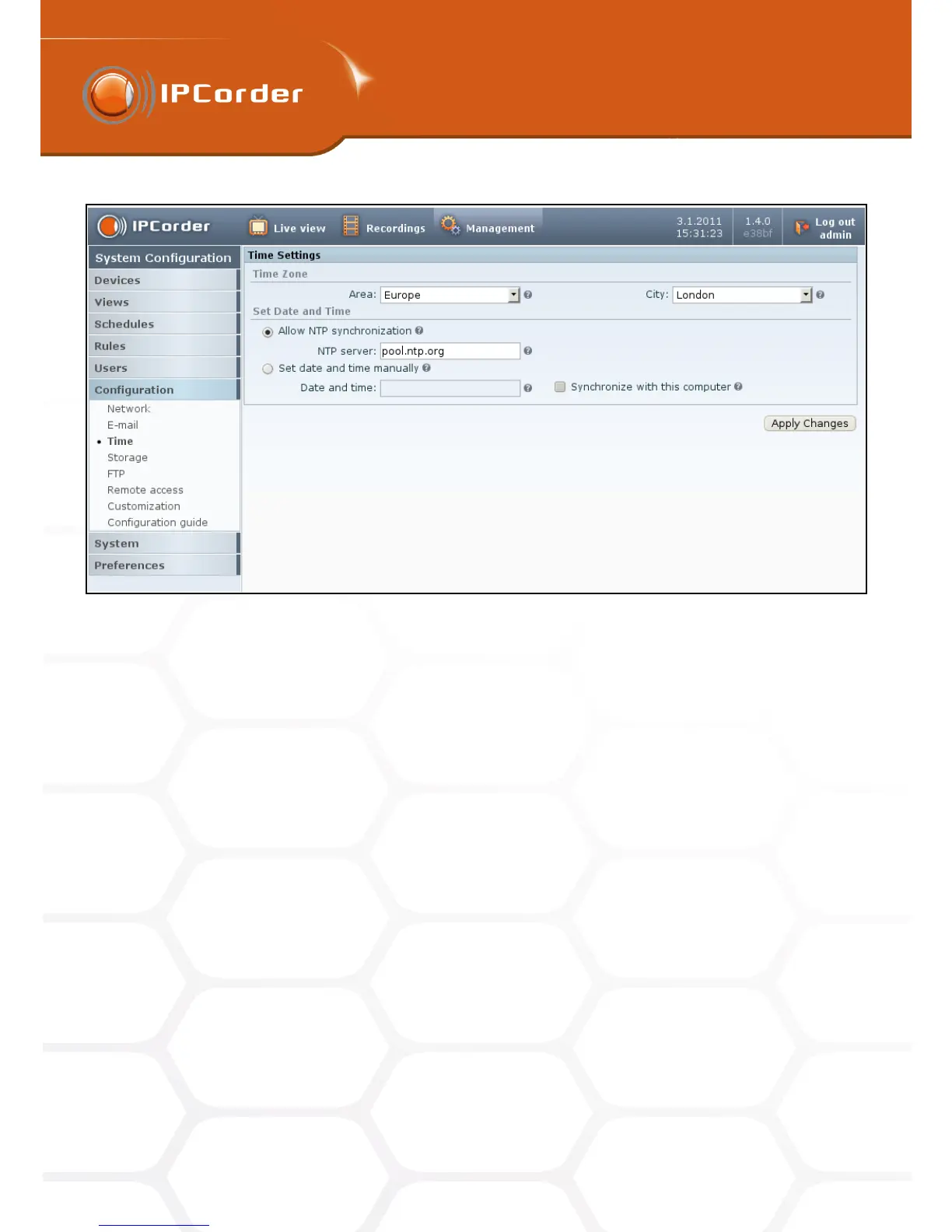
Figure 4: Time settings
time zone.
2.5 Storage Space Settings
Page (Settings – Settings – Storage) shows device disk information. (Picture 5).
• Raid type – Single for KNR-090 and KNR-100. Raid type for KNR 400 .
• Disk Raid status – only relevant for device with RAID configuration. KNR 090 always shows OK.
• Capacity – Disk capacity available for storing recorded videos
• Status – In use for KNR-090 and KNR-100 if the disk is ok. Failed if the disk has problems.
• Tray – always 1 for KNR-090.
The system is constantly monitoring the available disk space. If it is running out of space older records are
automatically erased to free more space. You can configure this in section Storage settings.
Data can be backed up by either downloading the recorded files in the playback window (there is a link to
Records under the playback window) or download in bulk via FTP (see chapter 2.6 FTP).
There is also and Erase disk button in this section – this will erase all data on the disk and you will need to run
the setup to be able to use the device again.
11



 To Next Page