2 FUNCTIONS OVERVIEW AND MANAGEMENT
2 FUNCTIONS OVERVIEW AND MANAGEMENT
2.9 User Settings
2.9 User Settings
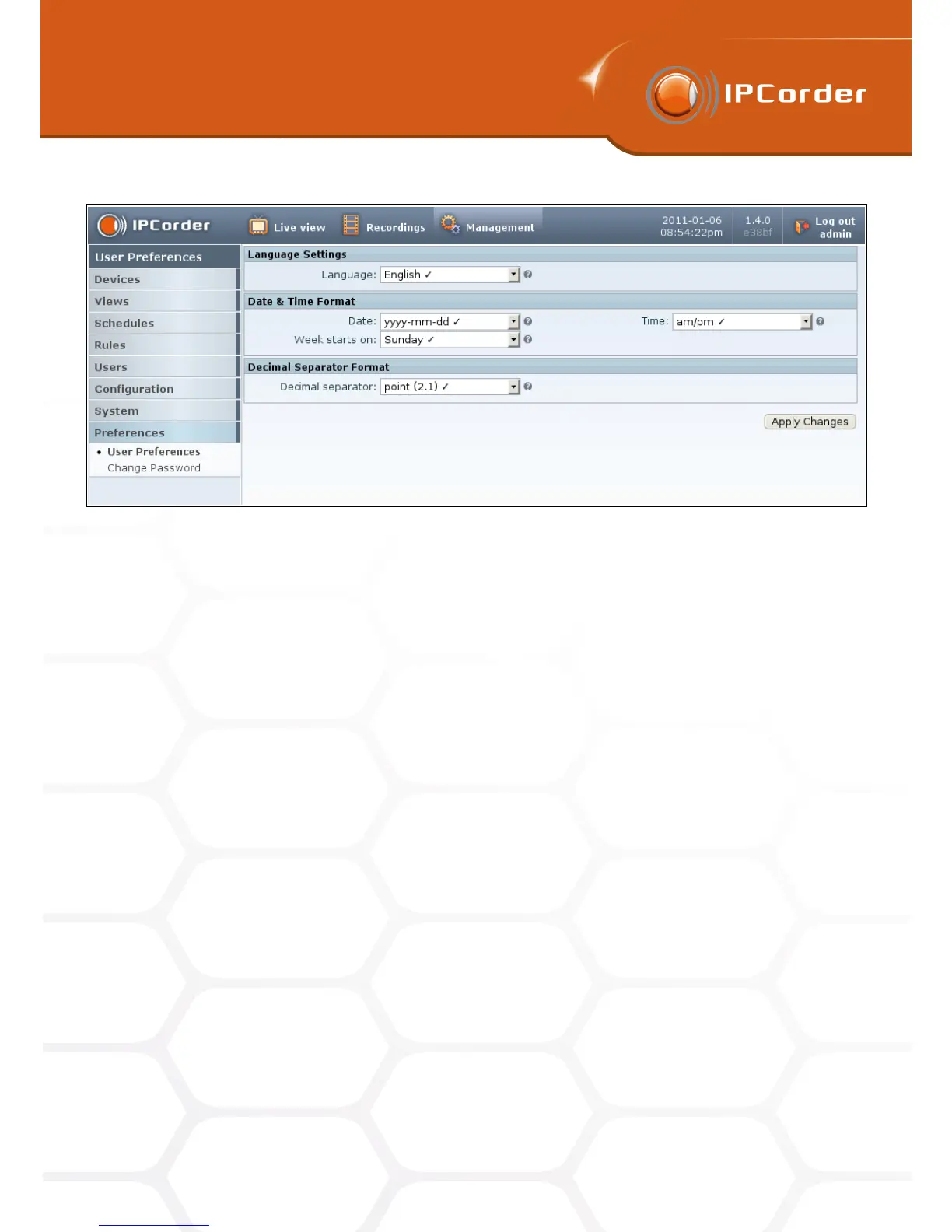
Figure 12: User Preferences
2.9 User Settings
Each user has, apart from his/her password, also a personal set of user preferences. These most importantly
include the individual interface language settings and the date, time and decimal numbers format settings.
The user can alter only the settings for his/her own account (i.e. the account he/she is logged into).
For changing these, go into the menu Management – Preferences – User Preferences (Figure 12).
To confirm the changes, click the Apply Changes button.
2.9.1 Changing the Password
Each user can change his/her personal password in the menu Management – Preferences – Change Password
(Figure 13). You need to input the old password and twice the new one.
Should the user forget his/her password, any administrator can change it for him/her. This can be done in the
menu Management – Users – Manage.
18



 To Next Page