2 FUNCTIONS OVERVIEW AND MANAGEMENT
2 FUNCTIONS OVERVIEW AND MANAGEMENT
2.6 FTP
2.6 FTP
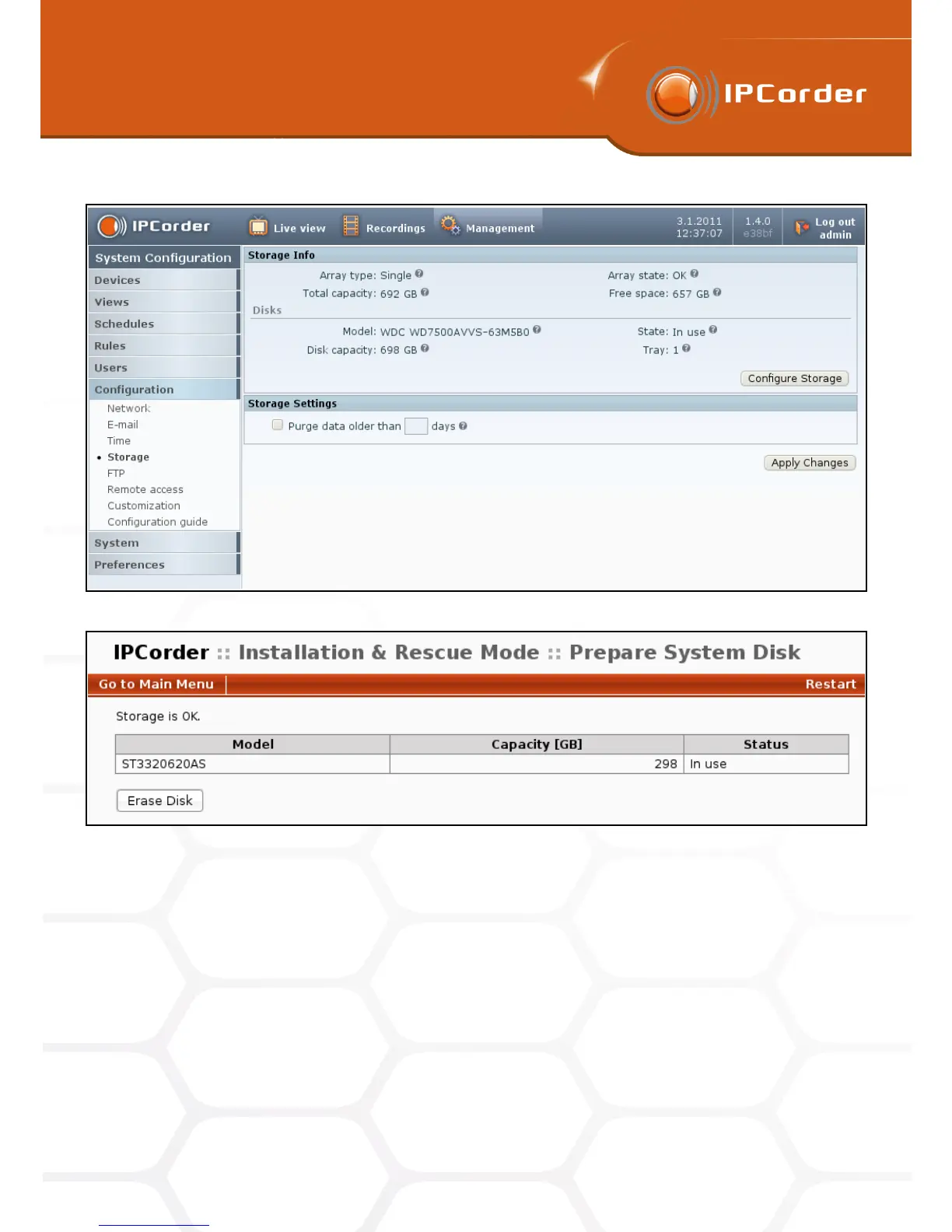
Figure 5: Storage
Figure 6: Rescue mode – Erase disk
If for some reason you need to replace a disk, turn the device off first, replace the disk. The device will boot
into the rescue mode and unless the disk was already formatted you will need to set up the disk by clicking the
Setup disk tool. The device will then restart to normal mode.
2.6 FTP
In the menu Management – Configuration – FTP (Figure 7) you can configure the FTP (File Transfer Protocol)
access to data. Unlike when viewing particular videos in the Recordings sections, the FTP allows access to the
12



 To Next Page