3 DEVICE MANAGEMENT
3 DEVICE MANAGEMENT
3 Device Management
The main function of the IPCorder is to control and synchronize different types of devices – typically cameras
and sensors.
3.1 Adding a Device
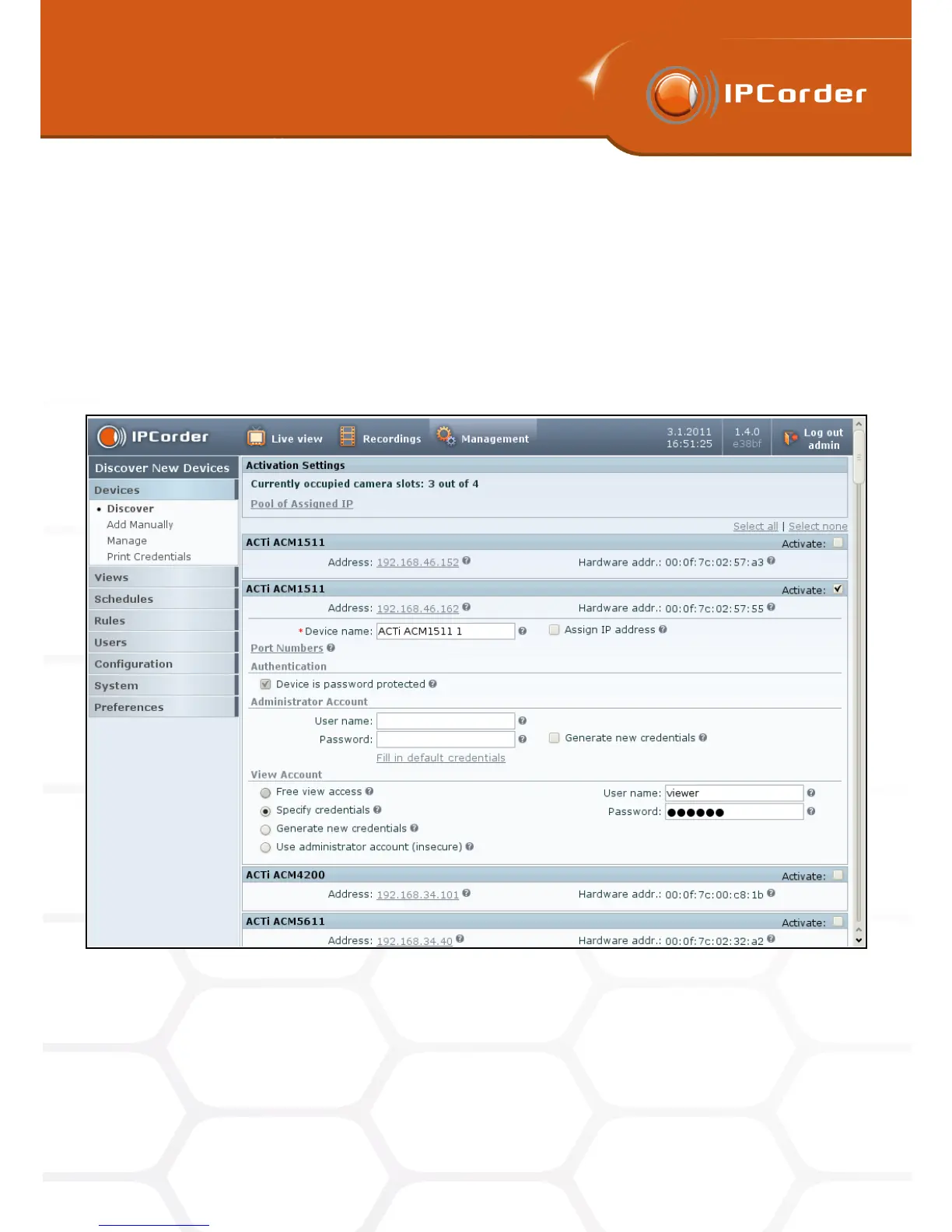
Figure 14: Automatic discovery of devices
To be able to operate a device, the IPCorder first needs to become aware of it. The devices that are switched
on and connected in the same segment of the local network should be searchable. Click the appropriate button
in the menu Management – Devices – Discover.
After a short period of time, the system displays the list of all the detected devices (Figure 14):
20



 To Next Page