2 FUNCTIONS OVERVIEW AND MANAGEMENT
2 FUNCTIONS OVERVIEW AND MANAGEMENT
2 Functions Overview and Management
2.1 First Login
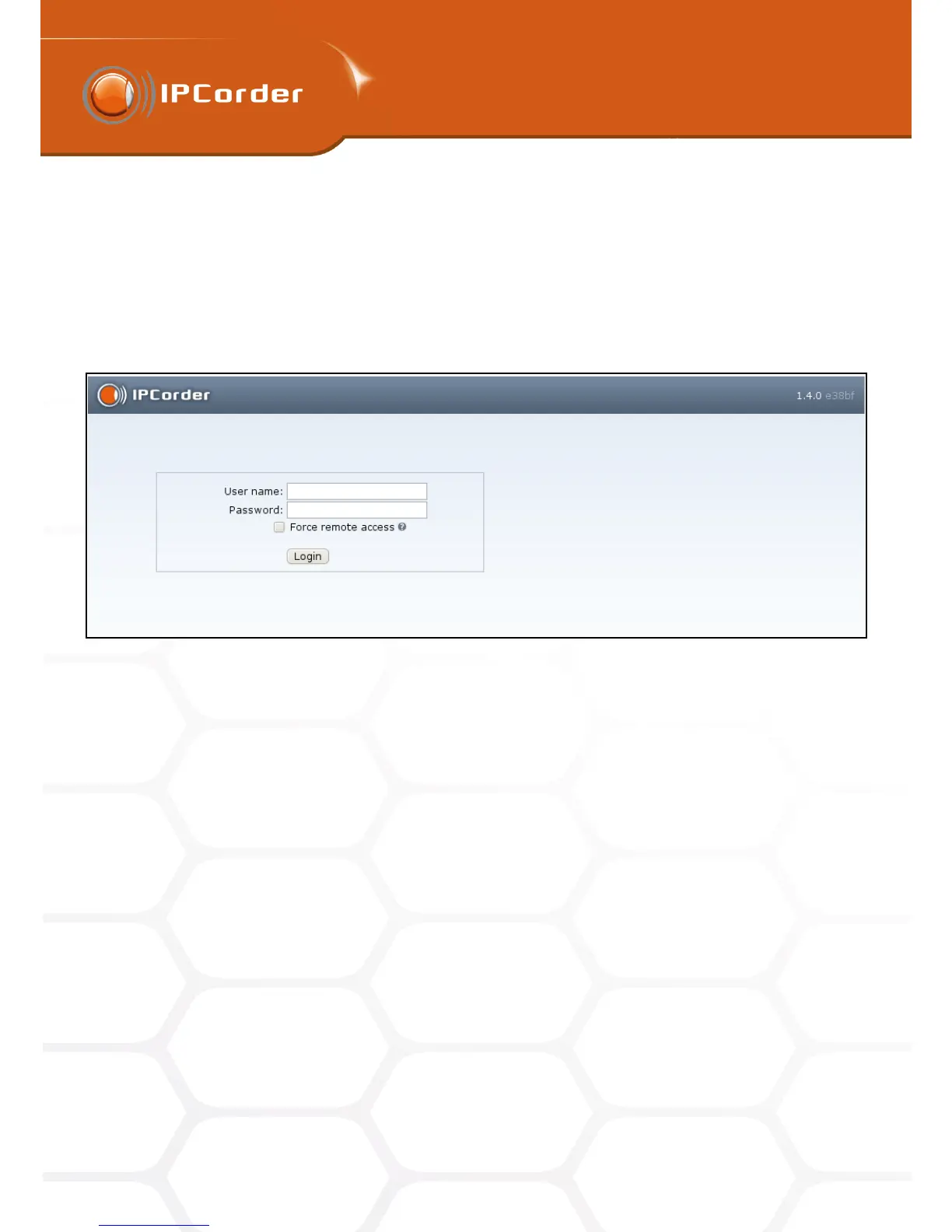
While booting into the Normal Mode, a login page (Picture 1) is displayed. The default password for the admin
user (the main administrator) is set to “admin”.
Figure 1: Login screen
After logging in for the first time, we recommend you first change the Administrator Account password in the
section Management – Preferences – Change Password. In default settings the interface language is set to
English, if you need to change this setting you can do so in Management – Preferences – User Preferences.
Further on, it is necessary to configure the basic network parameters (chapter 2.2), set the correct time and
date (chapter 2.4) and, if necessary, also to allow remote access to the device (chapter 2.7). All these attributes
can be set up in the menu Management – Configuration. Please follow the instructions given in the chapter
2 Functions Overview and Management. We also recommend you to update the firmware (chapter 4.5) with
the last stable version available, which might include important security and other patches, as well as new
functions. The new function Configuration guide which you can find in chapter ?? will help you with initial setup
of your new IPCorder.
2.2 Network
Access this section in the menu Management – Configuration – Network.
In the first part – Network Settings – you can configure parameters which define how and where the IPCorder
will be available in the local network (figure 2).
7



 To Next Page