LIP-8012D & LIP-8024D User Guide
5
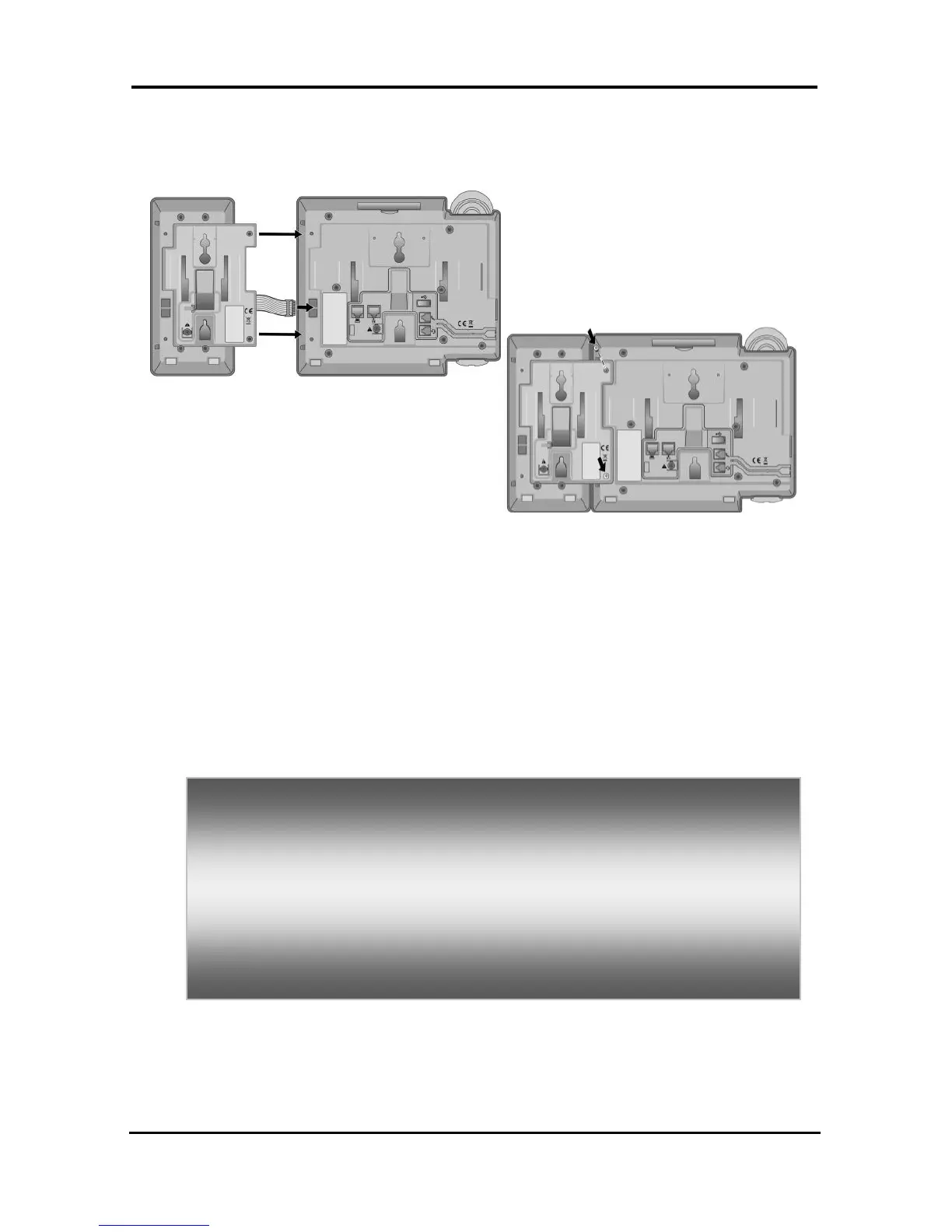
phone (shown). Up to 2(without LIP-8048DSS) or 4(with
LIP-8048DSS) consoles can be chain-link connected to
the phone.DSS Connection to IP Phone
1.5.4 Wall Mount
The LIP-8000 series phones can be wall mounted as
needed. The following instructions describe how to
perform a wall mount installation. For more information
on installing your LIP-8000 series phone, refer to the
iPECS Hardware Description and Installation
Manual.
Mark and drill two (2) 7mm holes for plastic wall
anchors.
Insert the two (2) anchors into the holes and insert and
tighten the each screw leaving about 2.5 mm (1/8-
inch) of the screw exposed.
Slide the LIP-8000 phone over the screws and assure
the phone is secure.
NOTE—It may be necessary to remove the phone and
tighten or loosen the screws for a secure mounting.



 To Next Page