EasyManua.ls Logo

iPECS LIP-8012D - Page 32

iPECS LIP-8012D
79 pages
Print Icon
To Next Page IconTo Next Page
To Previous Page IconTo Previous Page
Loading...
LIP-8012D & LIP-8024D User Guide
26
In iPECS-LIK
To activate Custom or Pre-Defined Message Forward:
Press TRANS/PGM,
Dial User Program feature code 51,
Dial the two-digit text Message code (00-20),
Dial any auxiliary input for messages 01-04 and 06-08,
Press HOLD/SAVE, forward confirmed.
To cancel activated Message:
Press the Fwd Soft button,
Dial #.
To program the Station Custom Message (00) at your
station:
Press TRANS/PGM,
Dial User Program feature code 52,
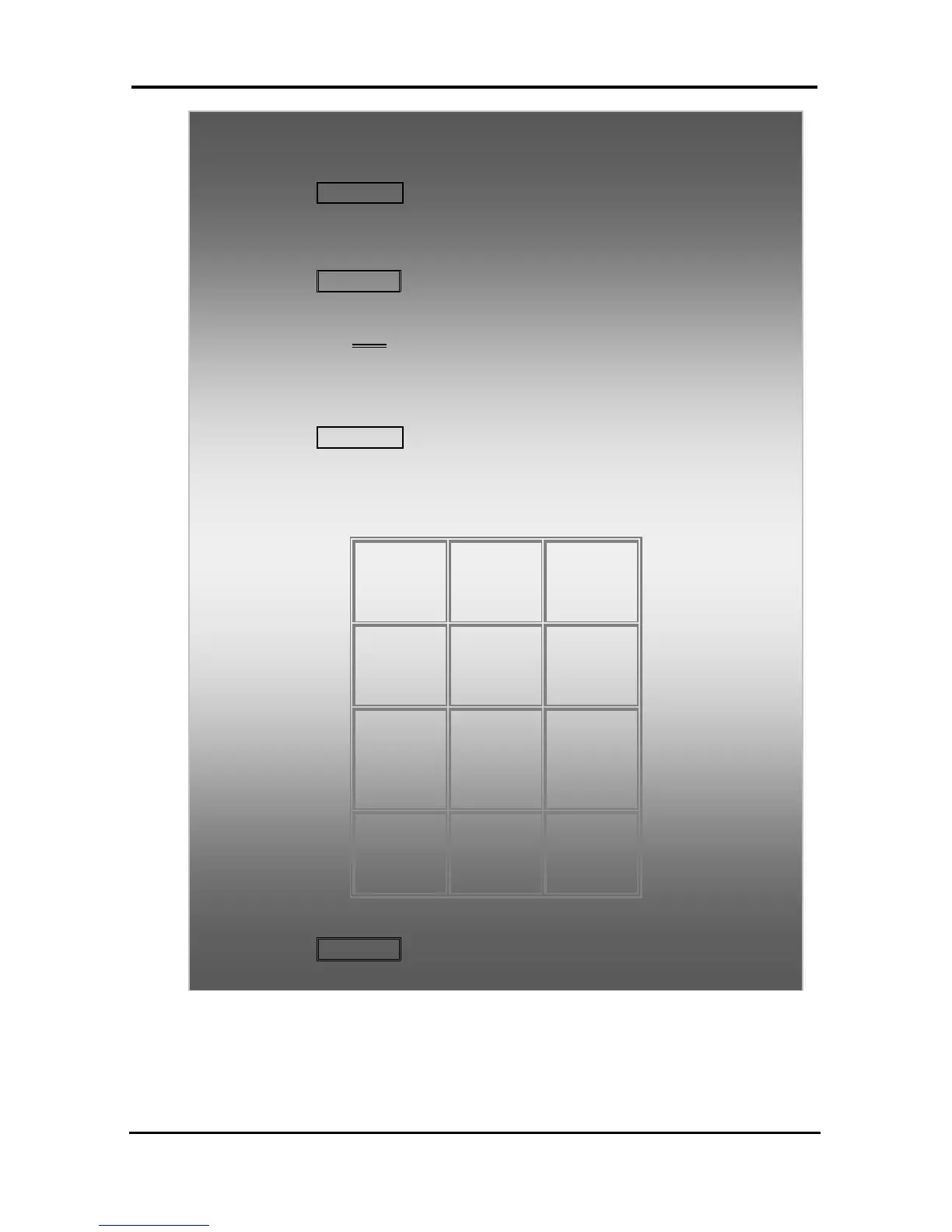
Enter Message contents, up to 24 characters, using the
following Character Entry Chart:

Q 11
Z 12
. 13
1 10
A - 21
B - 22
C - 23
2 - 20
D - 31
E - 32
F - 33
3 - 30
G 41
H - 42
I - 43
4 - 40
J - 51
K - 52
L - 53
5 - 50
M - 61
N - 62
O - 63
6 - 60
P - 71
R - 72
S - 73
Q - 7*
7 - 70
T - 81
U - 82
V - 83
8 - 80
W - 91
X - 92
Y - 93
Z - 9#
9 - 90
*1 -
Blank
*2 - :
*3 - ,
0-00
#
Character Entry Chart
Press HOLD/SAVE, to save the message.

Table of Contents

Other manuals for iPECS LIP-8012D

Related product manuals