3: SyStem CONFIGURAtION
Iridium Pilot User Manual 39
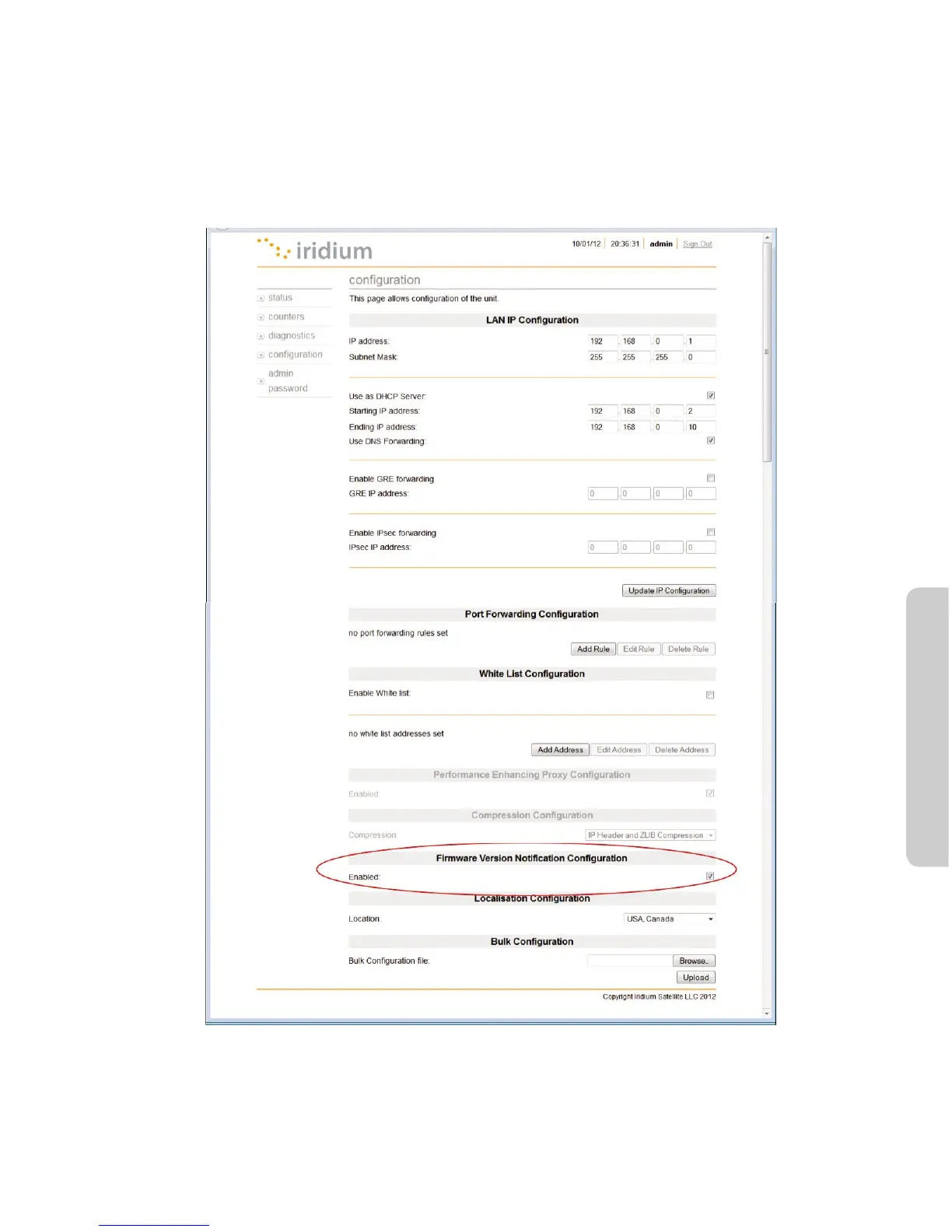
3.9NewFirmwareNotication(availableinversionA012001andhigher)
The Iridium Pilot comes with a New Firmware Notication feature, which allows you to manage the rmware
upgrade process, as detailed in section 4.3 of this User Manual. An automated notication is provided on the
Device Conguration page of the IBSU GUI, indicating a newer version is available.
To enable this feature, when logged in as Administrator, under Conguration, Select the checkbox.
You must contact your Iridium Solutions Provider to be upgraded.
To disable this feature, when logged in as Administrator, under Conguration, de-select the checkbox.



 To Next Page