21
2
The DL1, DL2, DL3, DL4 LEDs flash waiting for
selection of the cycle
3
Press P8 to select printing / download of
registered data
4
The DL8 LED turns on
On DS1 the cell temperature is displayed
On DS2 “Pri” is displayed
5
When data download is complete, the Blast chiller
goes back to “OFF”
6
with the Blast chiller “OFF” press
P8 and P9 simultaneously;
the DL8 and DL9 LEDs will flash
9
When the set time is reached, the cycle ends.
An acoustic signal goes off for 5 seconds.
DS1 and DS2 flash.
10
Press P5 .
The Blast chiller goes back to “OFF”
Data printing selection and start-up
DescriptionFunction
0
Connect the portable printer or the USB Memory
Key to the 9 pole serial socket.
The socket is mounted on the front part of the
electrical control board.
1
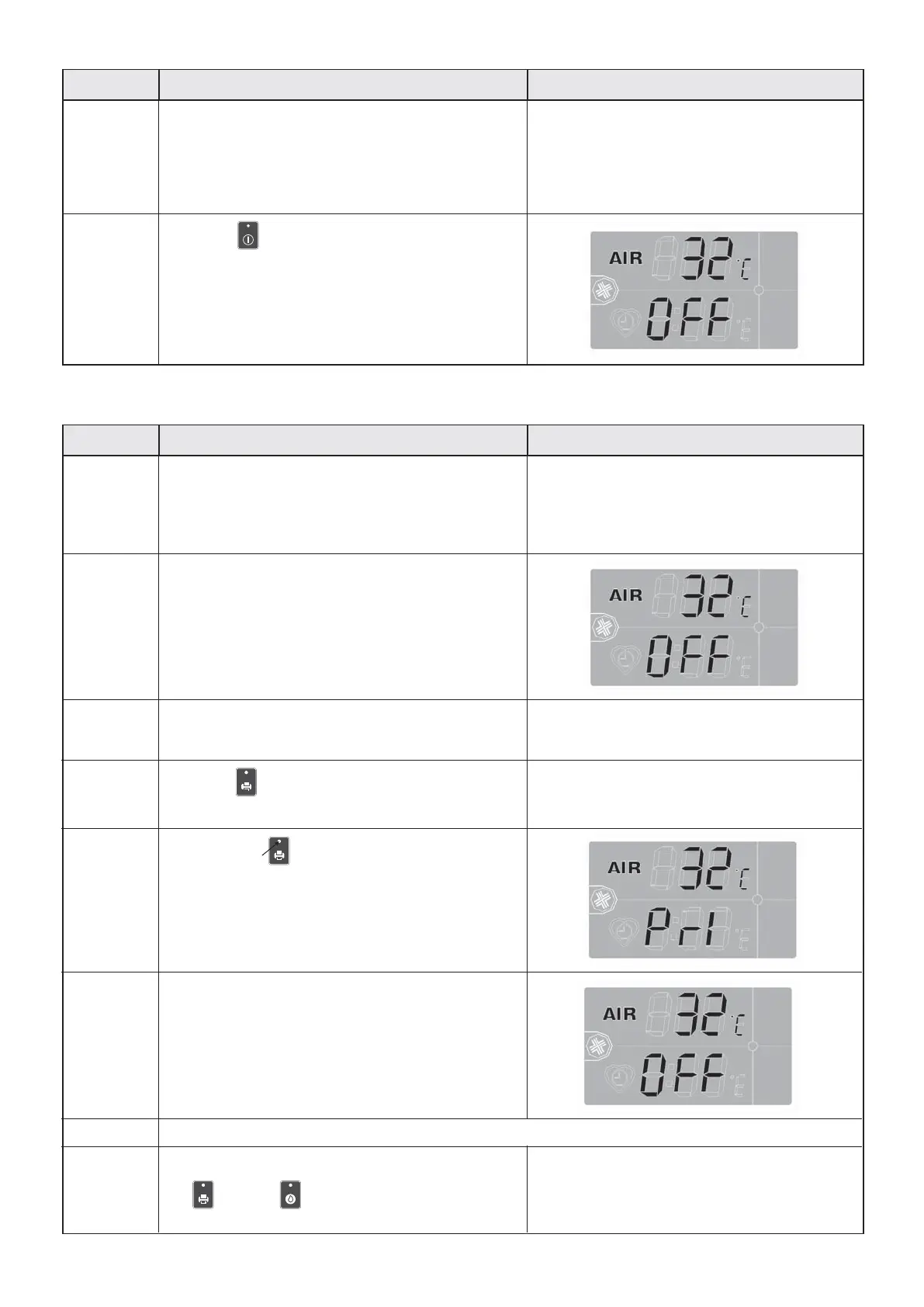
The display shows:
• Internal chamber temperature
• Blast chiller "OFF" status
Front panel screen
Defrost cycle selection and start-up
DescriptionPhase Front panel screen
Registration memory reset


 To Next Page