19
13A
Open the door of the Blast chiller,
extract the Core probe and place it back into
its housing.
Take the trays out with the blast chilled food and
put them back into a Conserver.
6M
MANUAL MODE
Do NOT insert the Core probe into the product
7M
Close the door of the Blast chiller
The cycle starts.
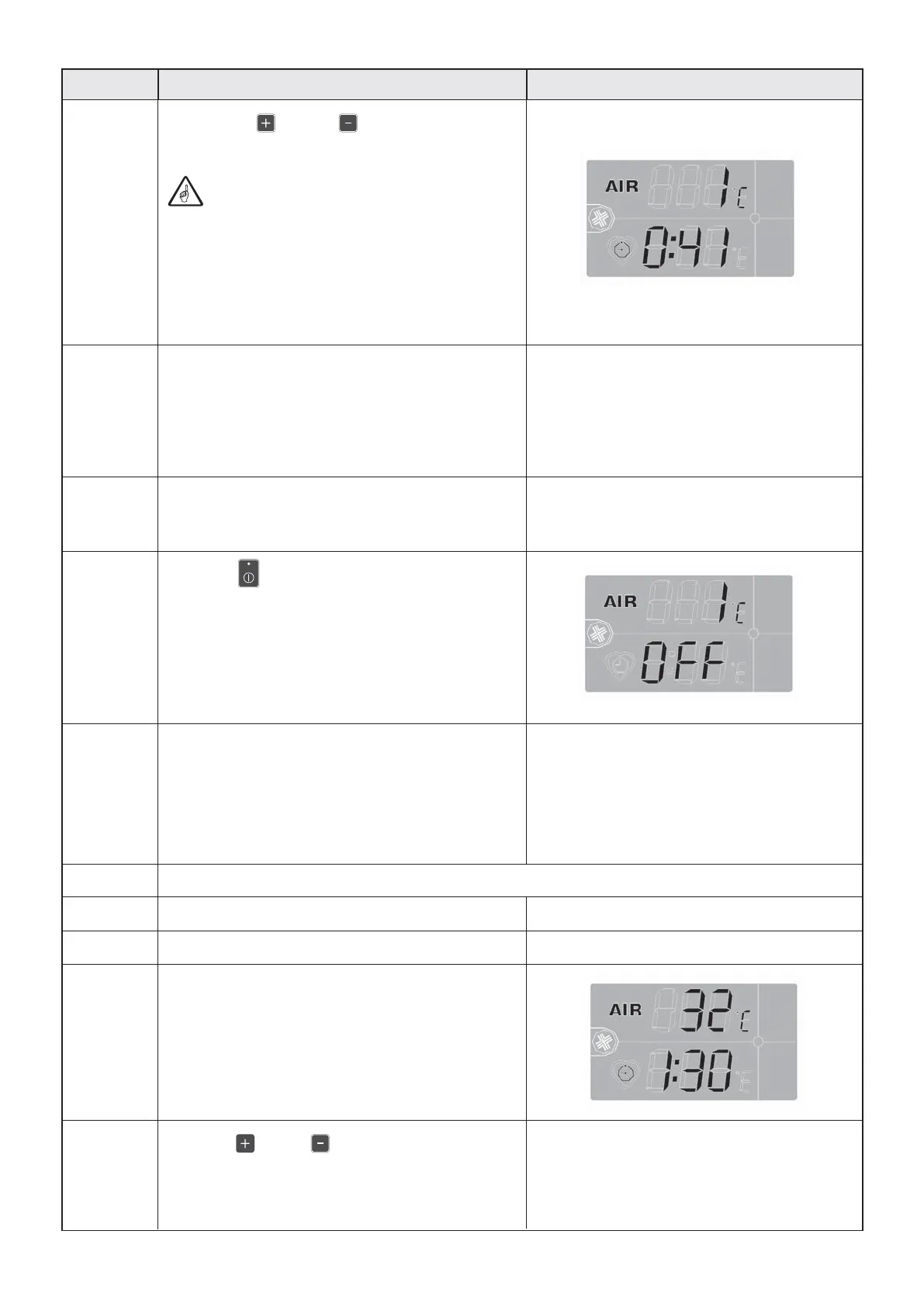
On DS1 the cell temperature is displayed.
On DS2 the duration of the blast chilling cycle is
displayed in h:mm, where “h” represents the
hours and “mm” the minutes left until the end
of the cycle.
8M
Press P6 or P7 to increase or decrease
the time displayed on DS2.
The time is memorised 3s after the pressing of the
last button.
9M
DescriptionPhase Front panel screen
9A
Pressing P6 and P7 on DS2 the time
gone since the start of the cycle is displayed.
This function can be used at the end of
the cycle to determine the time needed for
blast chilling of a typical product.
That time can be used thereafter to blast chill a
similar product using MANUAL mode.
10A
When the Core probe reaches the temperature
programmed for the chosen cycle (set value),
the cycle ends.
A signal goes off for 5 seconds,
DS1 and DS2 flash.
11A
A product preservation cycle starts.
ATTENTION! Do not use the Blast chiller
as a Conserver.
12A
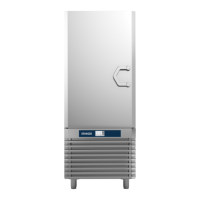
Press P5 to interrupt preservation.
The Blast chiller goes back to “OFF”.


 To Next Page