For more detailed information, visit: www.irobot.com 25
Language Selection Mode
Roomba 500 Series can provide troubleshooting messages in English,
French, German, Spanish, Italian, Dutch, Danish, Swedish, Norwegian,
Finnish, Polish, Russian, Portuguese, Japanese, Korean and Chinese.
Setting the Language
1
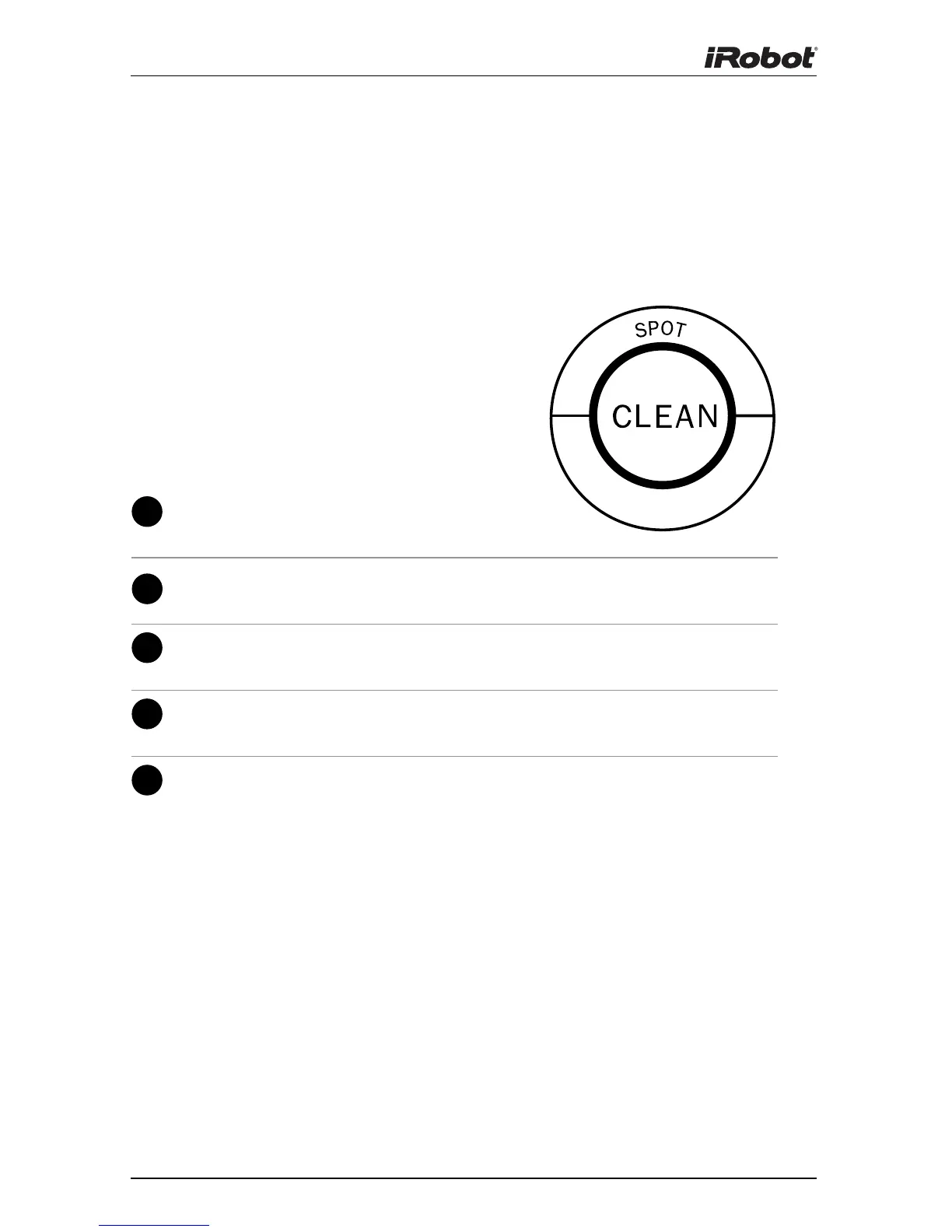
Turn OFF Roomba. (Press and hold
CLEAN until Roomba’s lights turn off.)
2
Press and hold CLEAN until Roomba beeps
and says the currently selected language.
3
Release CLEAN. Roomba is now in Language
Selection Mode.
4
Press CLEAN repeatedly until you hear the
desired language.
5
Press and hold CLEAN to turn OFF Roomba
and confirm the language choice.
Roomba’s default language is English.
(selected models)











 To Next Page