EasyManua.ls Logo

iRobot 530 - iRobot Roomba Anatomy; Buttons and Lights Overview

iRobot 530
36 pages
Print Icon
To Next Page IconTo Next Page
To Previous Page IconTo Previous Page
Loading...
6 iRobot Roomba 500 Series
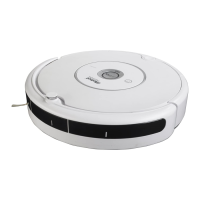
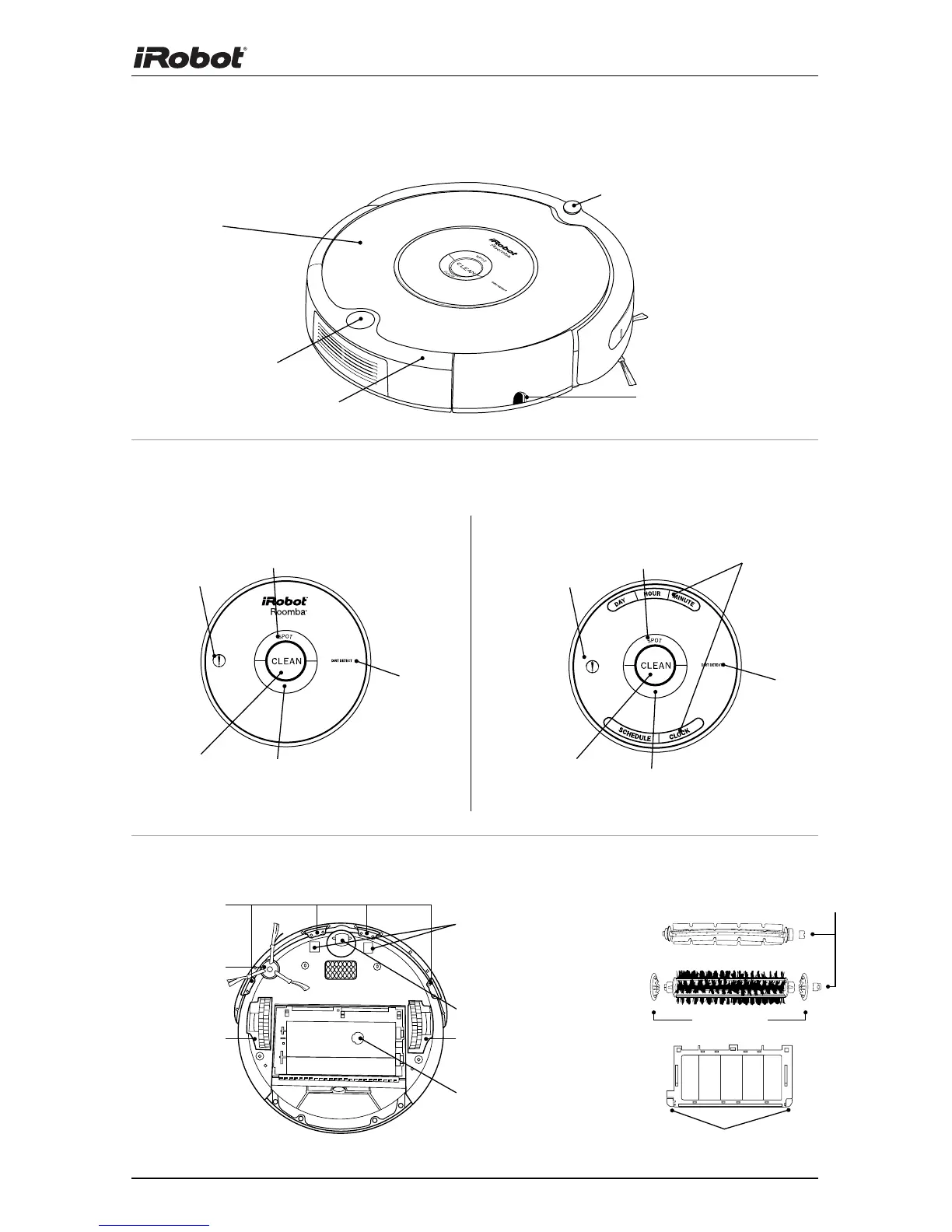
iRobot Roomba Anatomy
Infrared Sensor
Bin Release Button
Power Supply Socket
Flexible
Brush
Cliff Sensor
Openings
Edge-Cleaning
Side Brush
Dirt Detect
Sensor
Left Wheel
Module
Right Wheel
Module
Contact Points
for Home Base
(selected
models)
Brush Guard Release Tabs
Brush
Bearings
Brush
Guard
Removable
Caster Wheel
Buttons and Lights
Bottom View
Main
Brush
Faceplate
Bin
End Caps
SPOT Button
CLEAN/Power
Button
SPOT/DOCK Button
(varies by model)
Dirt Detect
(Models 500 - 549) (Models 550 and above)
Scheduling
Interface
Troubleshooting
Light
DOCK Button (models 550-599)
MAX Button (models 600+)
SPOT Button
CLEAN/Power
Button
Dirt Detect
Troubleshooting
Light

Related product manuals