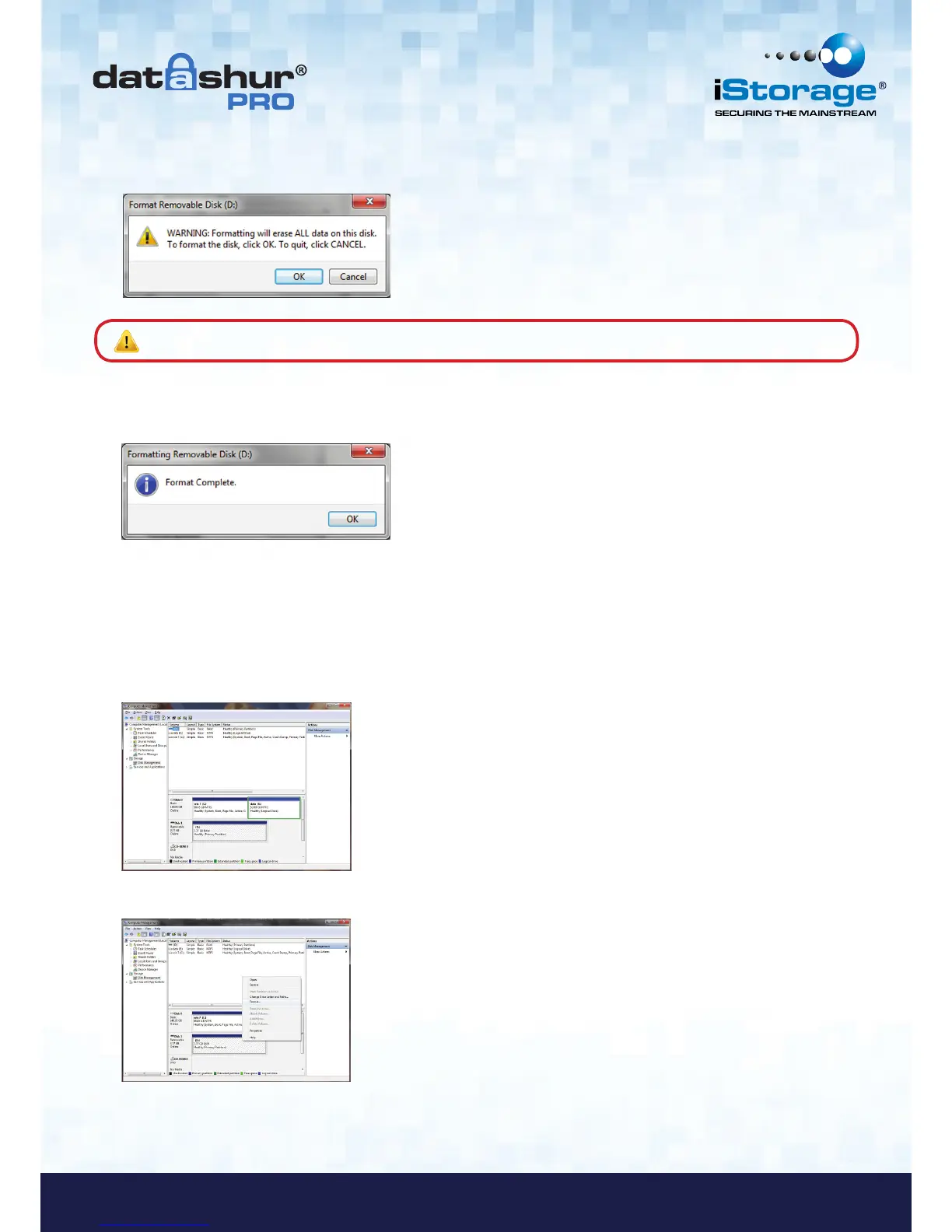
5. Click OK to continue with formatting the drive.
6. The procedure will finish formatting the drive and confirm that formatting has been completed.
While the datAshur Pro is formatting the BLUE LED will be flashing.
Once finished, the BLUE LED becomes solid and your datAshur Pro is ready for use.
Warning: This procedure will erase ALL data on the drive.
In case that the formatting wizard does not appear, please follow the procedure below:
1. Right click My Computer or Computer and then click Manage.
2. In the Computer Management window under the Disk Management tab, the datAshur Pro is
recognised as a removable device in raw format.
3. In the blank area under the unallocated section right click Removable Raw Drive and select Format.















 To Next Page