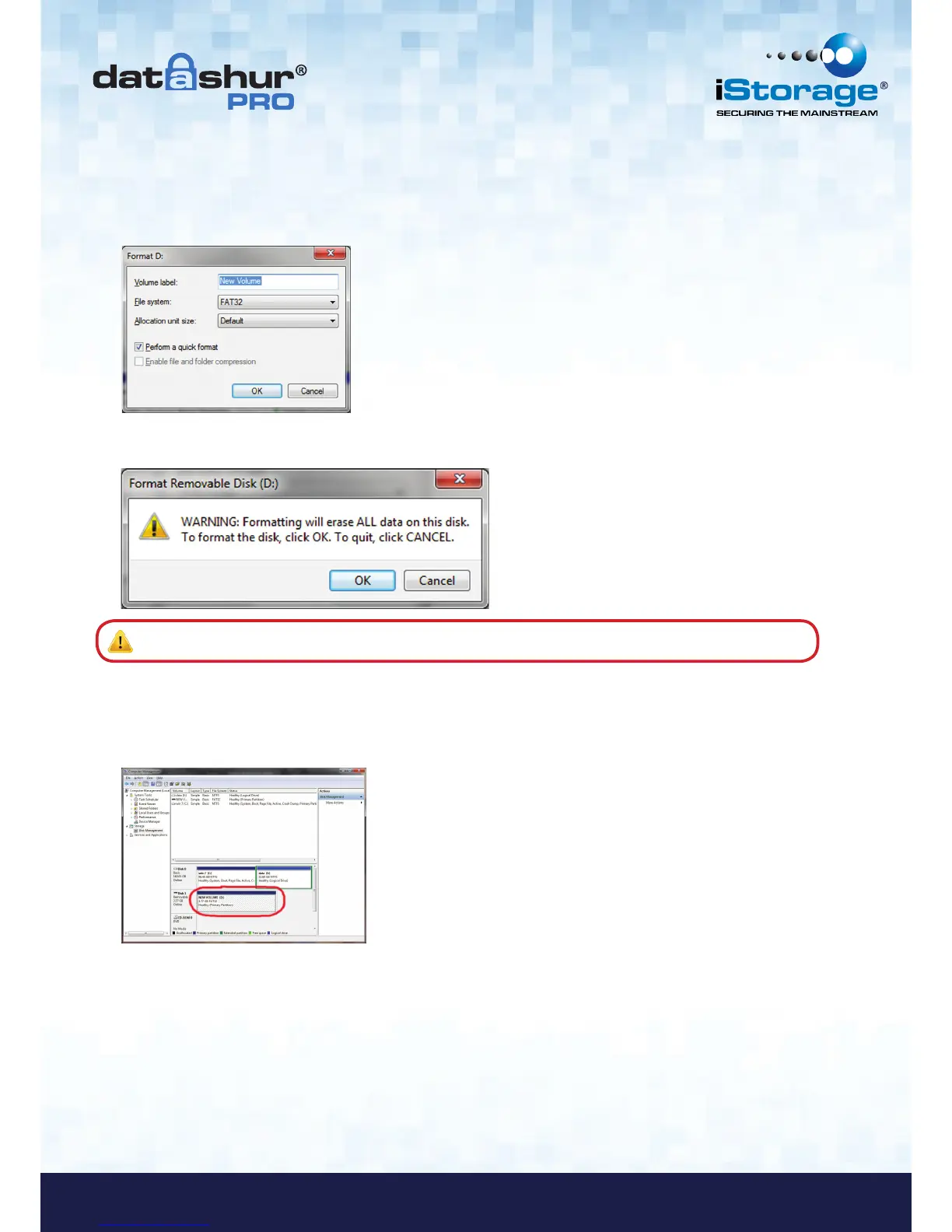
4. The Format window will open.
Enter a new Volume Label.
Select FAT32 or NTFS depending on your needs and click OK.
5. Click OK on the Format warning window to continue with formatting the drive.
Warning: This procedure will erase ALL data on the drive.
6. The procedure will finish formatting and return to the Disk Management window.
While the datAshur Pro is formatting the BLUE LED will start flashing.
When finished, the BLUE LED becomes solid and your datAshur Pro is ready for use.















 To Next Page