iTherm
®
280 Programmer’s Guide Programming Codes
28-07764 Rev C Page 117
smaller windows within the initially defined page. If the Set page size command is not
used, the page size will default to the maximum size.
The orientation of the set print area command is always based on 0 degrees regardless
of the current orientation setting. This includes if the command is sent before the start
page mode command, after the start page mode command, or as a sub-page.
Note: The maximum printable area in the x direction is 576/203 or 3.15
inches.
Note: The maximum printable area in the y direction is 2999/203 or 14.78
inches.
Note: Only the used portion of the page is printed. That is the page length
will only include what actually has print data. See illustration below.
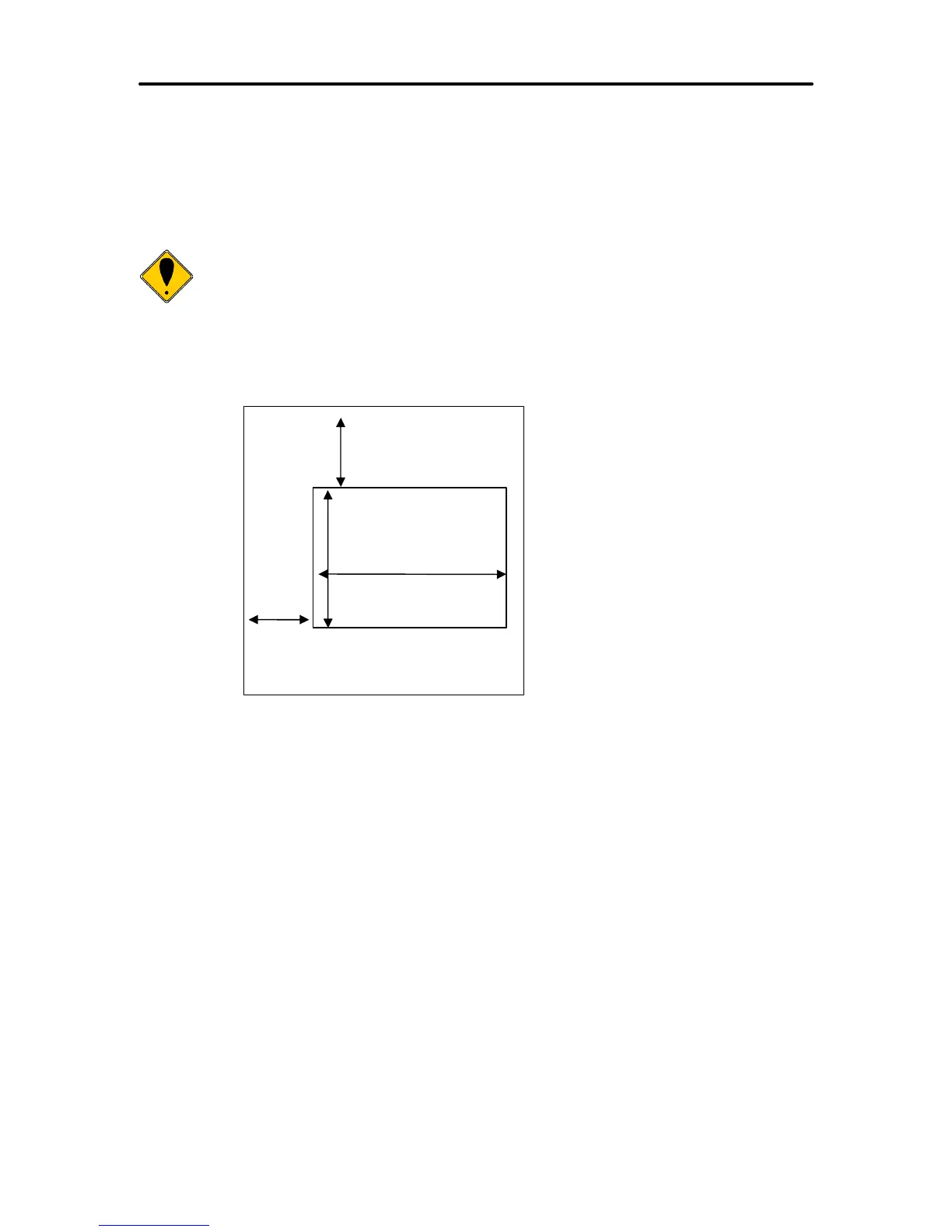
Figure 11 Page mode set printable area
YOffset <O
L
><O
H
>
XOffset <O
L
><O
H
>



 To Next Page